Reporting on Integration Partner Assessments
You can use the Assessments subject when creating reports to pull key metrics on assessments generated via an integration partner like HackerRank, Zinc or CodeSignal.
Subject fields for reporting
The following fields are available for reporting across assessments:
Field Name | Definition |
|---|---|
Assessment Name | The name of the assessment type from the integration partner. |
Activity Status | The Ashby activity status of the assessment. Can be one of Waiting to Start, Started, Complete, or Cancelled. |
Integration Partner | The assessment integration partner generating the assessment. |
Numeric Score | The numeric score from the assessment. Only populated for numeric result types. |
Result | The result value as text (e.g., '85', 'Pass', 'Completed'). |
Assessment Status | The partner-provided status of the assessment (e.g., 'Expired', 'Completed'). |
If you have assessments generated via an integration partner, you will also be able to report on fields generated as custom fields in Ashby on behalf of the integration partner. The names of these custom fields are derived from the partner’s field label and the integration name is included for clarity, for example Overall Max Score (Codility).
Example Reports
Reporting on pending assessments
The Activity Status field represents the Ashby activity status, while the Assessment Status field is the assessment status pull from the integration partner's provided status.
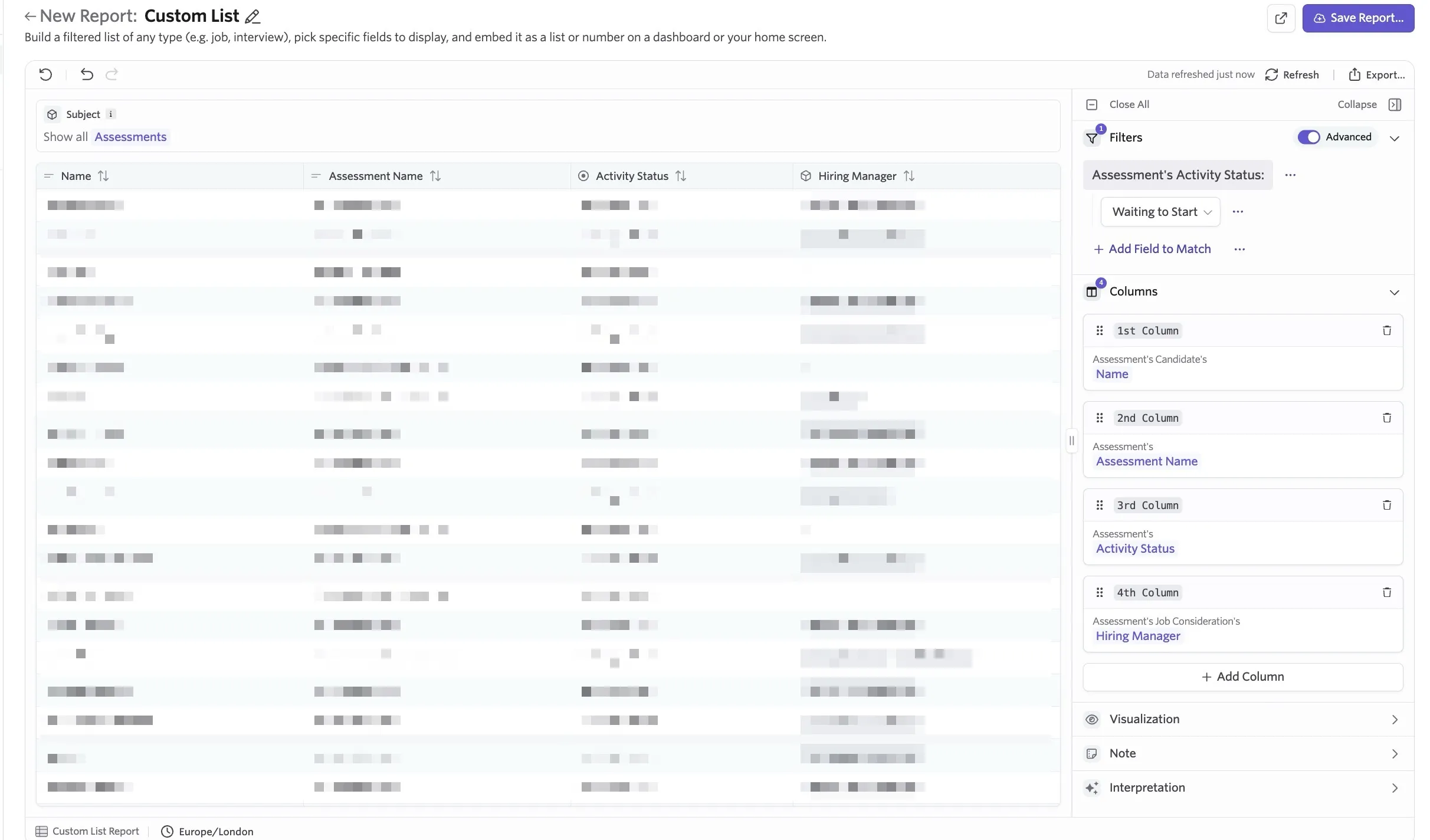
As such, if you'd like to report on the status of the activity itself in Ashby, you could run the following report.
Report Type: Custom List
Subject: Assessments
Filters: Activity Status = Waiting to Start
Columns: In our example, we have added the following fields to the custom list report; Assessment's Candidate Name, Assessment's Assessment Name, Assessment's Activity Status, Assessment's Job Consideration's Hiring Manager.
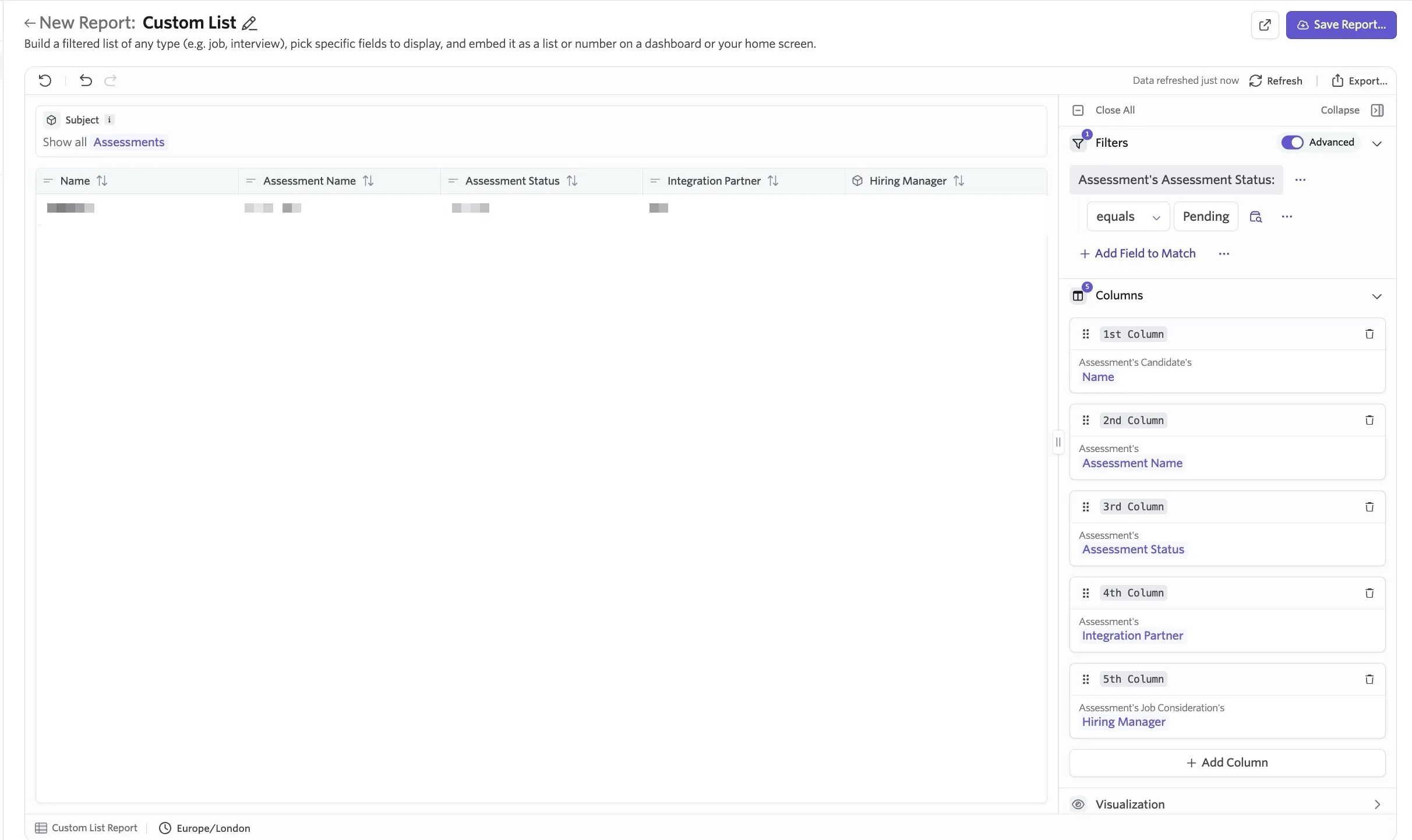
To report on pending assessments that pull from the status listed in the partner integration you can run a report similar to the example below:
Report Type: Custom List
Subject: Assessments
Filters: Assessment Status = Pending (matching up to Zinc's status wording)
Columns: In our example, we have added the following fields to the custom list report; Assessment's Candidate Name, Assessment's Assessment Name, Assessment's Assessment Status, Assessment's Integration Partner, Assessment's Job Consideration's Hiring Manager.
Report on numeric scores for a specific assessment
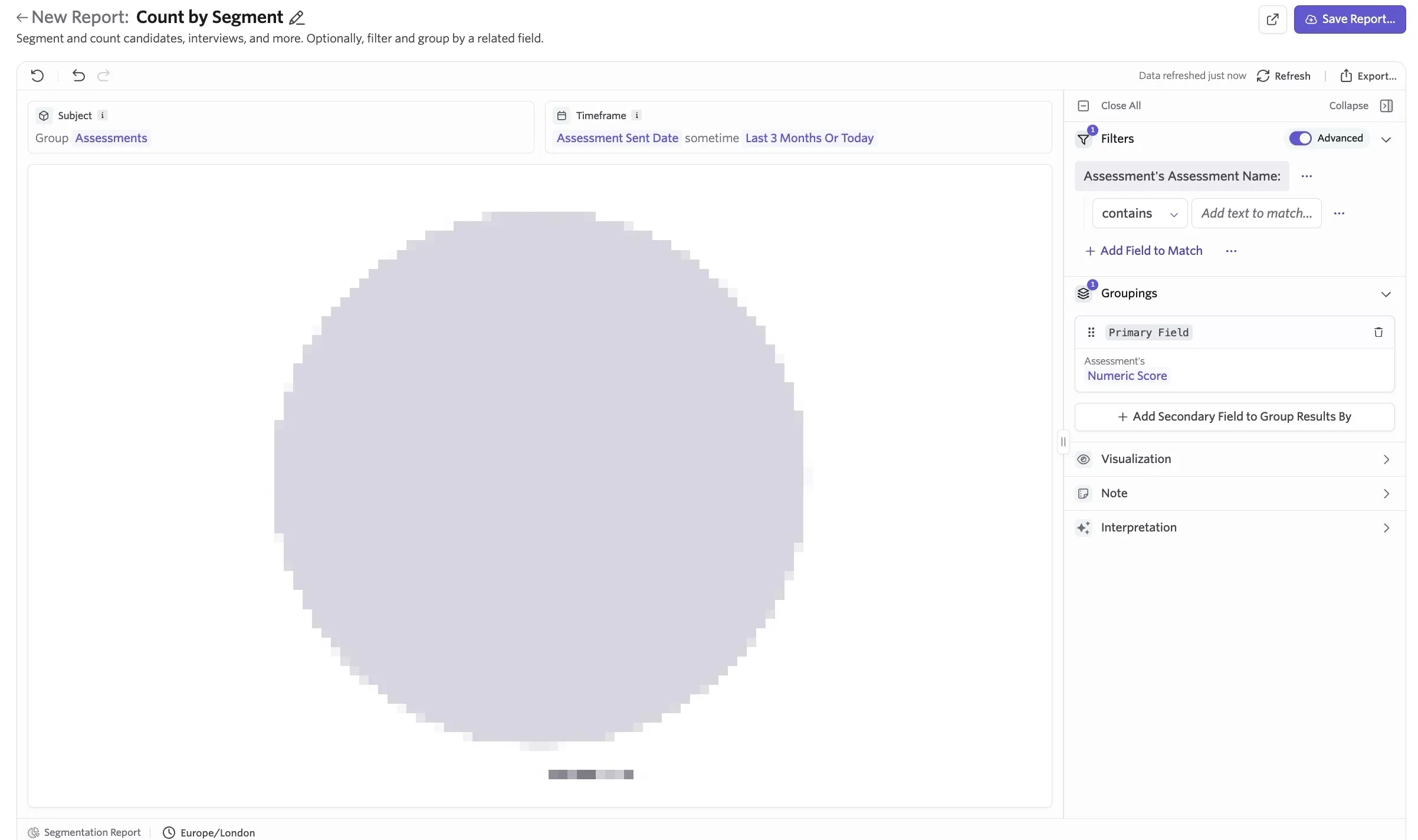
Report Type: Segmentation Report
Timeframe: Specify the time range you'd like to report on here - in our example, we're looking at assessments that have been sent in the last 3 months.
Filters: Assessment's Assessment Name contains [insert Assessment Name here]
Groupings: Assessment's Numeric Score.