Job Board: Application Spam Protection
Ashby's application spam protection verifies submitted job application forms and attempts to detect whether a real candidate is submitting the form or if it might be a bot. This setting lets you adjust the threshold at which Ashby rejects applications.
Permissions & Prerequisites: Only those with Organization Admin access can adjust job board theme settings.
To set your protection level:
- Navigate to Admin > Job Boards > Theme (Job Board)
- If you have Multiple Brands configured, select the brand in question
- Scroll to the Application Spam Protection section at the bottom of the page
- Use the Protection Level drop down to set protection level
You can choose from the following options:
- Strict — Only use this level as a last resort. Some candidates experience problems submitting their applications.
- Permissive (Recommended) — This is the recommended level. You might get spam applications once in a while.
- Less Permissive — The chance of getting spam applications is very low. Candidates might experience problems submitting their applications from time to time.
- No Protection — Ashby turns off spam protection entirely and accepts all application submissions.
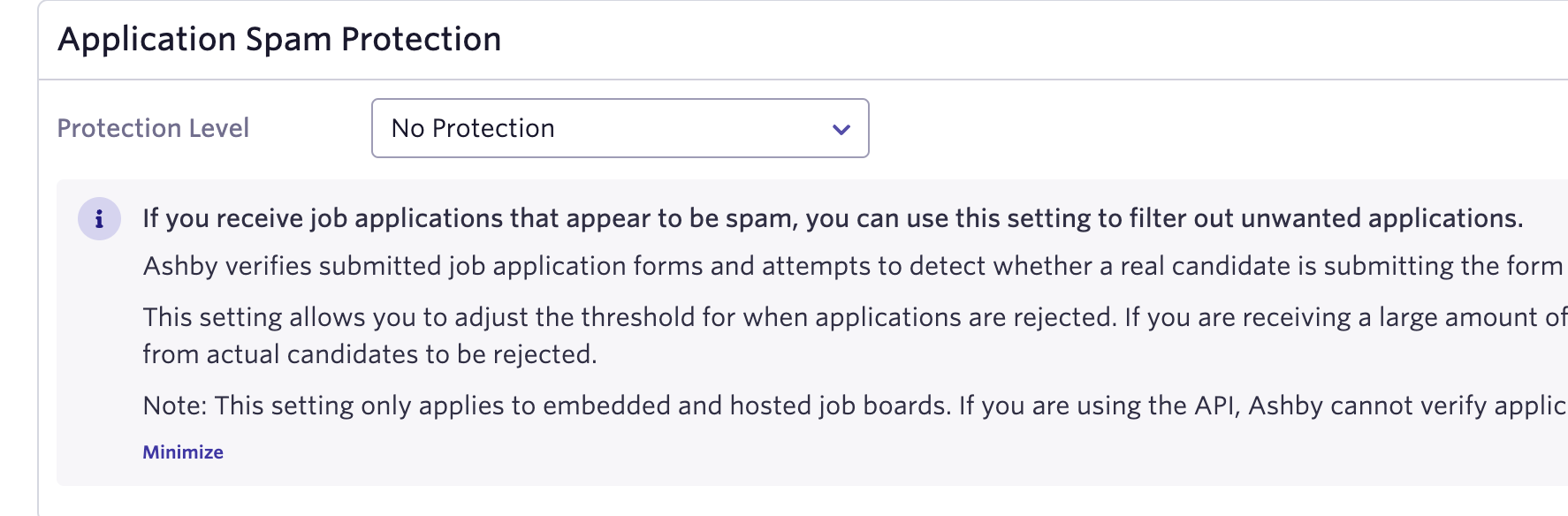
If you receive many spam applications, you can try a stricter setting. A strict setting might cause Ashby to reject applications from actual candidates.
For more information on flagging applications, check out Candidate Fraud Detection Overview & Admin Settings. Looking to limit the number of applications one candidate can submit? Check out Application Limits.