Gem
The Ashby-Gem integration allows you to:
- Upload a candidate from Gem into Ashby and assign them to a job.
- Duplicate check against candidates who are already in Ashby using their name and email address.
- If an existing candidate profile is found in Ashby, you can merge the current Gem profile with it or choose to create a new Ashby profile for them.
Setup Instructions
Pre-work
A Gem team member will need to set your team's ATS to Ashby. If you are already working with a Gem Account Executive or Customer Success Manager, let them know that you are using Ashby. Otherwise, you can email the Gem Support team at [email protected] to request that they make this change.
Get your Ashby API key
In order to connect Ashby with Gem, you will need an Ashby API key. More on creating an API key can be found at How do I generate an API key?. Your Ashby administrator can generate one for you by following the instructions in the linked guide. Other members of your team can use the same API key as you to set their integration up.
Connect Gem with Ashby
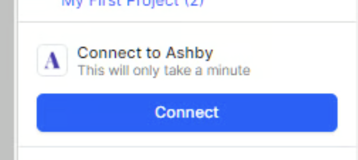
Open the Gem sidebar for any candidate and click Connect under the Ashby integration section. You will be asked for your Ashby API key (obtained in the previous step).
Usage Notes
Uploading candidates
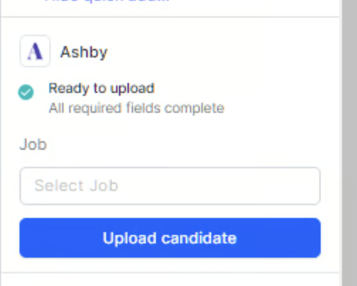
In order to upload a candidate from Gem into Ashby, the following fields are required in Gem: First name, last name, and email. The Job field is optional. Any required fields that are blank will surface an error and will need to be filled in within the Gem sidebar before you can upload the candidate. Uploaded candidates will show up as a New Lead in Ashby.
Permissions
Because a team-wide Ashby API key is used, there may be some individual Ashby user permissions that are not respected by the Ashby-Gem integration. For example, you may be able to see and upload a candidate to a job that you do not have access to in Ashby. For more information on permissions in Ashby, please check out User Permissions
Please note that Gem does hide Confidential jobs.
Have any issues or questions? Please feel free to contact your dedicated Gem Customer Success Manager directly or Gem’s Support team at [email protected].