Reporting on Candidate Review Requests
This guide covers the candidate review request reporting subject and fields, along with some example reports. For more on configuring candidate reviews, check out Candidate Reviews.
Candidate review request subject and fields
A candidate review request subject is available for reporting, allowing you to pull data on the status of a review request, the requester and the reviewer.
The following fields are available for the candidate review requests subject:
Field | Definition |
|---|---|
Title | The title of the review request. |
Reviewer | The person assigned to the review. |
Requested By | The person who created the review request. |
Created At | When the review request was created. |
Status | The status of the review request. |
The review submission details will also be available when reporting on this subject. The following fields can be found within Review Submission Details:
Field | Definition |
|---|---|
Overall Recommendation | The overall recommendation given in the review submission. |
Submitted At | When the review was submitted. |
Examples of candidate review request reports
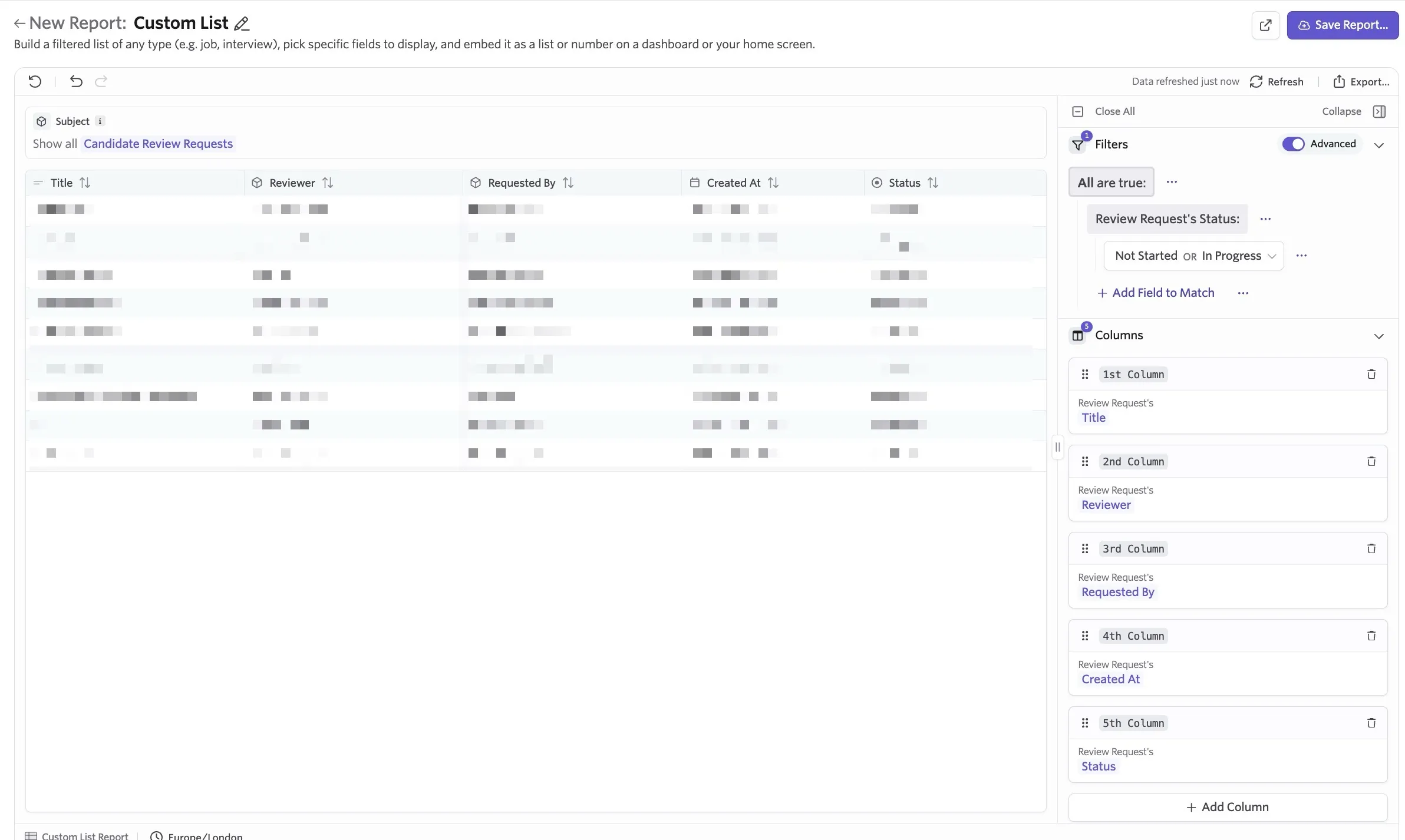
Segmentation report covering overall recommendations for completed candidate reviews.
Report Type: Segmentation
Subject: Candidate Review Requests
Timeframe: Set your chosen timeframe here.
Filters: Review Request's Status = Complete (you can also add additional filters like job or department).
Groupings: Overall Recommendation
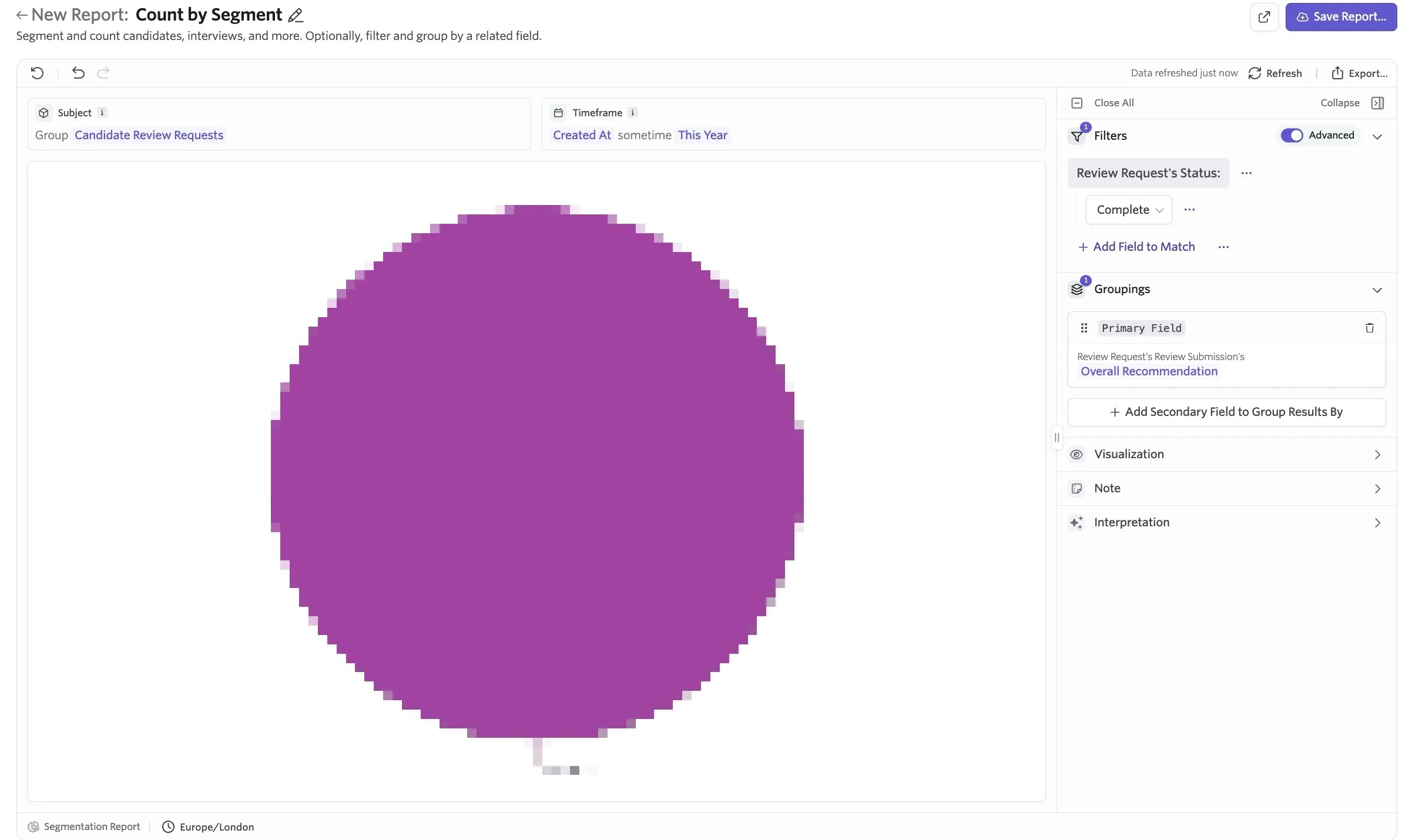
Custom List showing all pending candidate review requests and reviewer
When creating a custom list report, you can export this list or configure Alerts to send regular notifications about this report.
Report Type: Custom List
Subject: Candidate Review Requests
Filters: Review Request's Status = Not Started or In Progress (can also add additional filters like Created At to set a timeframe)
Columns: Review Request's Title, Review Request's Reviewer, Review Request's Requested By, Review Request's Created At, Review Request's Status.