Report Drill Downs
Overview
When reporting on specific subjects, you can open a report drill down to view the data making up the results. Many of the reports you build in Ashby will have drill downs available.
The following report subjects do not support drill downs:
Interviewing:
- Interviewer Pools
- Interviewer Pool Members
Advanced Scheduling
- Interviewer RSVPs
- Interview Schedule Versions
- Interview Schedule Summaries
Other
- Sourcing Forms
- Event Audience Member
- Candidate Recording Consent Choices
- Diversity Surveys
- EEO Surveys
- AI Notetaker Recordings
- Projects
- Project Members
- Offer Versions
- Newsletters
For a full list of report subjects, check out Ashby Subject & Field Definitions or the Reports Glossary within your Ashby account.
Accessing a drill down on a custom list tile report
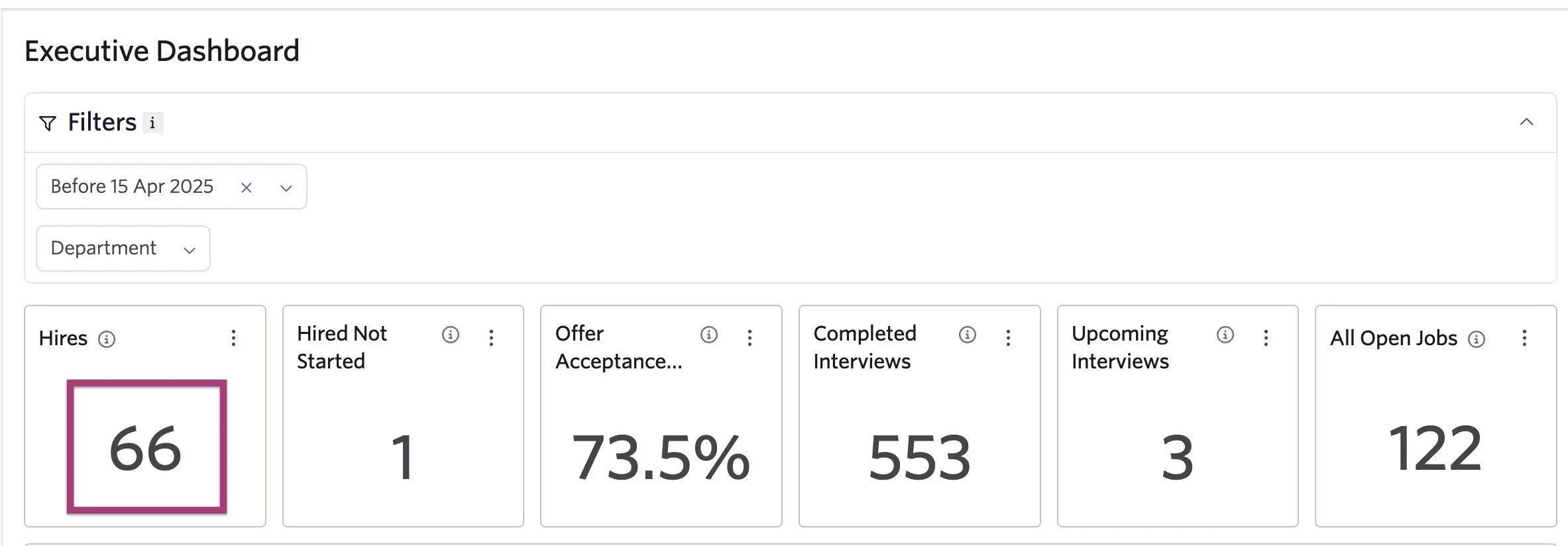
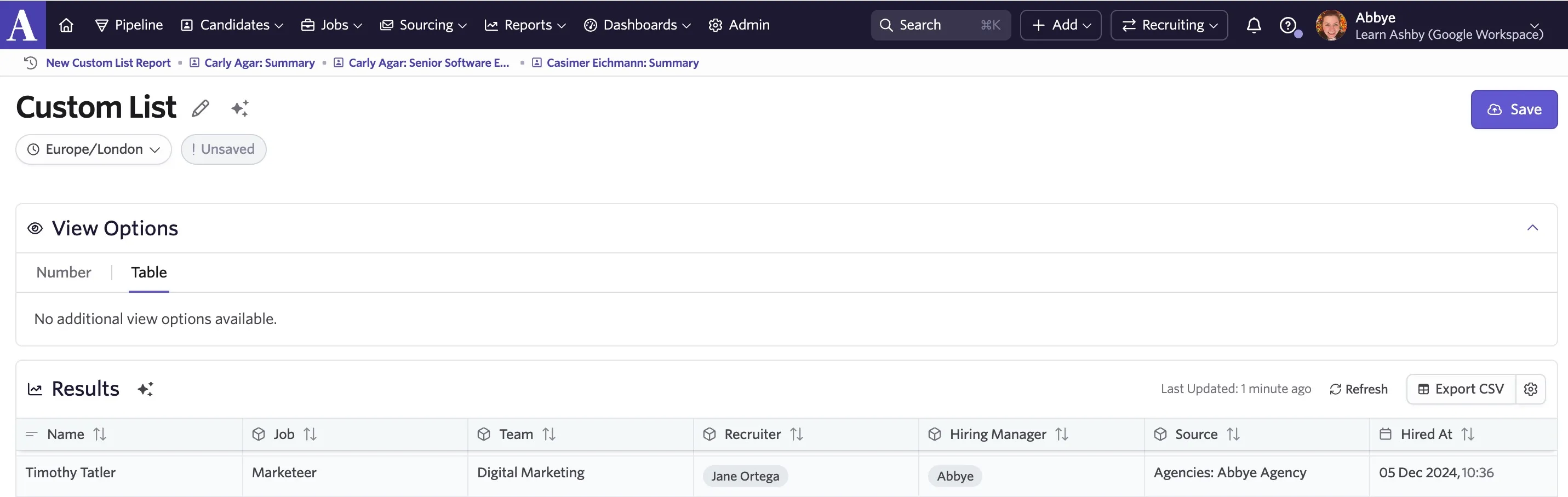
If you have added a custom list report to a dashboard, it will show as a single number by default. This is what we call a custom list tile report. The number listed is the number of entries within that report. To view the entries making up the report results in a table format, click on the number.
If you have a custom list with a candidate field set as a field to show, you can click an entry on the table to open a popover displaying the candidate profile for the entry selected.
Drill downs on a visualization report
You can drill down on segmentation and count over time reports by clicking on the part of the visualization you would like to list the results for.
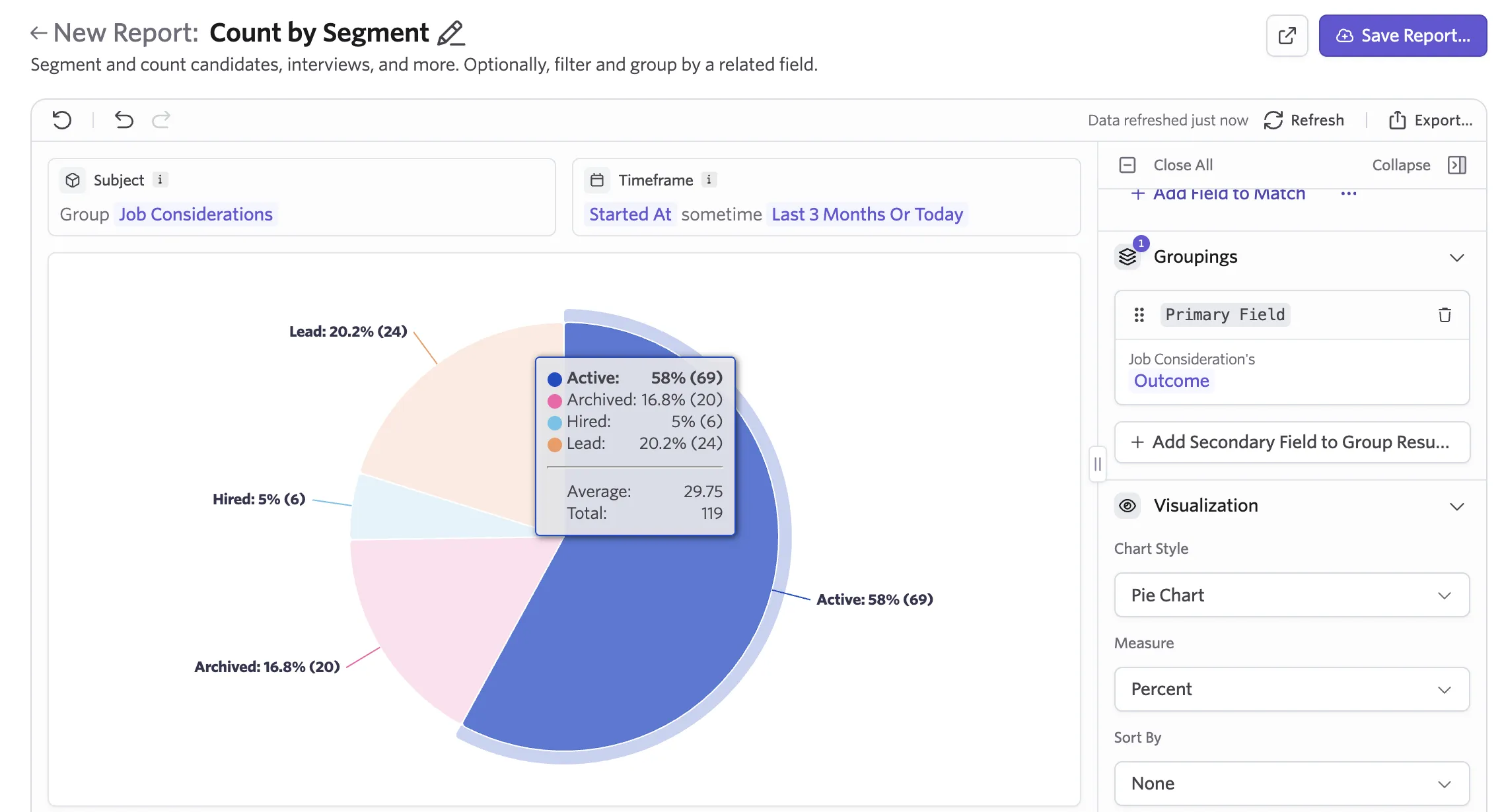
The drill down in this case is treated as a new report and it is generated as a candidate search or as a custom list report with the visualization report's filters applied to it.
A candidate search drill down will be generated for the following subject types:
- Job Considerations
- Interviews
- Interviewer Participations
- Interview Stage Transitions
- Feedback Forms
- Sequences
- Application Forms
- Candidates
- Outreach Activities
- Questionnaires
- Candidate Experience Surveys
A custom list drill down report will be generted for the following subject types:
- Jobs
- Job Postings
- Openings
- Employees
- Quality of Hire Survey Enrollments
- Quality of Hire Survey Steps
- Hiring Manager Experience Surveys
Any changes you make on the generated drill down report will not be reflected on the original report or dashboard.