Pin Reports to User Home Pages
Ensure Ashby users see the reporting content they need by pinning custom reports and dashboards to their home pages.
Looking for how to navigate and pin a report to your own home page? Check out Home PageHome Page.
Permissions & prerequisites:
- You must be an Organization Admin to pin content to other users' home page configurations.
Home page configuration
New users start with no reports or dashboards on their home page by default. Organization Admins can pin a custom selection of any report or dashboard to each user's home page to ensure they see the required reporting when they log in to Ashby.
How to configure an employee's home page
- Navigate to Admin > Organization Setup > Employees.
- Click the employee's name to open their profile.
- Select the Home Page tab to view their current home page configuration.
Adding and removing reports, dashboards, and recruiting plans
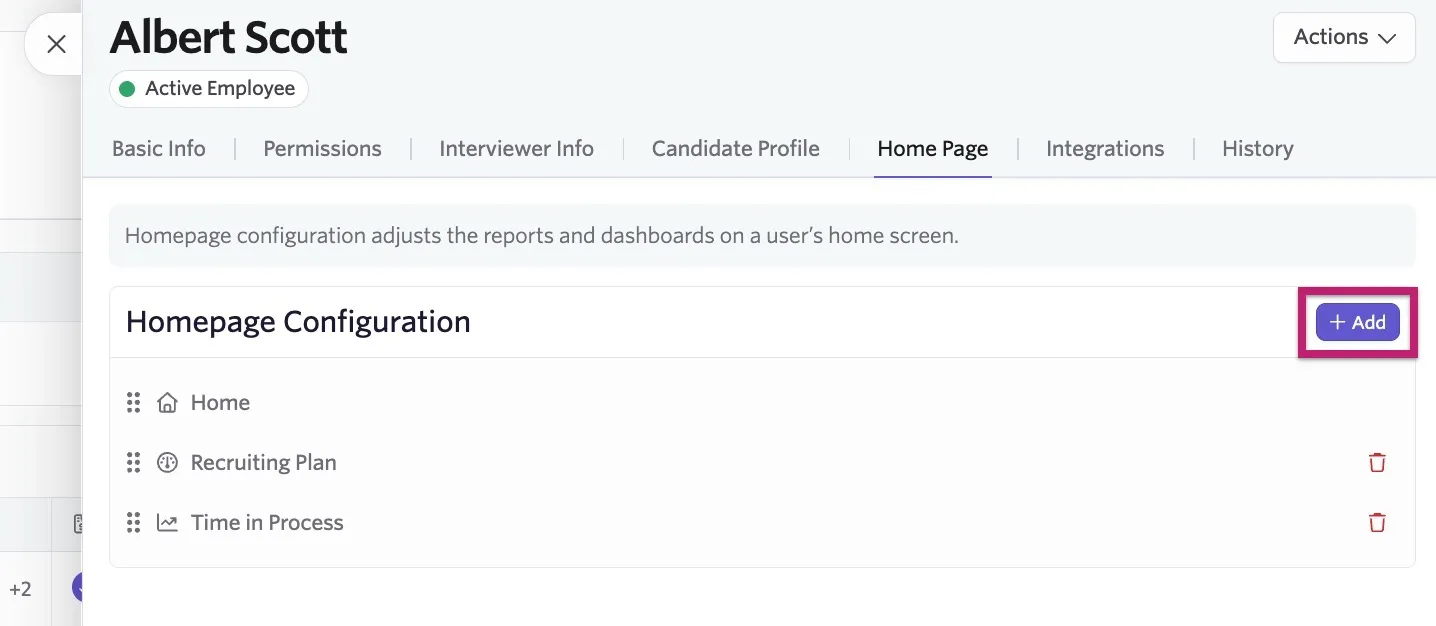
Add: To add a new report to a user's Views list on their home page, click + Add, then select the report, dashboard, or recruiting plan to add to the configuration.
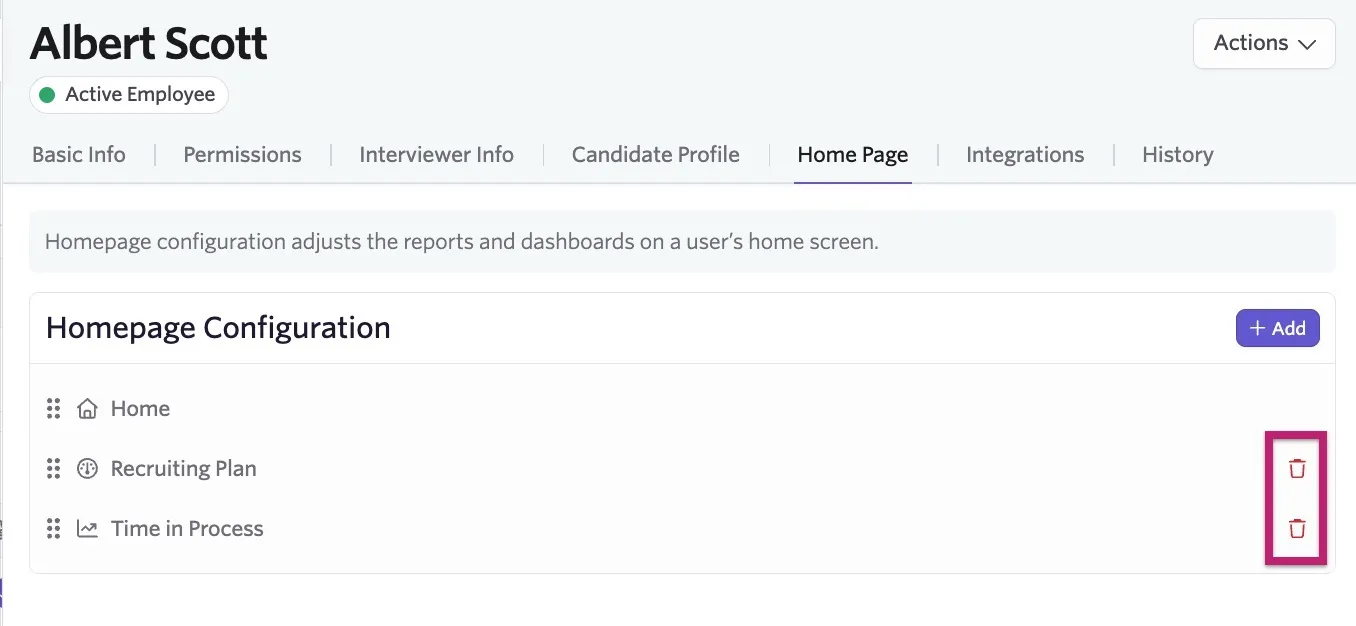
Remove: Click the red trash can icon to the right of the dashboard, report, or recruiting plan you would like to remove from the user's configuration.