Personio
Connect Personio to your Ashby account to automatically import hired candidates to Personio.
Permissions & Prerequsites
Users must be an Organizational Admin to set up this integration.
Overview
Sync custom fields | Sync offer letters | Sync file uploads | One or two-way sync |
|---|---|---|---|
✅ | ✅ | See Notes | One-way sync from Ashby to Personio |
Connecting the integration
To configure the integration, you need to configure API credentials in Personio.
In Personio:
- Open Settings.
- Under Integrations, choose API credentials.
- Click Generate new credential.
- Name the credential, choose Ashby from the integrations drop-down, and then generate the new credential.
- Copy your client ID and secret.
In Ashby:
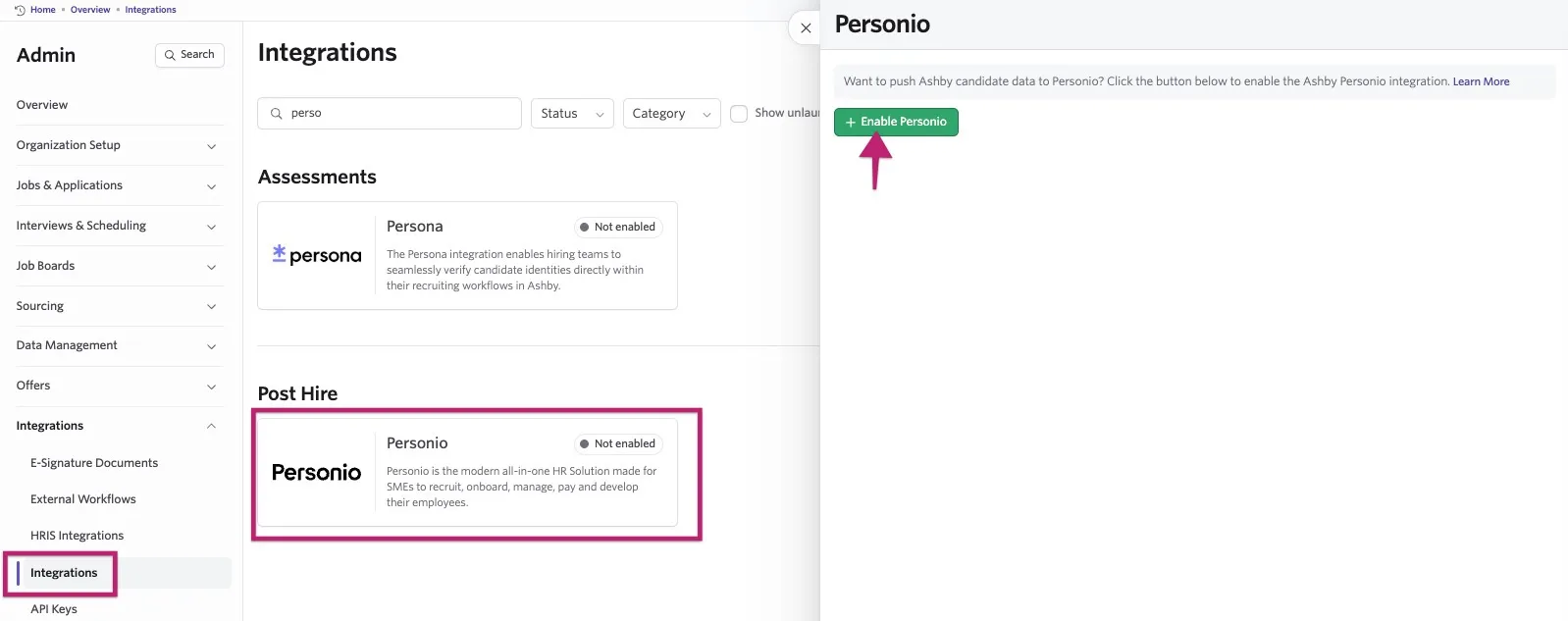
- Navigate to Admin > Integrations > Integrations.
- Search for or find the Personio tile and click on it to open the integration settings.
- Select the + Enable Personio button.
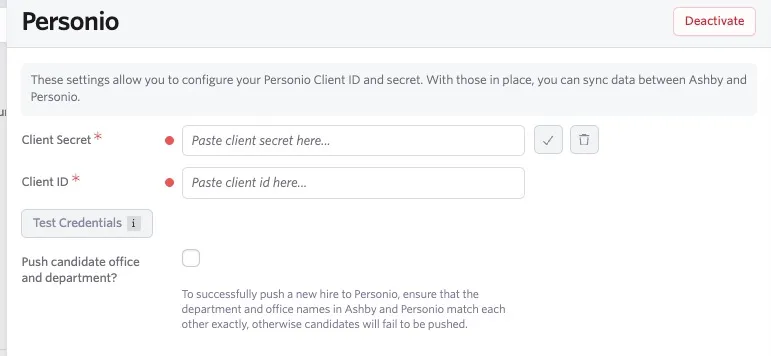
- Enter your client ID and secret copied from Personio and click the checkmark.
- Push candidate office and department?: When enabled, Ashby sends the job’s department and office to Personio. The names must match exactly in both systems, or the candidate push will fail.
Syncing documents to Personio
You can also set offer letters, resumes, e-signature documents, and other documents to sync over to Personio when candidates are hired and pushed.
Once you've added your secret and client ID, select a category using the document category dropdowns.
The categories listed are the document categories you have configured in Personio.
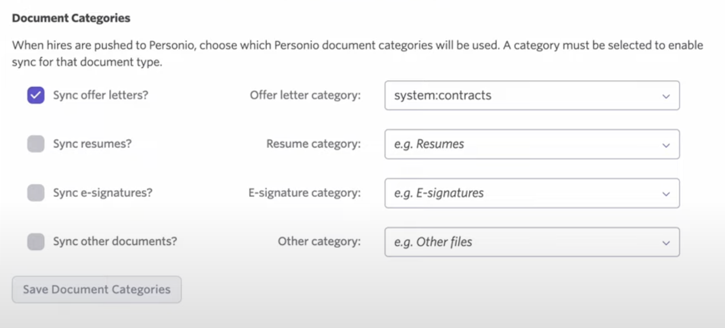
Once you've determined your categories, check the boxes beside Sync offer letters?, Sync resumes?, Sync e-signatures?, and/or Sync other documents? to enable syncing when you push a candidate to Personio.
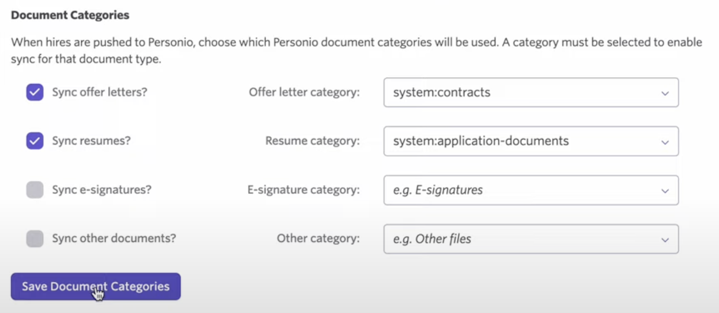
Finally, click Save Document Categories to confirm your changes.
If you do not see the option to set categories for documents once you have enabled the integration, check your API key permissions to ensure the key has read/write access.
Data synced to Personio
- First Name
- Last Name
- Position
- Hire Date
- Department (pulled from the Job's Department/Team)
- Office (pulled from the Job's location)
- Custom attributes: Ashby generates offer custom fields based on the custom and default attributes from Personio. More on these below.
Custom attributes
To push custom fields, the API key for the integration must have Employee read/write permissions assigned in Personio.
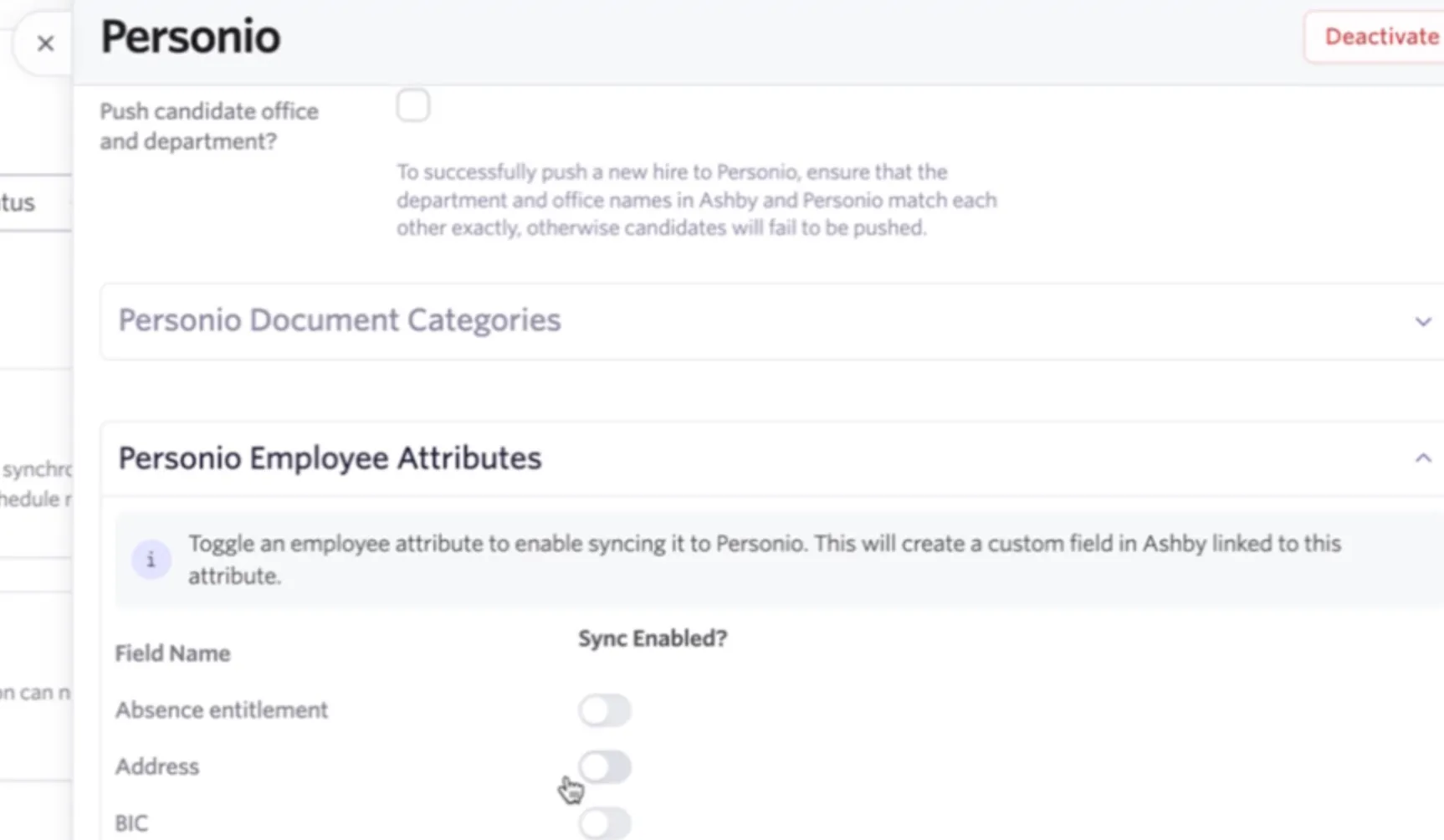
Employee attribute fields from Personio are now pulled into the Personio integration settings within Ashby.
Use the Sync Enabled toggle beside each attribute to determine which should be synced.
If you enable the Sync Enabled option, a matching custom field will be created in Ashby that will be linked to the employee attribute field in Personio.
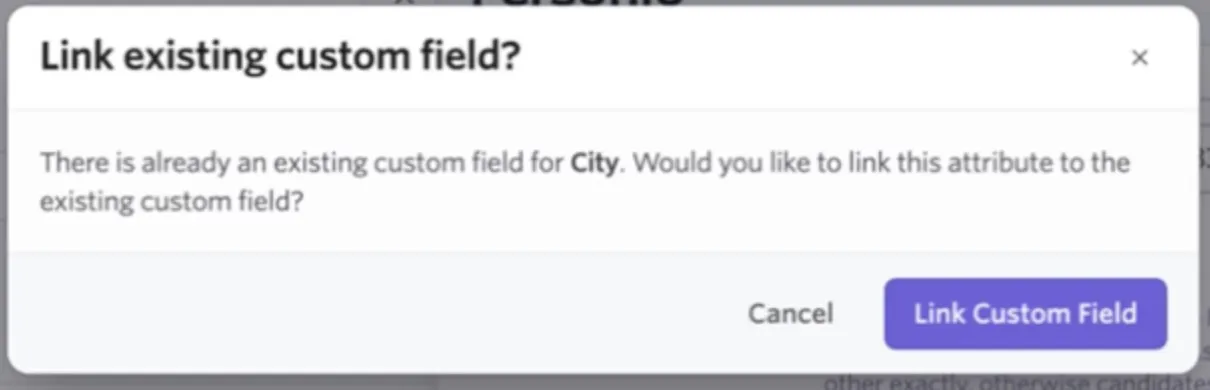
If you already have an existing custom field in Ashby, when you switch on the Sync Enabled option for the employee attribute, the existing Ashby custom field will be identified, and you have the option to link it to the Personio employee attribute.
If you have used the previous process for mapping employee attributes (that is, creating custom fields manually that match attribute titles in Personio), these will continue to work if you do not opt to use the Sync Enabled? toggles.
If you do opt to use the toggles to sync over additional information in the future, ensure that the toggles for the original attributes are also enabled and linked to the existing custom fields.
Due to Personio API updates, the only preset employee attributes in Personio that can be synced from custom fields in Ashby are:
- Department
- Position
- Office
First and last name and email are also synced over by default.
Custom attributes created in Personio are supported, so data can be synced from custom fields in Ashby to these custom attributes via the integration.
This is a limitation with Personio's API and not a restriction in Ashby, so we recommend reaching out to Personio if you'd like to request expanded API support for additional fields.
Pre-filling custom attribute fields
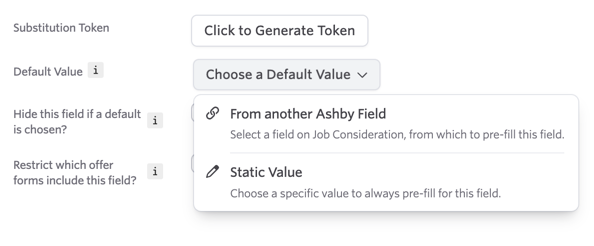
If you would like to pre-fill these offer fields with information from other custom fields, you can set another field as the default value for the generated offer field.
To do this:
- Navigate to Admin > Organization Setup > Custom Fields and go to the Offer tab.
- Click the Choose a Default Value dropdown and determine whether you would like to prefill this field with information from another Ashby field or with a static value.
For more information on custom fields in general, check out Custom Fields. Custom fields are not available on the Foundations plan.
Adding new hires to Personio
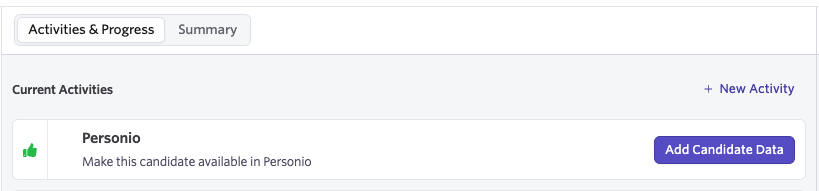
- After you've set the Candidate Offer Response to Accepted, a new activity titled Add Candidate to Personio populates. Click Add Candidate Data to start the process of making the candidate available in Personio.
- Go back to your Personio account and search for the candidate.
- The new hire data now appears in Personio to complete the onboarding process.
Pushing candidate data to Personio automatically
One candidate needs to have been previously pushed to the system via the manual steps above before this can be enabled.
After the offer is accepted and the candidate is marked Hired, data can be sent to Personio via an automatic sync.
To enable this:
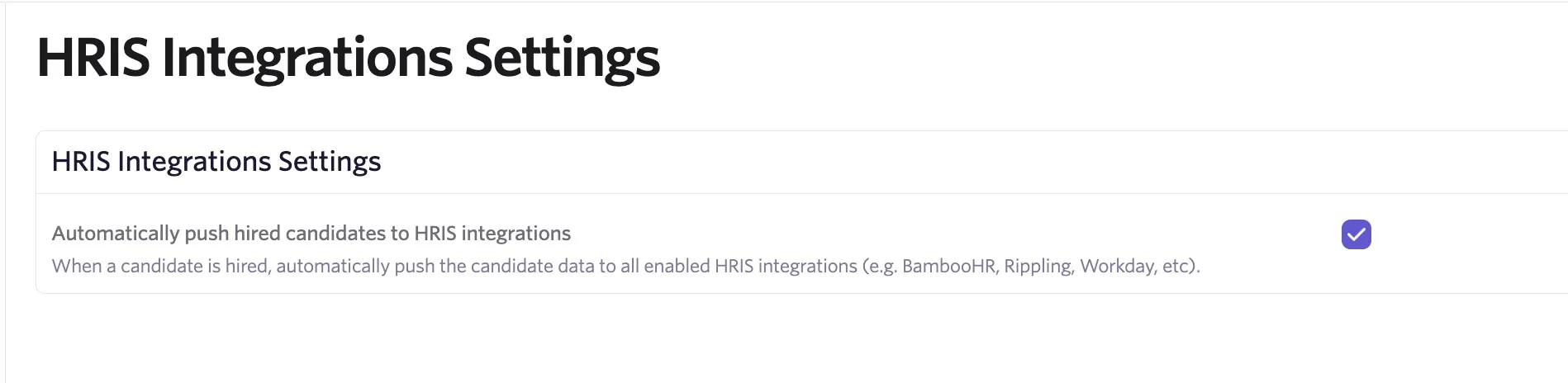
- Navigate to Admin > Integrations > HRIS Integrations.
- Check Automatically push hired candidates to HRIS integrations.
Troubleshooting errors when pushing candidates to Personio
If Ashby shows a Failed request to Personio - Something went wrong error when you select Add Candidate Data, your Personio account may have reached its subscription employee limit.
Check with your Personio administrator or Personio Support to confirm the limit and increase it if needed.
After the limit is addressed, select Add Candidate Data again for the same candidate to attempt to export them again.