How do I change my Ashby timezones?
Learn how to set your organization's default timezone and how each user can customize their own timezone. For more information on setting your availability, please check out Meeting Hours
Organization Timezone
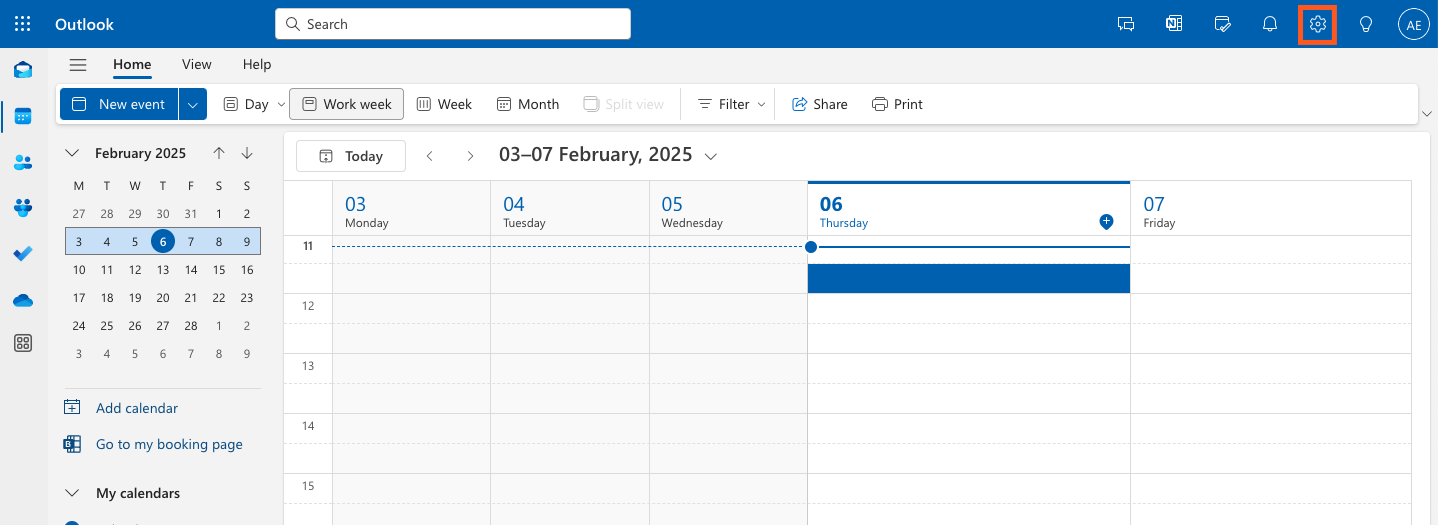
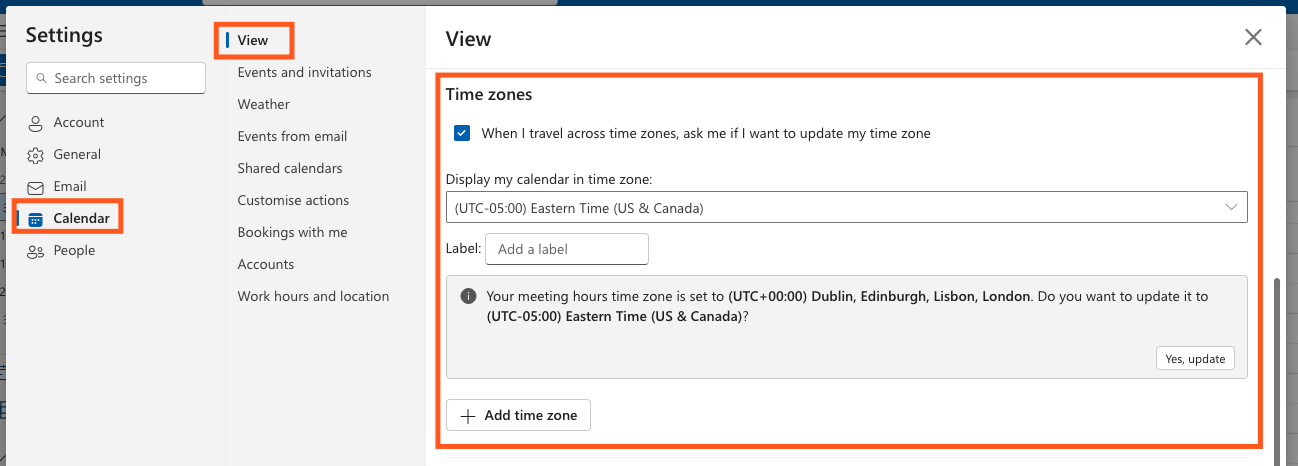
The organization timezone is the default timezone for your organization. If your organization allows calendar sync, all new users will use their calendar's primary timezone for their user timezone, otherwise they will default to using the organization timezone.

Adjusting your Organization Timezone
- Navigate to your Admin section.
- Open Interviews & Scheduling.
- Select Meetings & Time Zone.
- Navigate to the Time Zone tab.
User Timezone
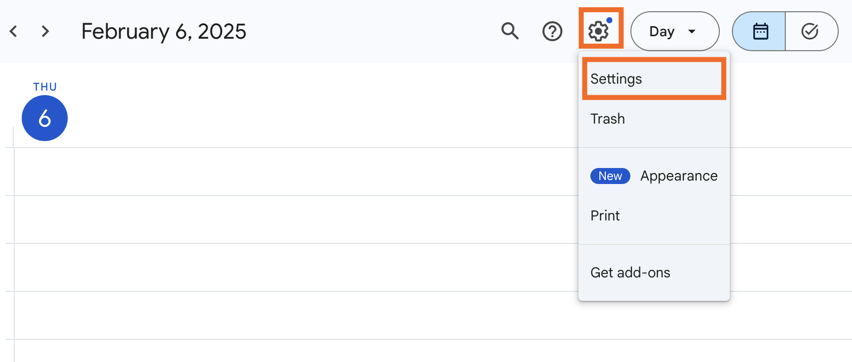
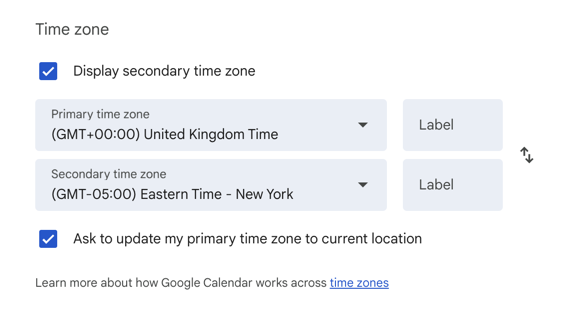
Each user can specify their personal timezone. If calendar sync is enabled, the default timezone will be their calendar's primary timezone. Otherwise, the user has the option to specify a custom timezone or use the organization timezone.

Changing your user time zone
- Navigate to your Personal Settings.
- Select your preferred timezone on the Your Information page.
Changing another user’s time zone.
Admins can also see and adjust user timezones when viewing the employee profile.
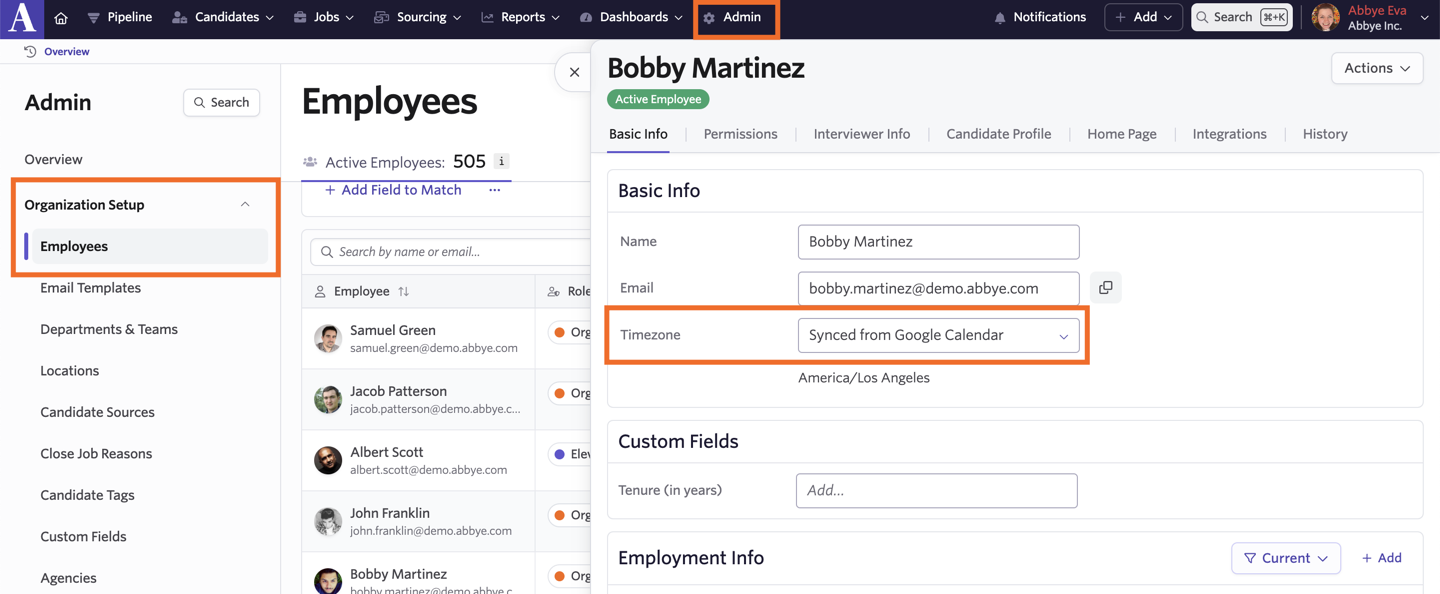
- Head to Admin.
- Click Organization Setup, then Employees.
- Select an employee and adjust their time zone using the Timezone dropdown on the Basic Info tab.
Can a timezone be set on a candidate’s profile?
Yes! If a location is set on the candidate’s profile within the Summary tab, then their timezone will be assigned based on that location.
The timezone can be manually amended or added using the drop-down menu underneath the Location field. This timezone will then be used across all interviews for this candidate.