Built In
Automatically post your jobs to Built In. After publishing a job in Ashby, it may take up to 48 hours for your job to appear on your Built In profile.
🔗 For additional information, please refer to Built In’s documentation
Enabling/disabling the integration
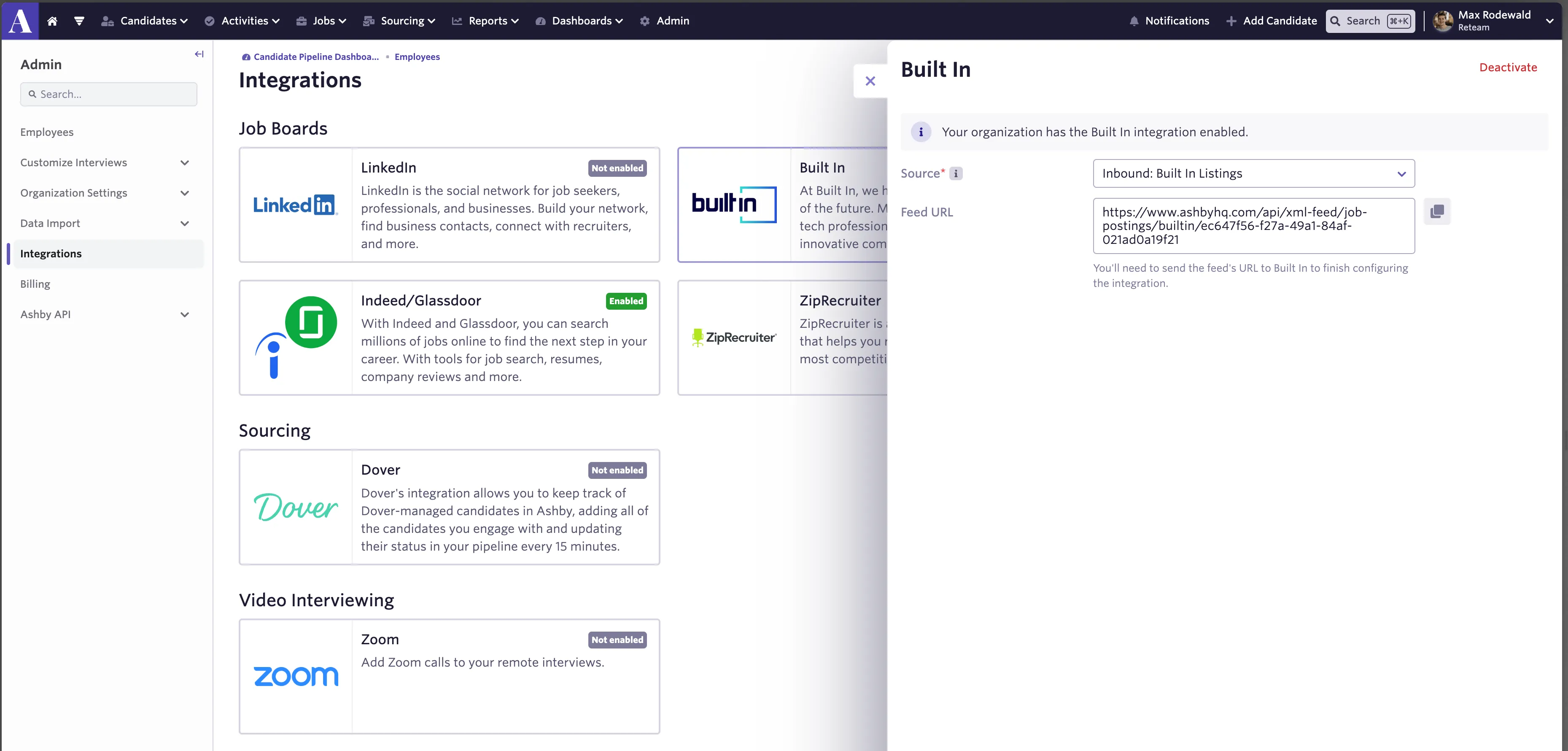
You can enable/disable the Built In integration from the Integrations page in Ashby Admin here. After enabling the feed in Ashby, you’ll need to email your Customer Success manager at Built In and [email protected] so that the feed can be enabled on their end. Once both of these steps have been completed, your published job postings will be included in Built In’s listings along with a tracking code to match up applicants from this source. After enabling the feed, it may take up to 48 hours for your postings to start showing up in Built In’s feeds.
Location requirements
- A job’s location must have a city or state or have the Location Type set to Remote.
Locations can be set here in Ashby. More on setting up locations can be found at Set up Departments & Locations
If jobs don’t meet Built In’s location requirements, they will not be picked up via the integration