Bravado
Hunter AI is Bravado's AI GTM Recruiter. Hunter uses Bravado's proprietary sales performance data to source top sales professionals, then calibrates on the exact GTM profile employers are targeting, reaches out to perfect-fit candidates via email and LinkedIn InMail, and helps coordinate calls with hiring managers.
What does the integration do?
This integration allows end users to sync Bravado candidate and application information with their Ashby ATS, allowing employers to track candidates all in one place.
How to set up the integration
Create API Key
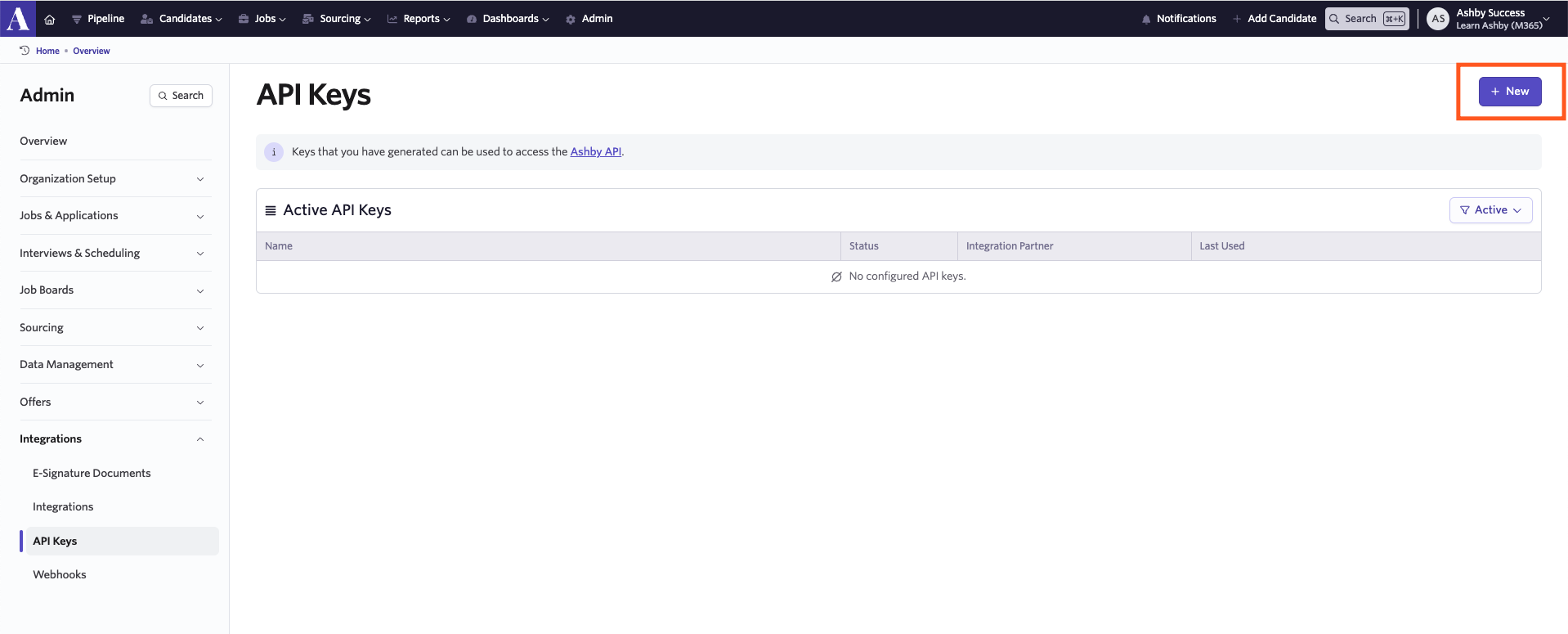
To enable the integration, you will need to create an API key in Ashby. You can create an API key by heading to Admin> Integrations> API keys.
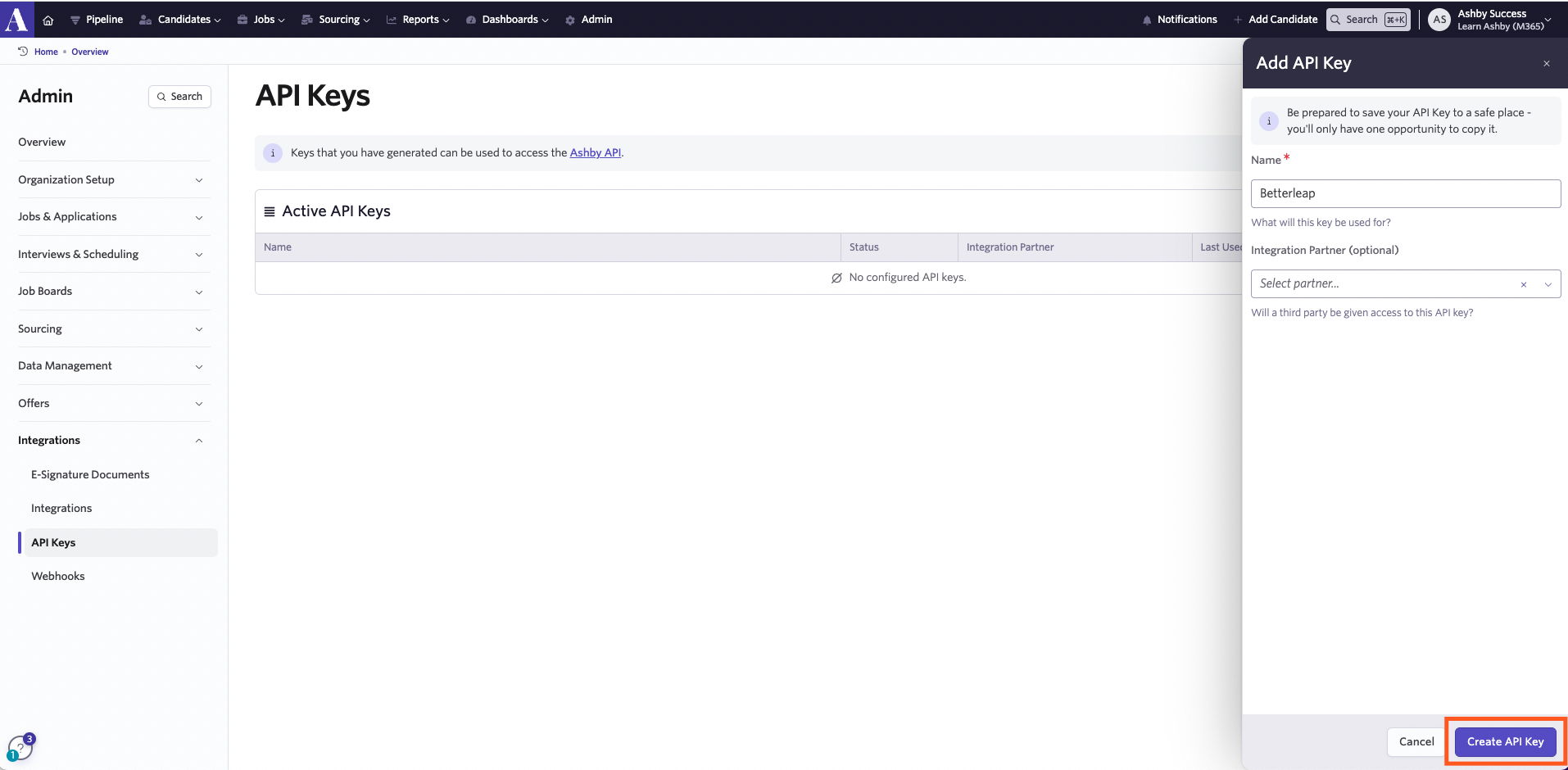
Click New to create a new API key, name your key and then click Create API key. Select all API scopes.
Be sure to take a copy of the key before closing out the pop-up.
Add Ashby Source
Ashby has a source entity to track the origin of candidates, but it must be added manually in the admin panel. Please add a new source labeled Platform: Bravado (or similar) via Ashby Sources. For more on creating sources, check out Source Types and Sources.
In Bravado’s API key settings, set the Default Source to the newly created Platform: Bravado.