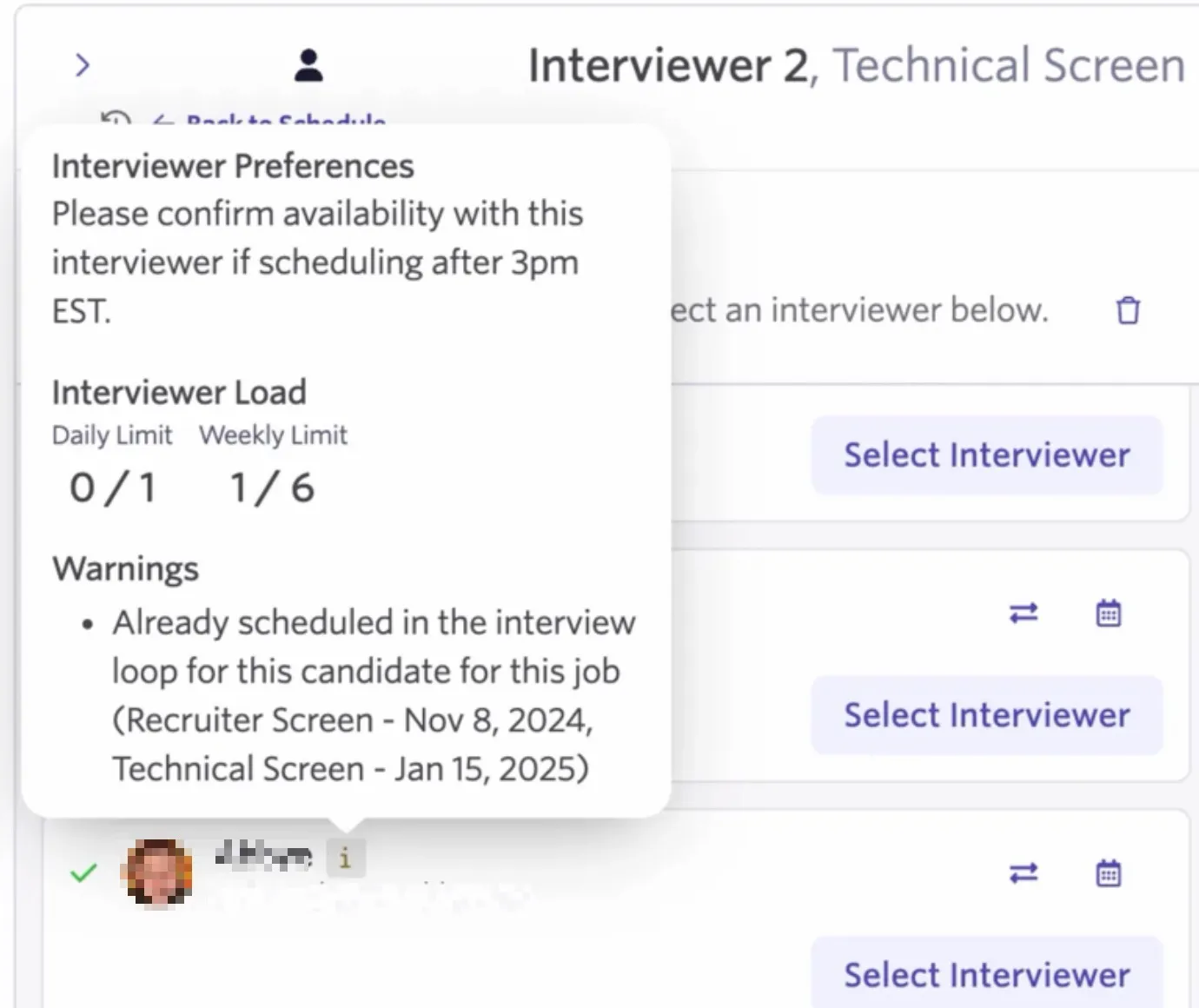
Am I warned when scheduling if an interviewer has already been a part of the interviewing process?
When manually scheduling interviews, the i icon beside the interviewer's details turns yellow if they have already been a part of the process or if they referred the candidate for the role. You can hover over the i icon for additional information and decide whether you would like to continue or replace the interviewer.
This is currently only available when scheduling interviews using the Manual Schedule option. The same warnings do not appear when generating direct booking links or creating schedule interview activities.
Overview
When scheduling an interview using the Manual Schedule option, i icons appear beside each interviewer on the calendar interface. You can hover over these icons to view information like their interview limits and interviewer preferences. You can read more on setting interview loads and preferences in Assigning InterviewersAssigning Interviewers.
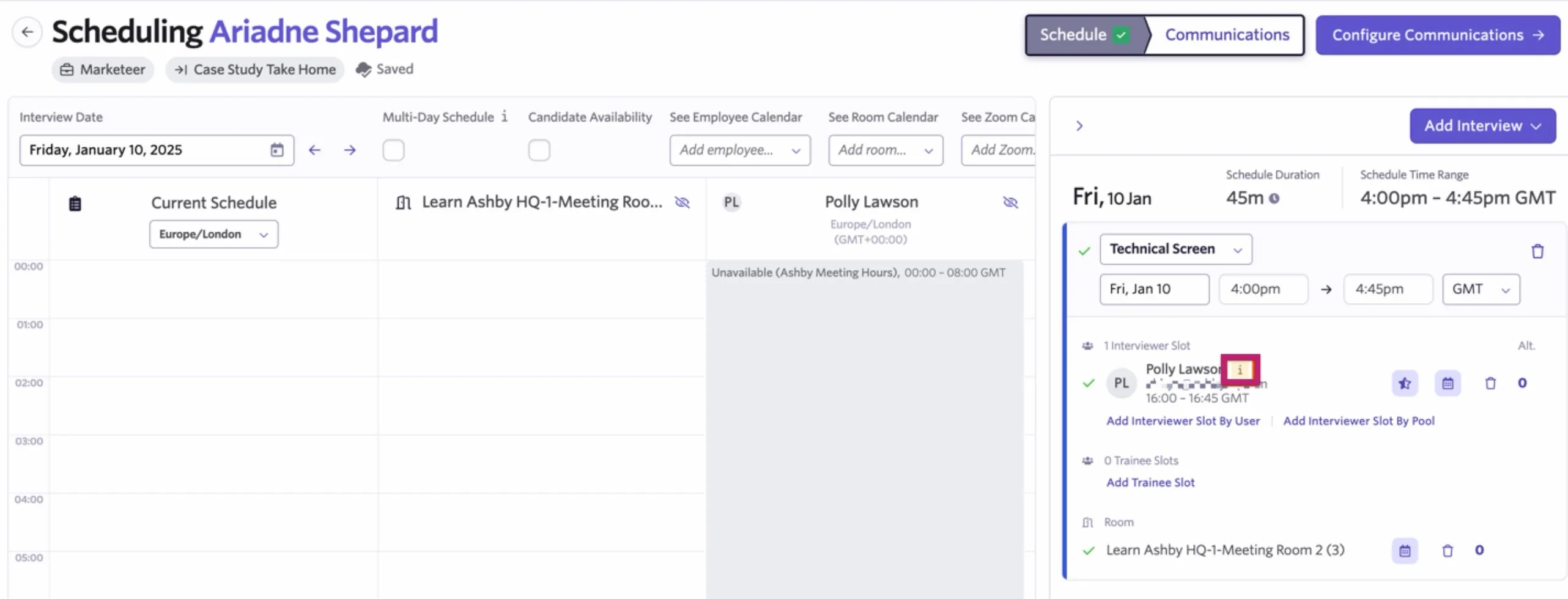
If an interviewer has already interviewed the candidate for this job consideration, or if they referred the candidate, the i icon appears in yellow, indicating a warning.
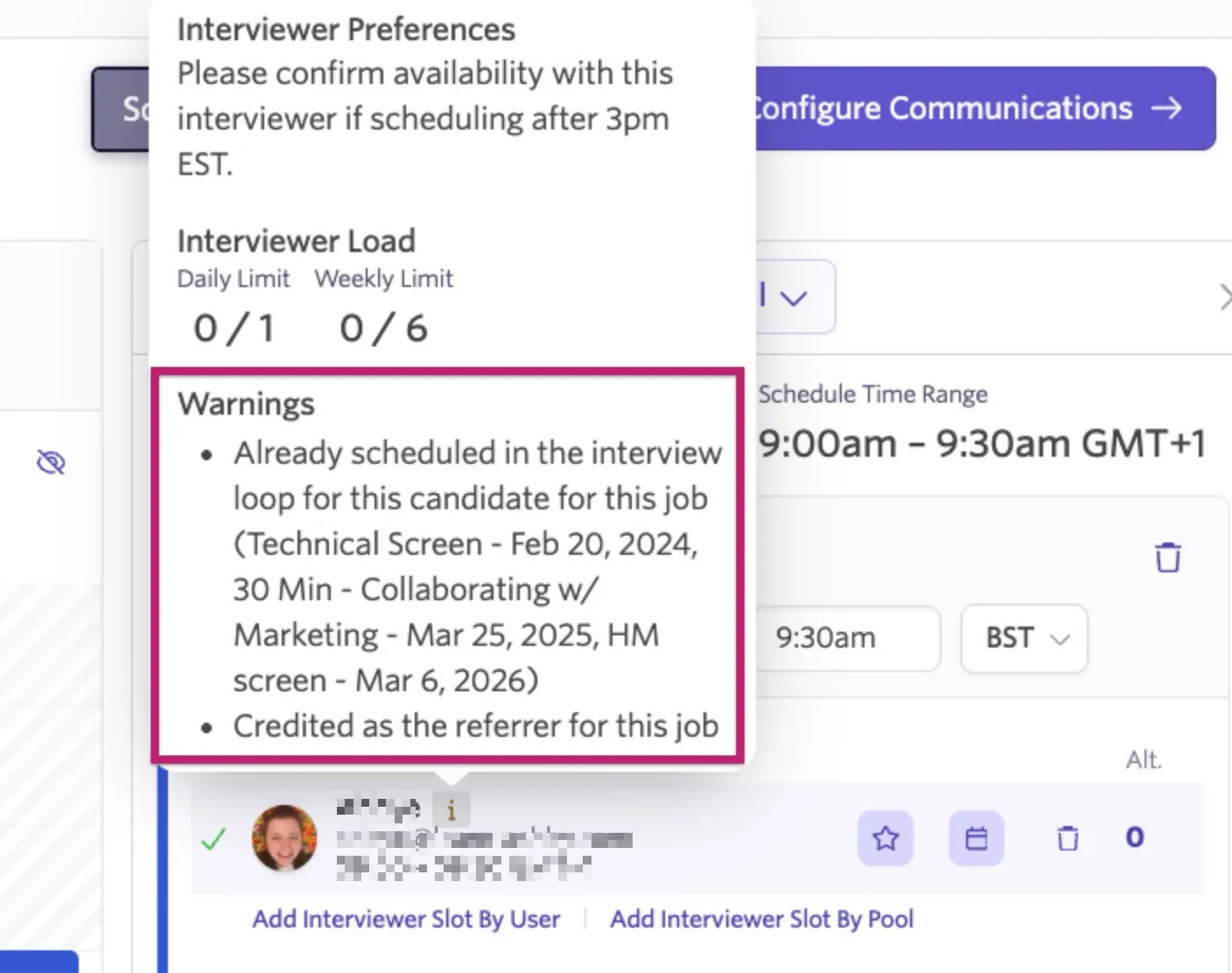
The interviewer information still displays when you hover over the i icon, but with a Warnings section. In this example, you can see the interviewer has already interviewed the candidate and is credited as the referrer. Ashby also includes the details of the previous interview for your reference, where applicable.
FAQs
Will the warnings show if I'm choosing alternate interviewers to schedule from an interview pool?
Yes, when you opt to select an alternate from an interviewer pool, any interviewers who referred the candidate or who have already interviewed them have a yellow i icon beside their details.
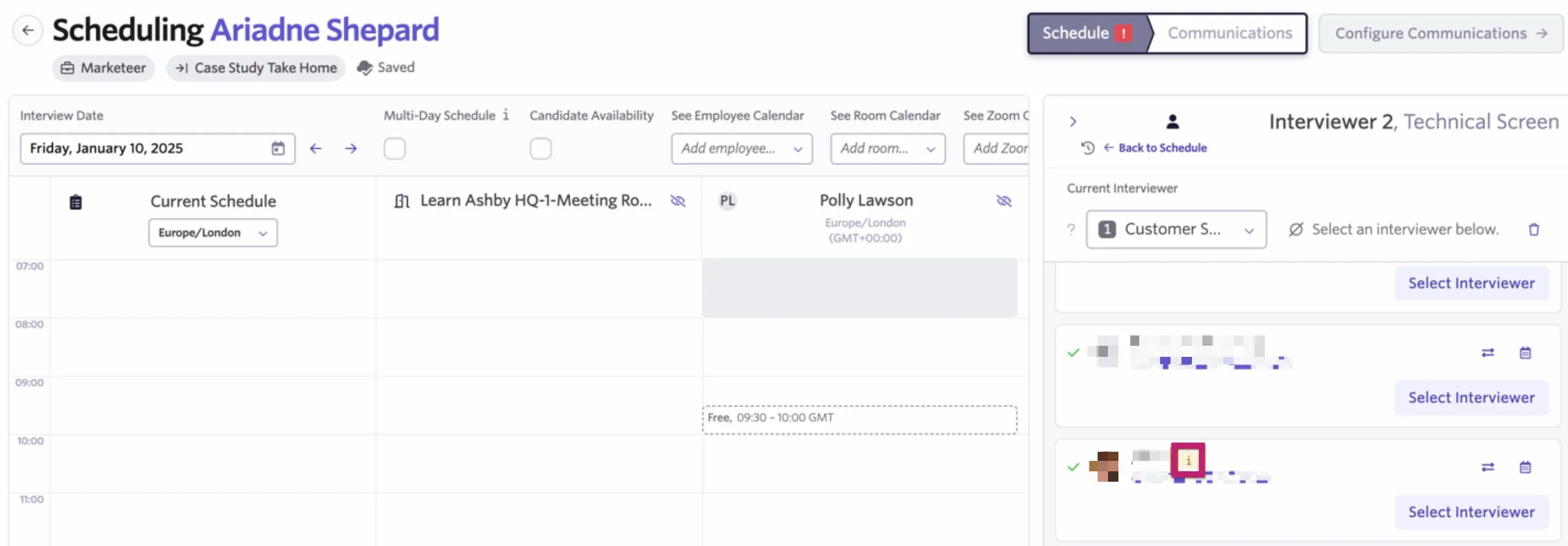
You can hover over the icon to view any warnings.