Zapier
Use the Zapier integration to connect Ashby to a wide range of apps and create Zaps that automate your workflows. This article explains how to connect Ashby to Zapier and how to build a Zap using Ashby as either the trigger app or the action app.
Permissions & prerequisites:
- You must be an Organization Admin to access the Zapier integrations tile and to generate API keys in Ashby.
Connect Ashby to Zapier
- In Zapier, create a Zap and select Ashby as the trigger or action app. A Zap requires at least one trigger and one action.
- When prompted to authenticate, provide an Ashby API key. You can create the key either from the Zapier integration listing or the API Keys page.
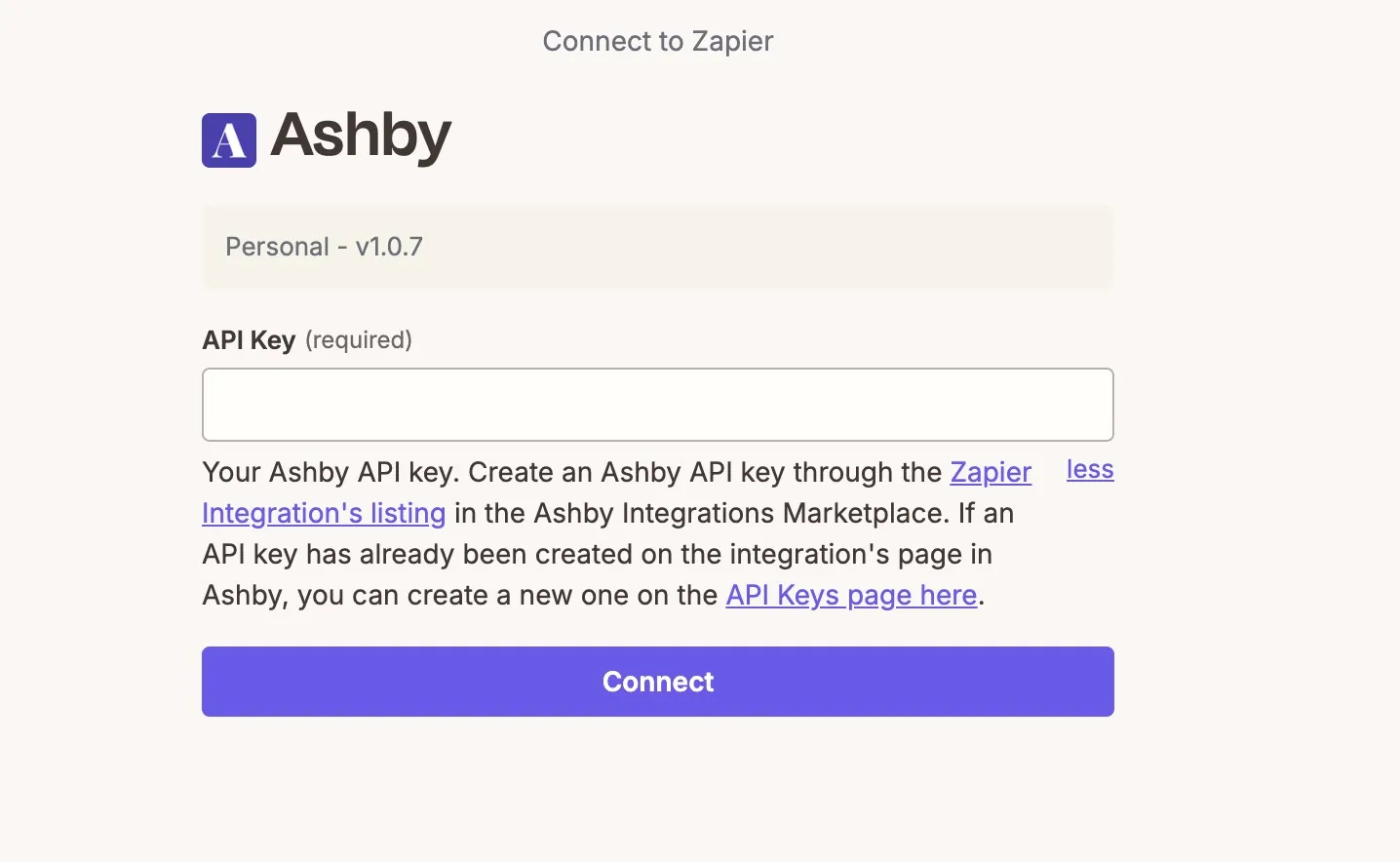
- Copy the key immediately: Ashby shows the full value only during setup and cannot display it again after the wizard closes.
- Paste the key into Zapier and click Connect.
API key permissions and endpoints
Below you'll find a list of Ashby triggers and actions in Zapier and the permissions required for the API key used to create the connection.
Initial Setup — required for every connection
Scope |
|---|
candidates:read |
apiKeys:read |
Triggers
Trigger | Scopes required |
|---|---|
Application Changed Stage | candidates:read, apiKeys:write |
Candidate Applied | candidates:read, apiKeys:write |
Candidate Hired | candidates:read, offers:read, apiKeys:write |
Interview Schedule Created | candidates:read, interviews:read, apiKeys:write |
Interview Schedule Updated | candidates:read, interviews:read, apiKeys:write |
Job Posting Published | jobs:read, apiKeys:write |
Job Posting Unpublished | jobs:read, apiKeys:write |
Opening Created | jobs:read, apiKeys:write |
Offer Created | candidates:read, offers:read, apiKeys:write |
Offer Updated | candidates:read, offers:read, apiKeys:write |
Offer Deleted | candidates:read, offers:read, apiKeys:write |
Searches / Actions
Search or Action | Scopes required |
|---|---|
Create Candidate | candidates:write, hiringProcessMetadata:read, organization:read |
Update Candidate | candidates:read, candidates:write, hiringProcessMetadata:read, organization:read |
Create Candidate Note | candidates:read, candidates:write |
Consider Candidate for Job | candidates:read, candidates:write, jobs:read |
Change Job Consideration Stage | candidates:read, candidates:write, jobs:read, hiringProcessMetadata:read |
Create Opening | jobs:write, jobs:read, organization:read |
Update Opening | jobs:write, jobs:read, organization:read |
Generate Report on Ashby | reports:read |
Find Candidate | candidates:read |
Find Job | jobs:read |
Find Opening | jobs:read |
Find Job Consideration | candidates:read, jobs:read |
Create a Zap with Ashby
Create a Zap with Ashby as the trigger app
To create a new Zap, click Create, then Zap Workflow in Zapier.
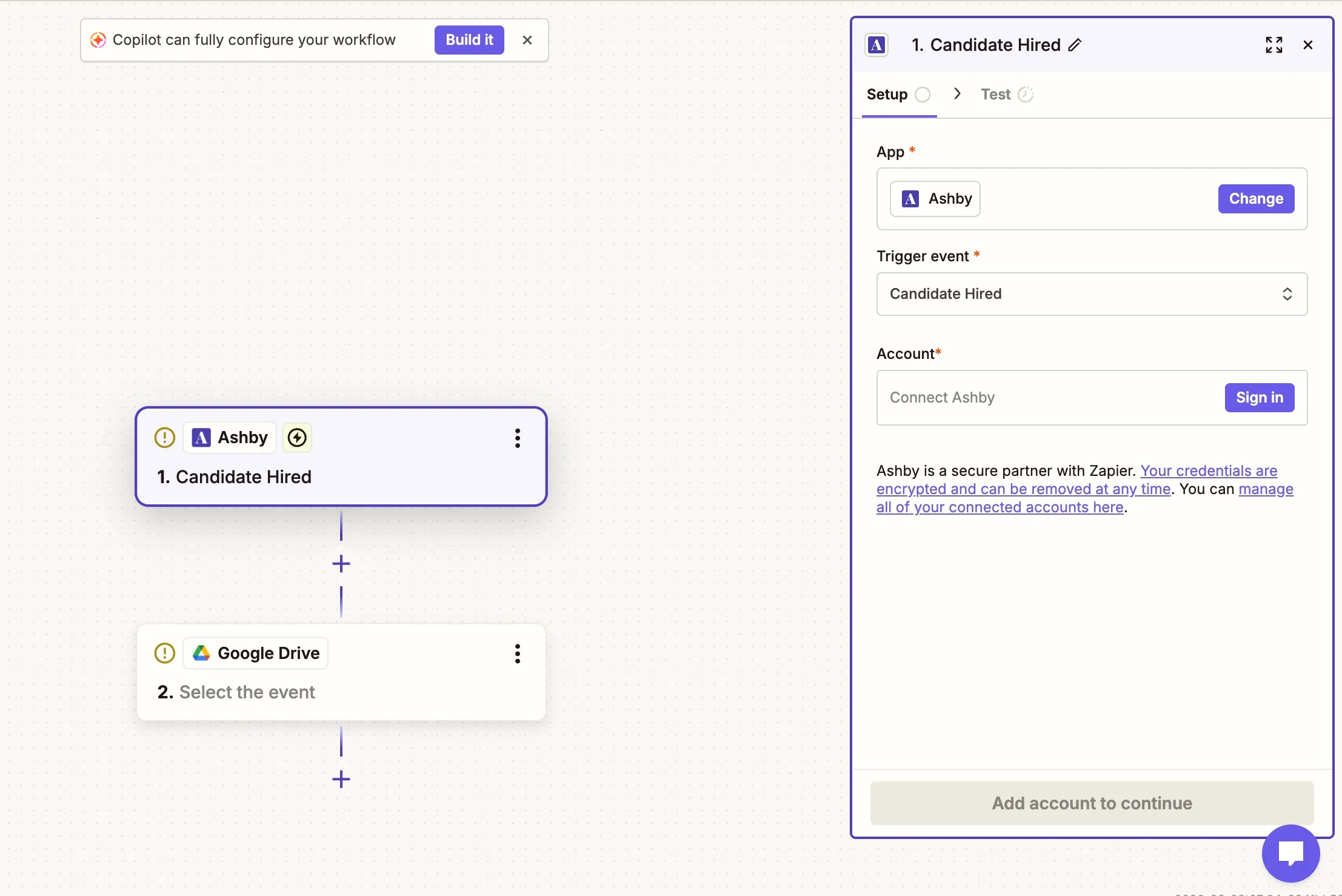
- A Zap begins with the trigger, so click in the trigger field and select Ashby as the trigger app.
- Select the trigger event. This determines when the Zap runs.
- Select your Ashby connection, or connect your Ashby account in the Account field.
After you configure the trigger, you can test it. The test fetches a record matching the conditions you set, which is useful for mapping data in the action step and for confirming you set the correct conditions.
Create a Zap with Ashby as the action app
After you configure your trigger and any additional conditions on your Zap, you can add Ashby as the action app.
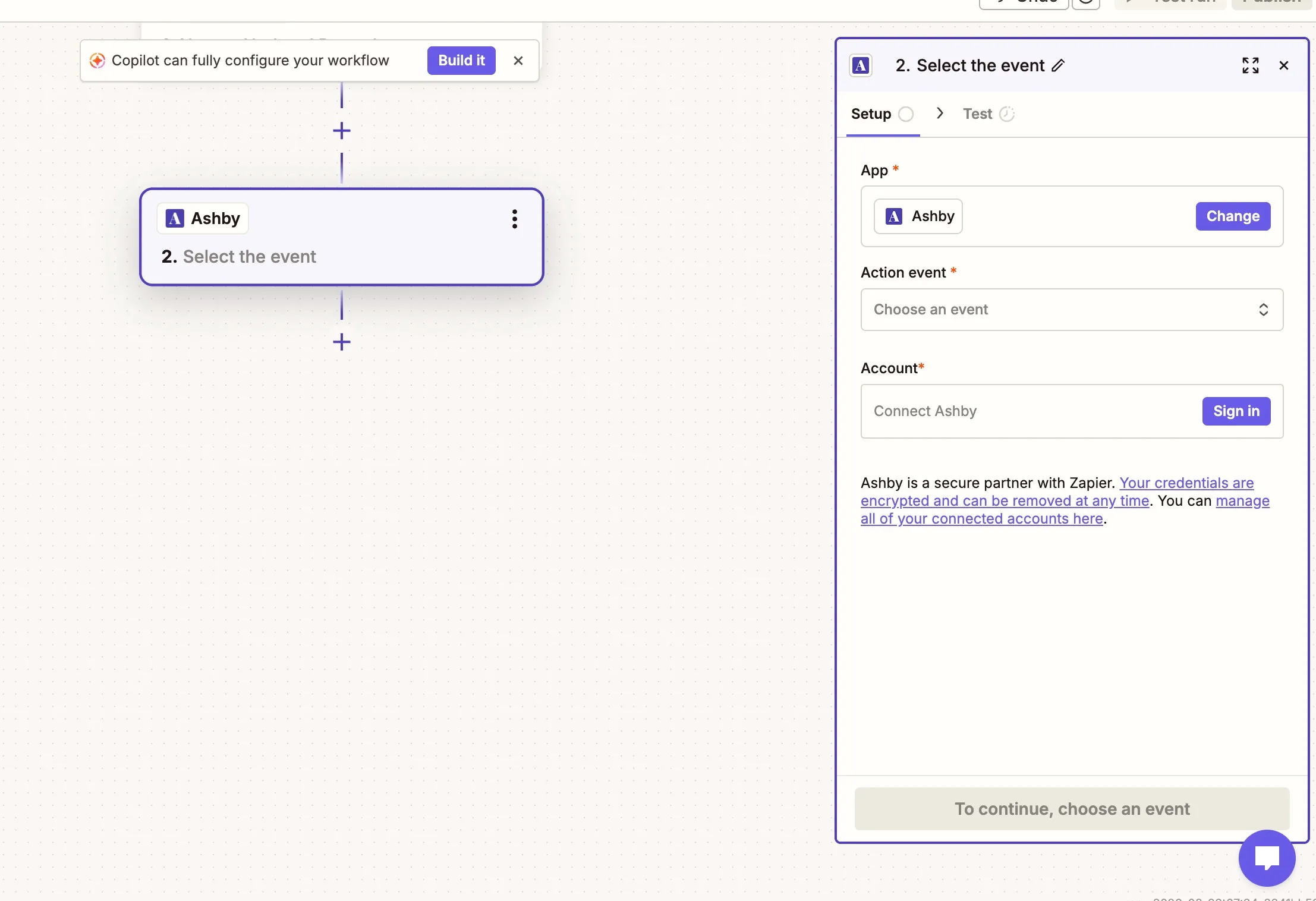
- Set the App field to Ashby.
- Select the action event. This determines what happens once the Zap is triggered and any conditions you set are met.
- Select your Ashby connection, or connect your Ashby account in the Account field.
When testing, you can map data from the trigger app where possible, then confirm the Zap works as expected before you publish it.
FAQs
If I create an API key in the Zapier integrations tile in Ashby, what permissions does that key come with?
By default, the API key Ashby generates does not have endpoint permissions allocated. To adjust the API key permissions:
- Navigate to Admin > Integrations > API Keys.
- Click your Zapier API key to open the API key settings.
- Use the Endpoint Permissions and Other Permissions checkboxes to set the permissions for the API key.
- Click Save to confirm.