X Hiring
7 min
Easily sync your jobs with your X profile. Jobs can be shared with your followers and be featured on your company profile, making them discoverable by over 450m active users.
Please note that on initial setup, the sync can take up to 48 hours.
Setting up the Integration
- In your Ashby account, navigate to the Integrations Marketplace.
- Navigate to X under the Job Board section.
- Select Enable X.
- Jobs become discoverable in job search on X.
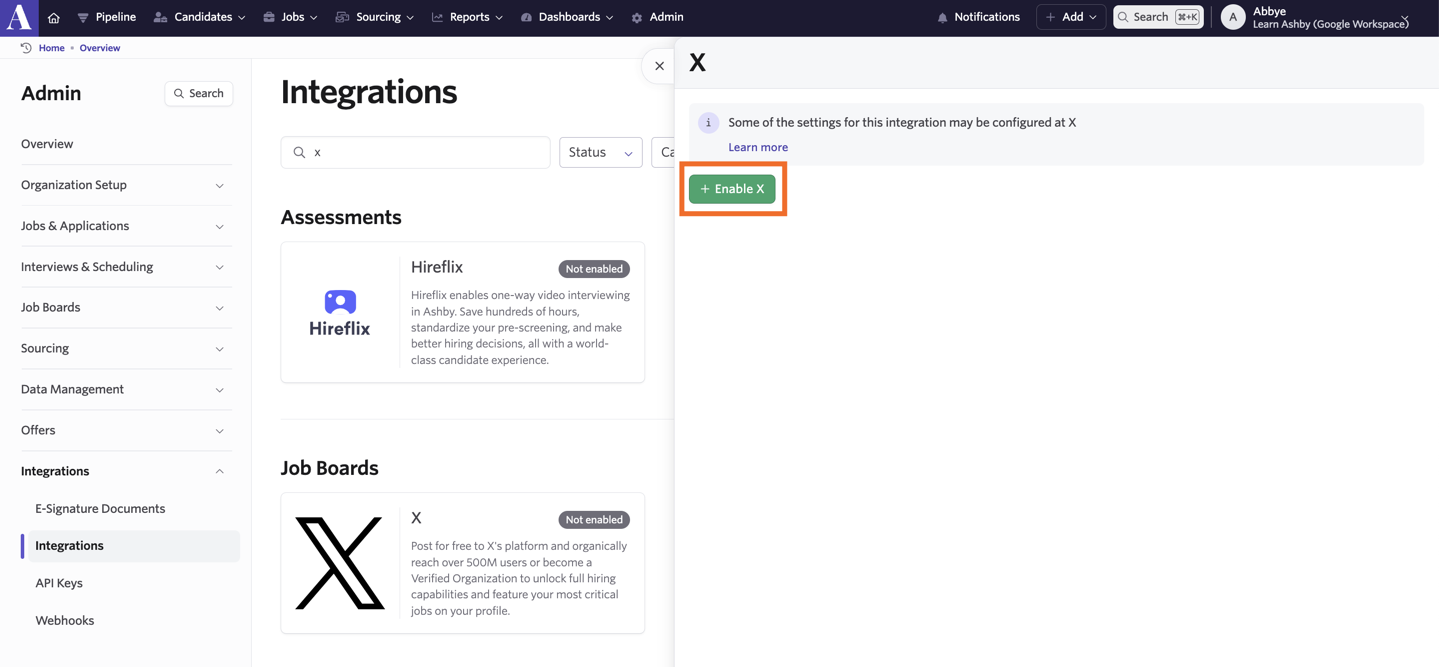
Jobs may take up to 24 hours to go live on X. First-time syncs may take additional processing time.
For Verified Organizations on X
Connecting your jobs to your profile
If you are a Verified Organization, please reach out to X at [email protected] to connect your jobs to your X profile.
Jobs can be managed from the Hiring tab of the Verified Org portal.
Feature jobs on your profile
- Navigate to the Hiring tab of the Verified Org portal.
- Click ‘Start showing my jobs’ to turn on your profile spotlight.
- This allows your jobs to be visible directly on your X profile.
- Star specific jobs from the Verified Org portal to customize which jobs show up first on your profile.
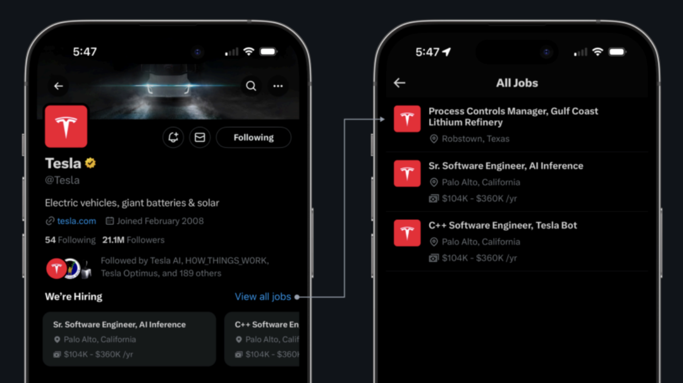

Sharing jobs to the timeline
- Add a custom short description to the job through the job editor inside the Verified Org portal (optional).
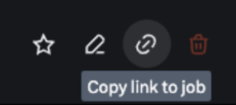
- Copy the link to the job from X.
- Paste the job link inside of a post to render a custom job card.

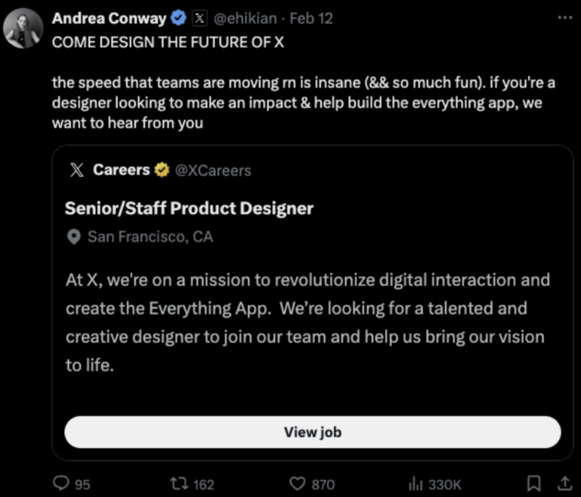
Turning off the profile spotlight
- Navigate to the Hiring tab of the Verified Org portal.
- Click the settings gear icon.
- Set the Profile Spotlight toggle to off.

Disabling the integration from X
- Navigate to the Hiring tab of the Verified Org portal.
- Click the settings gear icon.
- Click Delete integration.

For any general product support questions, please contact the X Hiring product team at [email protected].