Where can I hear about the latest product updates?
If you’d like to keep on top of the latest releases in Ashby, check out the Product Updates page here.
Overview
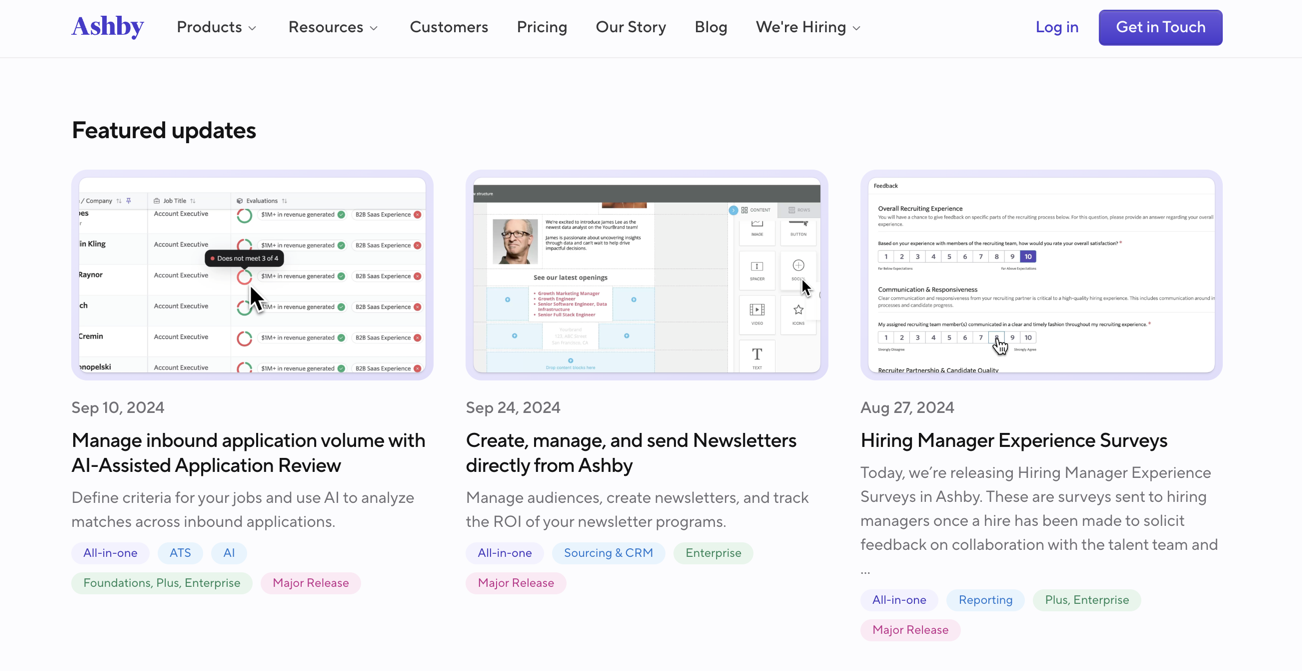
Ashby’s Product Updates page contains information on our latest releases, including featured releases and a feed listing updates.
Featured updates
At the top of the page, we have featured updates, where you can see any major new releases. Click on a feature to find out more about it.
Update Feed
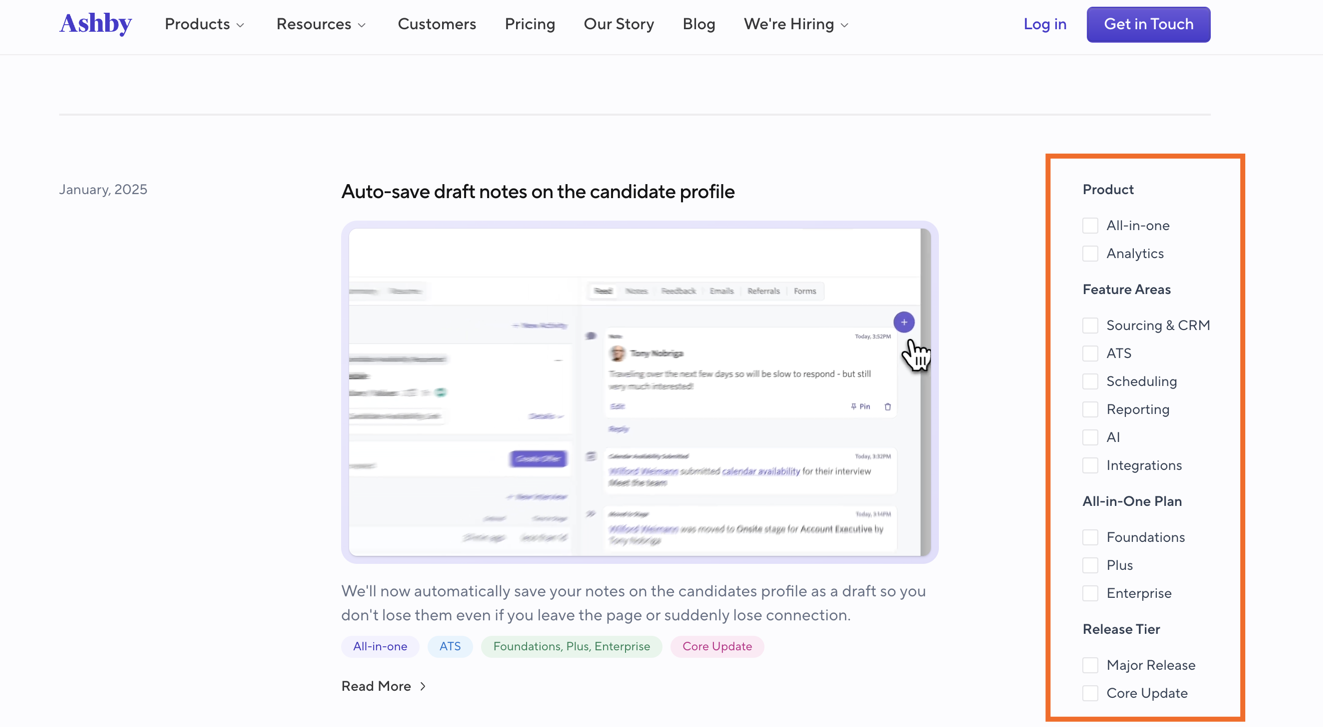
Underneath the Featured Updates section, you can view a feed listing releases, organized from newest to oldest with the latest release listed first.
You can use the checkboxes to the right of the feed to filter releases by product, feature area, all-in-one plan or release tier.
You can click on the update title or Read More on your chosen feature in the feed to get more information.