Rippling
Once a candidate has accepted an offer you can push their data into Rippling to kick off the new employee onboarding process.
Overview
Sync custom fields | Sync offer letters | Sync file uploads | One or two-way sync | Notes |
|---|---|---|---|---|
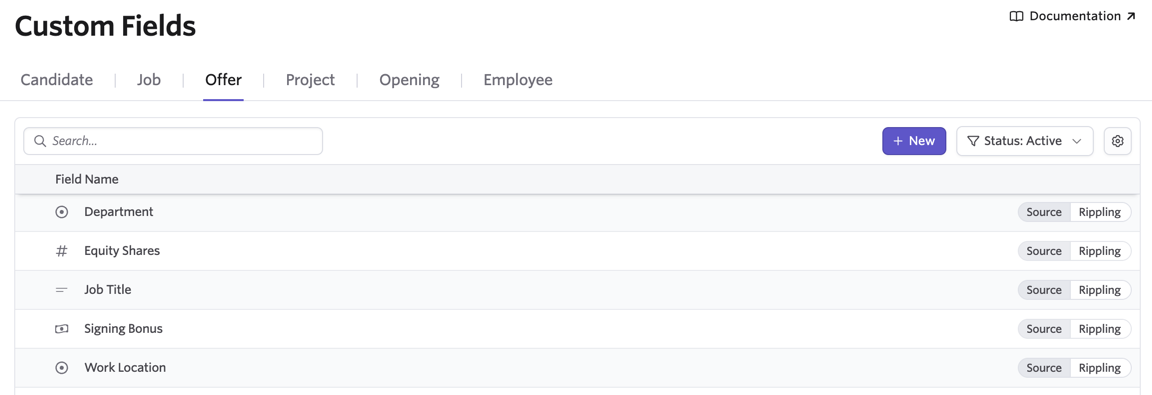
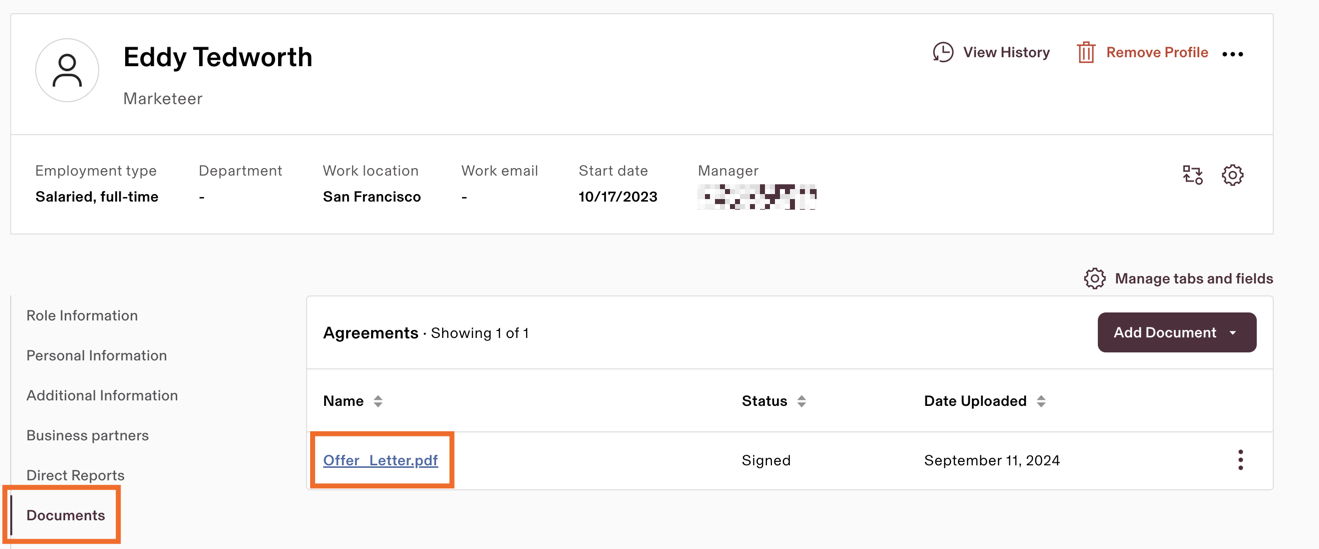
See Notes | ✔ | ❌ | One-way sync from Ashby to Rippling | By default name, email address, phone number, salary and start date are pulled over and surfaced in Rippling. You have the option to enable the following custom offer fields: Department, Equity Shares, Job Title, Signing Bonus and Work Location. Offer letters can now also be pushed. |
Set up Rippling
To set up the Rippling integration, click here to navigate to the Rippling page in Admin > Integrations. Install the Ashby app in Rippling by clicking the green Connect to Rippling button in the righthand slideout sidebar.
Once that process is complete, return to the Rippling page in Ashby’s Admin section to select the fields you’d like to sync.
Push Candidate Data to Rippling
After the offer is accepted and the candidate is marked Hired, data can be sent to Rippling manually or automatically.
Push Candidate Data to Rippling via the activity on the candidate profile
When a candidate accepts an offer and is marked as Hired, you see an option to push hired candidates to your HRIS system. Clicking Add to Rippling will create a new Employee in the system, including the data from their latest offer.
If you have multiple post-hire integrations in place, you can click Select a Post Hire Integration, then select Rippling from the list on the following pop-up. You will see a success message when the candidate has been successfully added.
Once the candidate has been pushed to Rippling, you’ll see a record of this as an event in their feed on their profile.
Pushing Candidate Data to Rippling automatically
One candidate will need to have been previously pushed to the system via the manual steps above before this can be enabled.
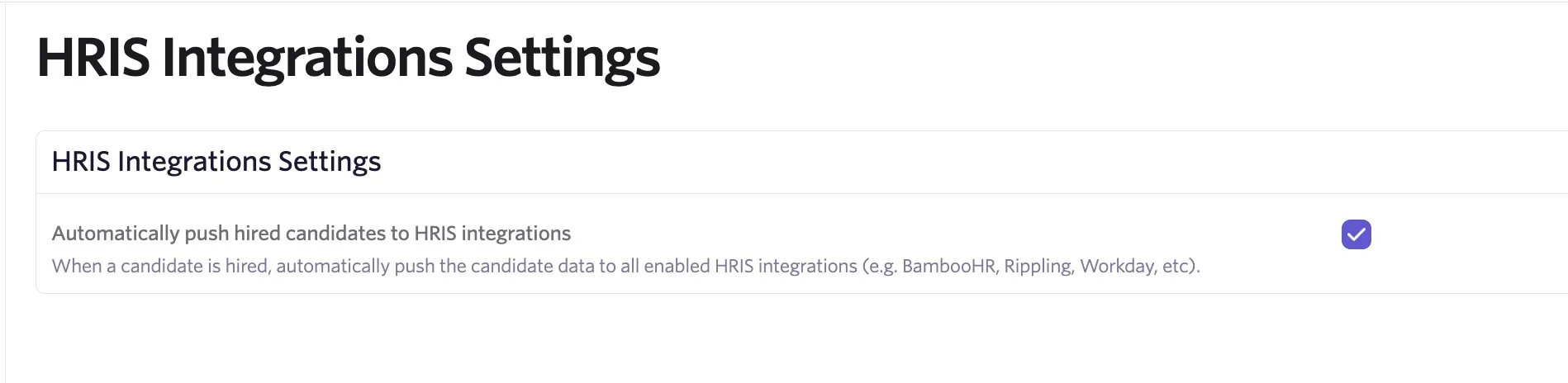
After the offer is accepted and the candidate is marked Hired, data can be sent to Ripping via an automatic sync. To enable this:
- Navigate to Admin > Integrations > HRIS Integrations
- Check Automatically push hired candidates to HRIS integrations
Hiring the Candidate in Rippling
The candidate data is pushed to Rippling but is not added to the flow as a fully configured hire. To add them as a hire, click the Hire option when in Rippling.
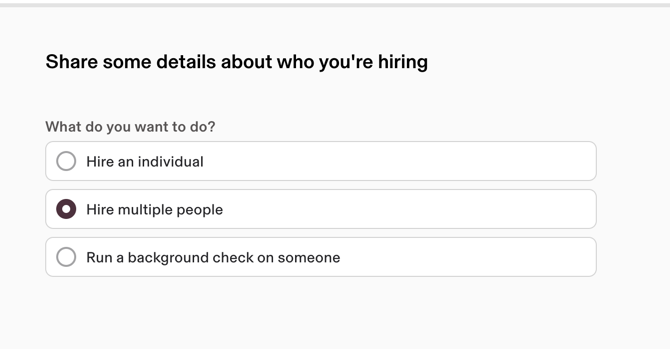
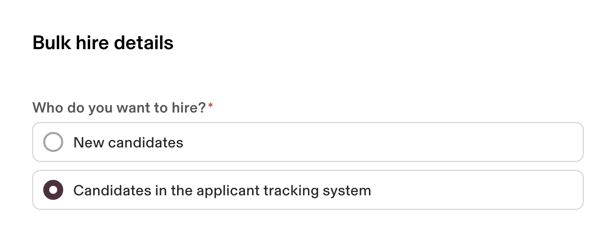
On the following page, select the A Candidate in the Applicant Tracking System option in the Who do you want to hire? section, then search for the candidate and select them from the results. Then continue the hiring process in Rippling.