RepScout
RepScout provides AI-powered interviews and assessments, reducing your time investment in qualifying a pool of candidates. Recruitment managers focus on the key target criteria in an ideal candidate, and RepScout handles running and analysing the interviews and assessments directly with the candidate.
RepScout's primary focus is voice-based assessments, making the platform ideal for companies hiring for roles with a strong communications component.
RepScout’s integration with Ashby allows you to seamlessly add a range of RepScout assessments to a job's interview plan.
Prerequisites
To send RepScout assessments, a paid RepScout account with sufficient credit is required. Details on their paid plans are available here: https://repscout.ai/pricing
Enable the RepScout integration
You’ll first need an account with RepScout. To sign up, head over to their sign-up page - they offer a range of different plans as well as a free trial. Once you have an account, you’ll be able to create an Ashby API key in the RepScout app. Use this as your integration API key for Ashby.
Next, you’ll likely need to configure your assessment templates using the RepScout app. This is done by logging into your RepScout account and updating your ‘Templates’.
Once you’ve set up and configured your assessments, you’ll be able to send the test to candidates.
Use the RepScout integration with Ashby
Once the RepScout integration is enabled for your organization, you will be able to add the RepScout assessment as an interview stage.
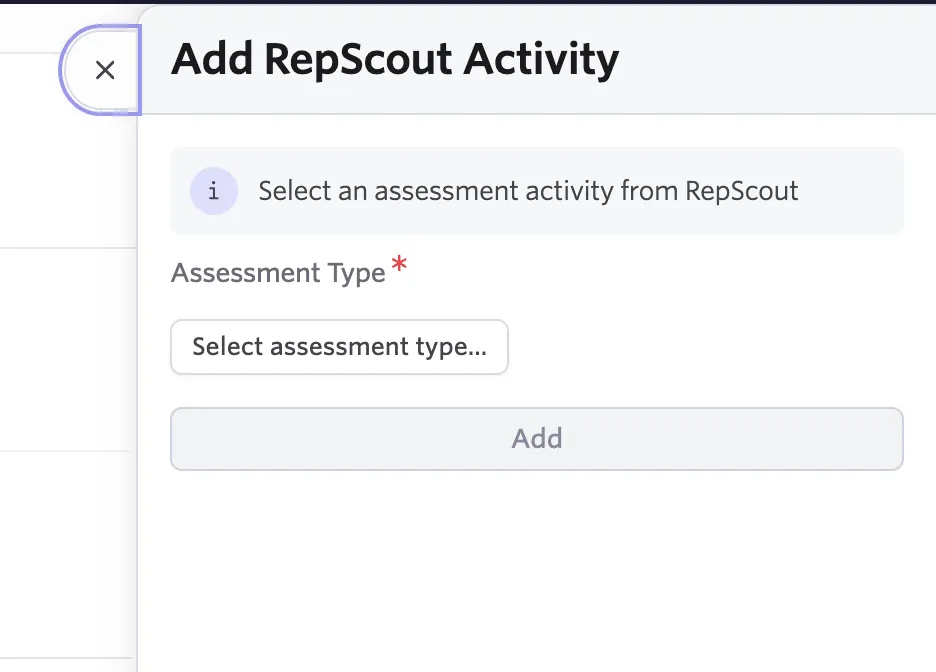
You can send an assessment to a candidate by selecting the Send Assessment button next to the candidate’s activity page.
Note: When you send an assessment in Ashby, the instructions are sent by RepScout. An email will be sent to the candidate with a link to start the assessment. This must be completed within 90 days.

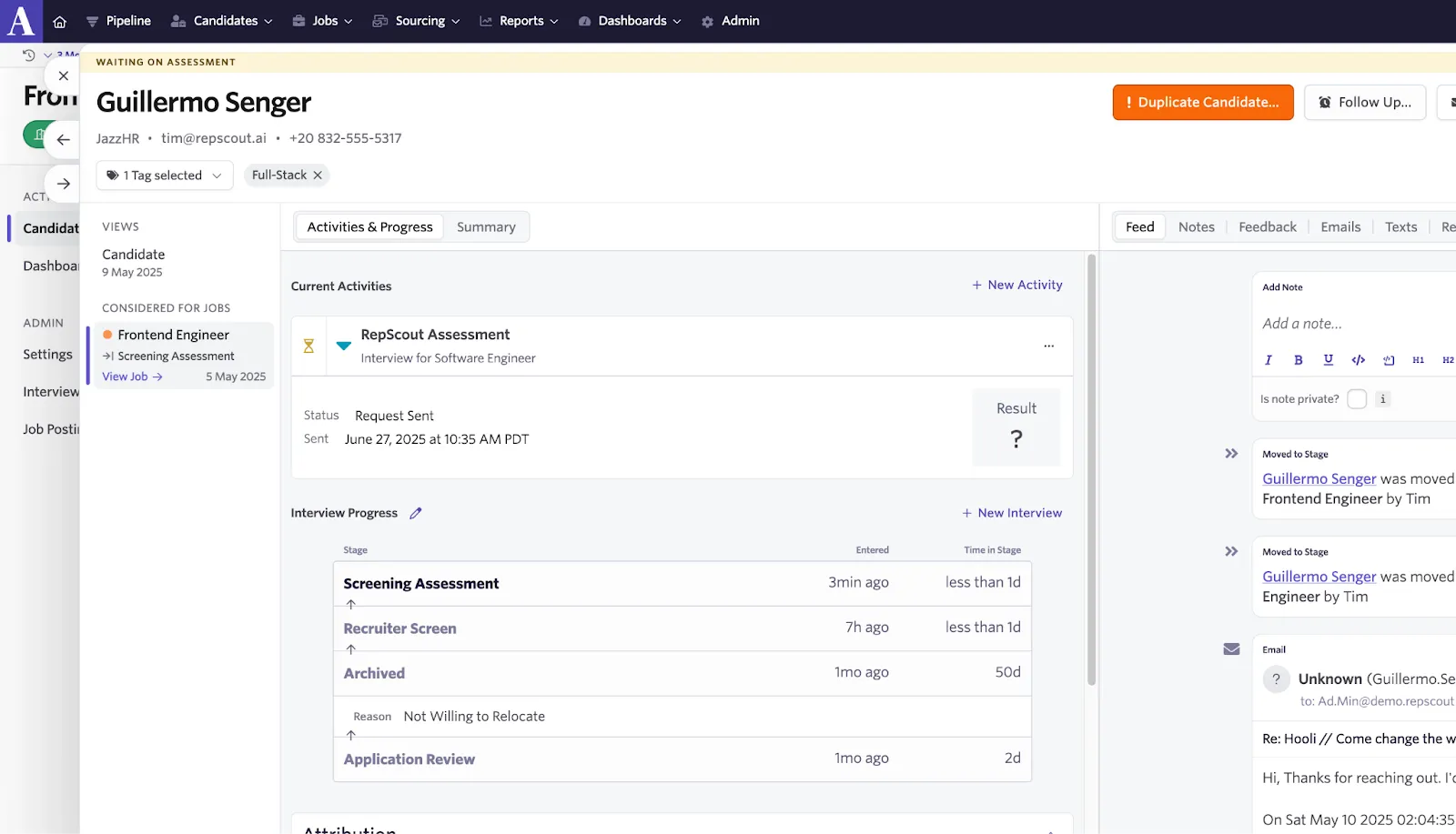
After it has been sent, the assessment’s status will display in Ashby.
RepScout Tests
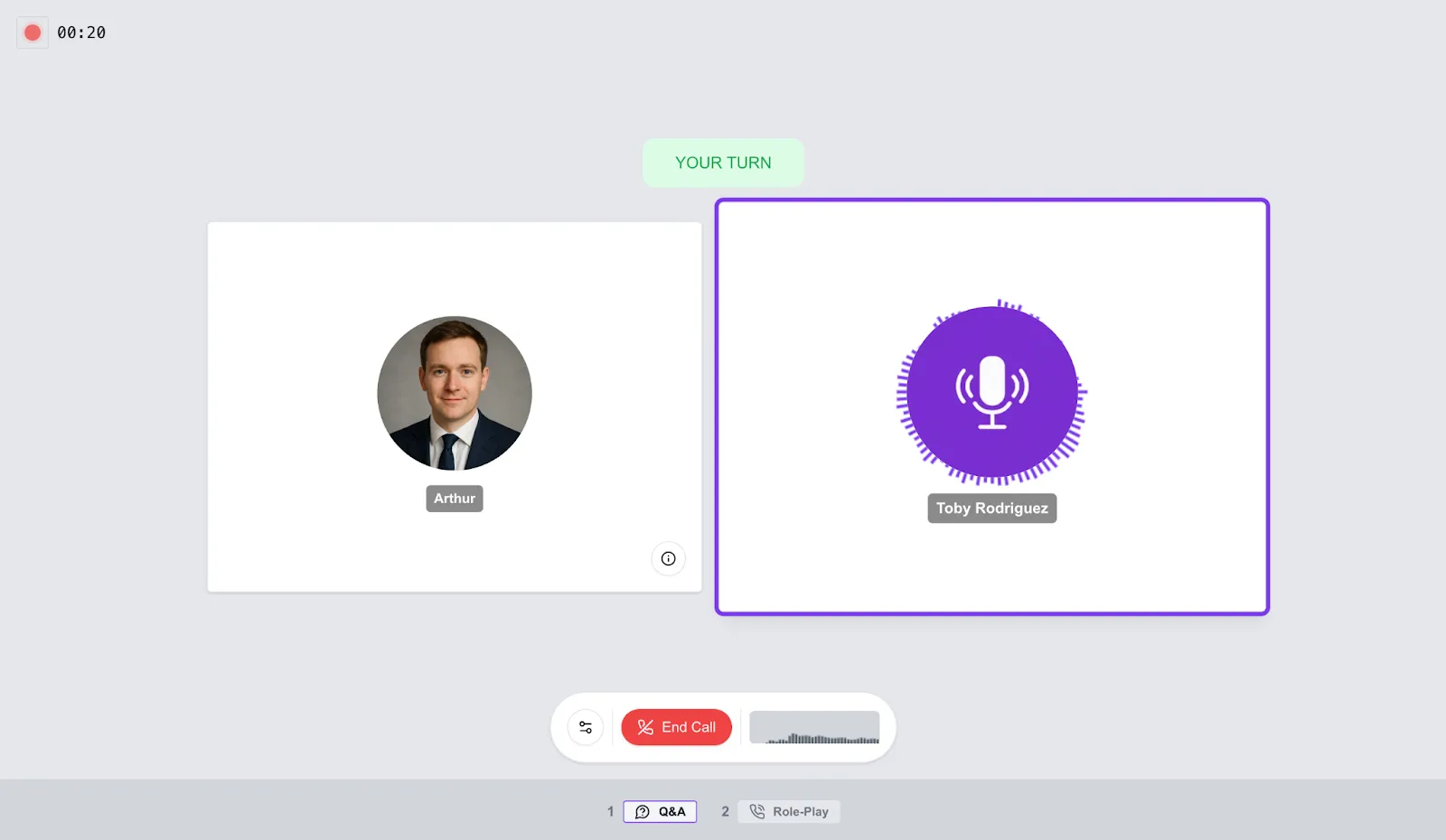
RepScout offers the ability to conduct a series of different tests in series. Typically, this may take the form of an interview followed by another industry-specific assessment, i.e. technical questions.
The test style sits between a human-led interview and a static text-prompted test. So it remains dynamic, whilst not pretending to be a real human interaction. There’s the option to record the candidate’s video or audio.
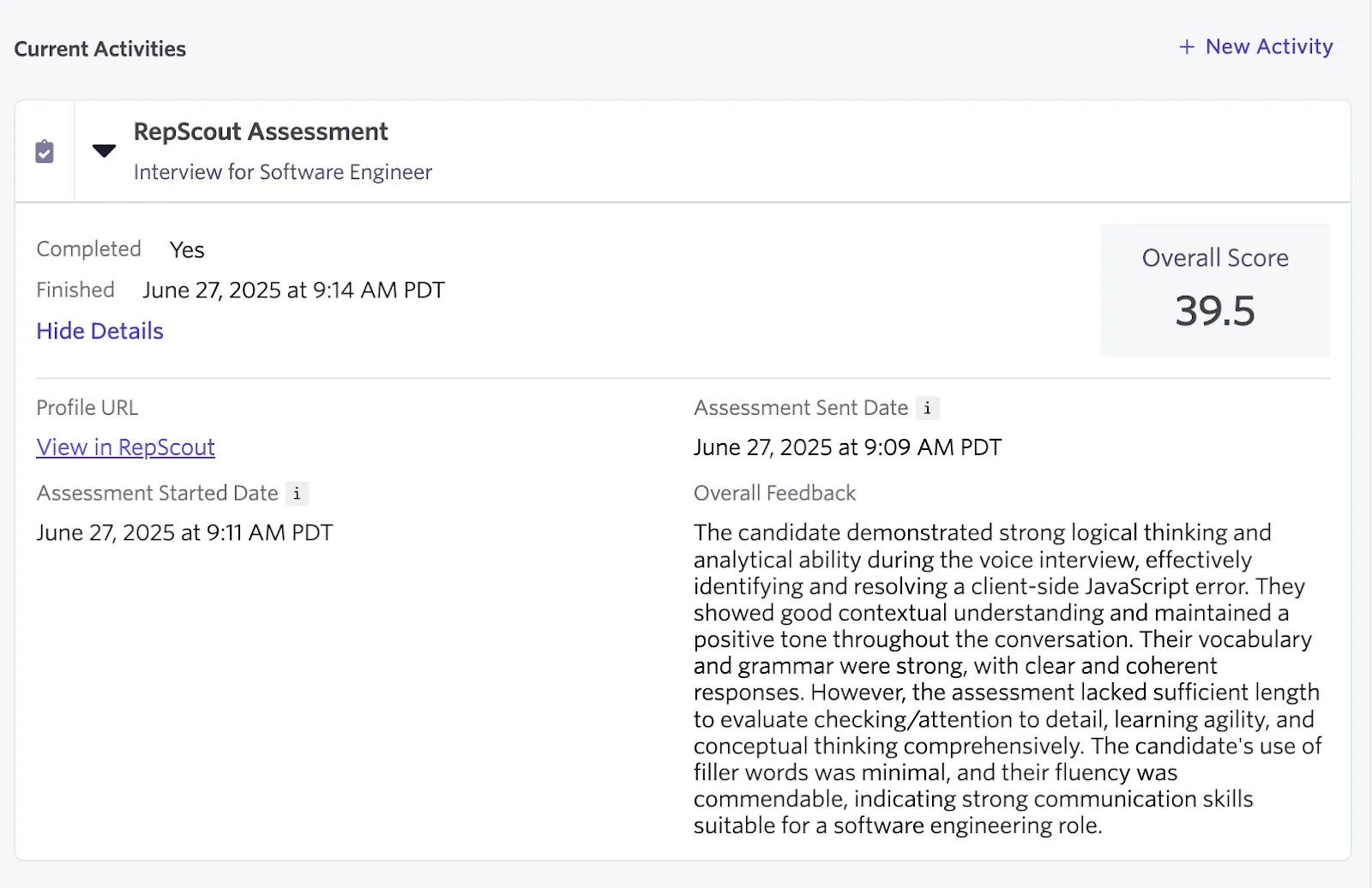
Once the candidate has submitted their assessment, the status of the assessment will be updated to Completed. The percentage score will be shown, with a link to view the submitted test in the RepScout application.
To see a candidate’s results in RepScout, click View in RepScout.
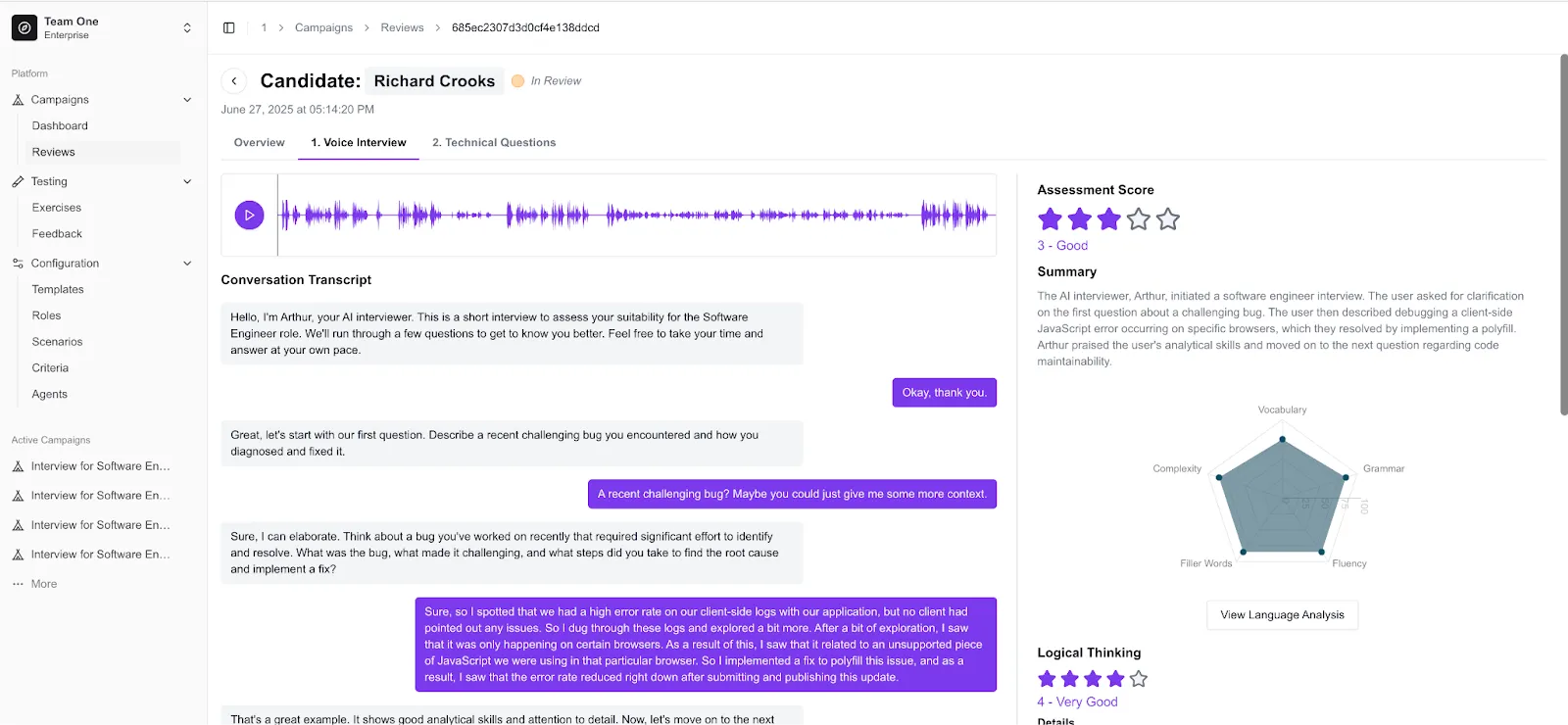
RepScout's report view displays a detailed breakdown of the criteria defined by the recruiter for each assessment, along with an overarching results summary. The screenshot below shows the summary tab, which is currently selected. Here, the results of two assessments - a Voice Interview and a Technical Questions assessment - are laid out.
RepScout’s Ethical Framework
RepScout prioritizes fairness and inclusion in its evaluation methods. To achieve this, they implement skills-based hiring alongside consistent evaluation standards for every applicant. They ensure transparency and openness in our AI algorithms by offering thorough explanations of each evaluated criterion.
RepScout strives for continuous improvement of their processes and decision-making by gathering regular feedback, ensuring their results are both consistent and aligned with RepScout’s ethical values.
Additional resources
For additional information not covered here, reach out to [email protected]. Alternatively, you can take a look at their FAQs page.