Noon
4 min
This integration allows Noon to read and upload candidate data. For instance, Noon can view previous candidate engagements from Ashby data and upload new candidate data to Ashby.
You must have an active Noon account to set up the integration.
Permissions & access
The Noon integration is available on all plans:
Foundations | Legacy Plus | Plus | Enterprise |
|---|---|---|---|
✅ | ✅ | ✅ | ✅ |
You must be an Organization Admin to set up this integration.
Connecting the integration
In Ashby:
- Navigate to Admin > Integrations and search for the Noon integration tile.
- Select the + Create API key for Noon button.
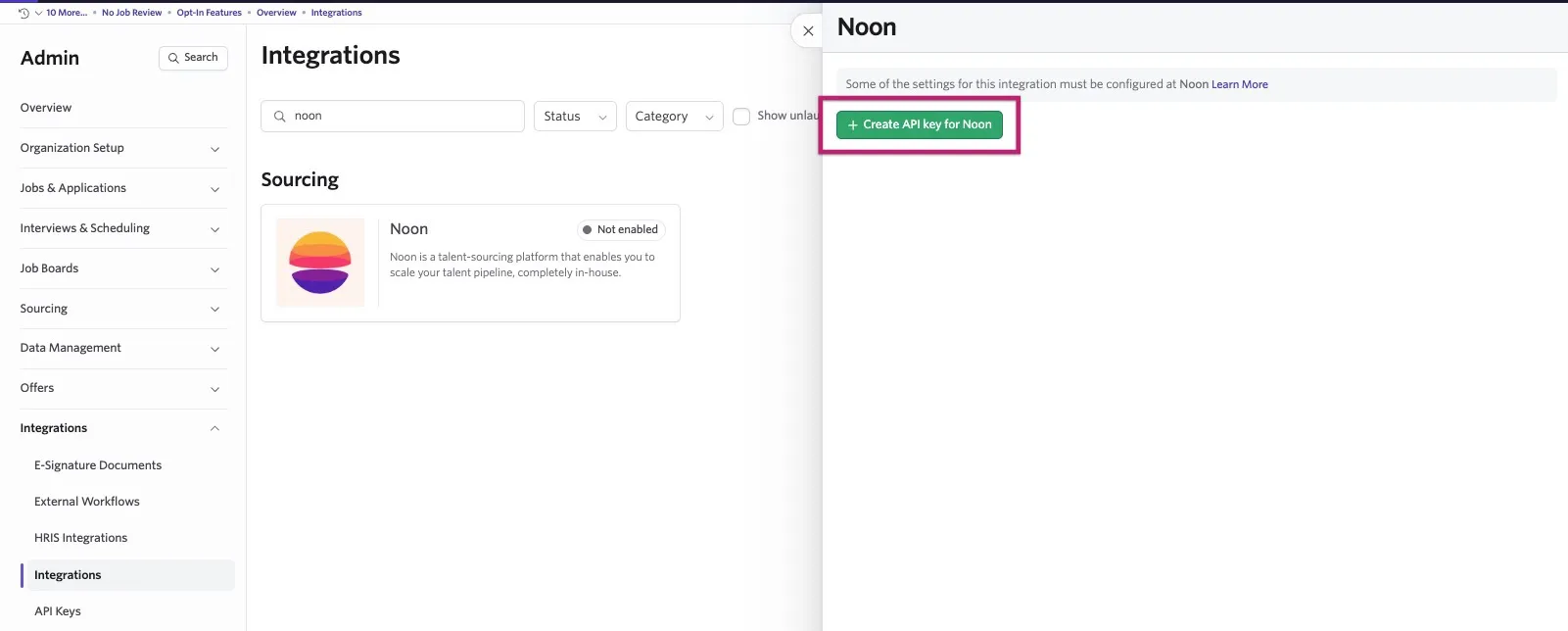
- Copy the value provided. We also recommend saving the key somewhere secure for future reference.
- Navigate to your Noon account to complete the setup and follow the instructions below.
For instructions on how to enable this integration within Noon, refer to Noon's Ashby Noon Integration guide.