Installing the Chrome Extension
4 min
This guide covers installing the Ashby Chrome extension.
Permissions
- Only those with Elevated Access - Hiring Manager access or above can source candidates using the Chrome extension.
Install the extension
Once installed, the purple Ashby icon appears in the top right corner of the window. Click the 🧩 icon, then pin the Ashby icon to the extension bar.
To download the Ashby Chrome extension:
- Navigate to the Chrome extension in the Chrome Web Store.
- Click the blue Add to Chrome button.
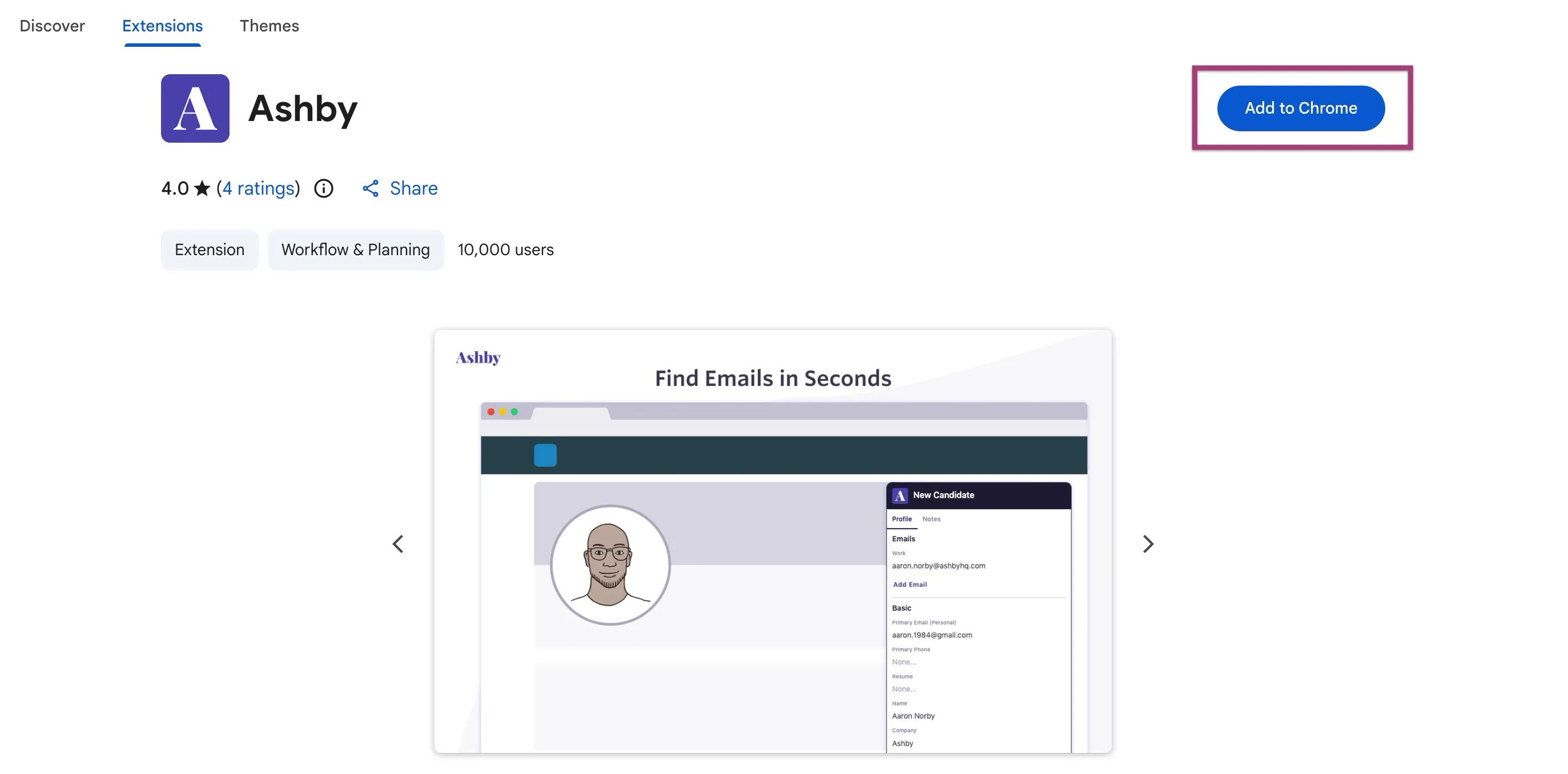
- Once installed, the purple Ashby icon appears in the top right corner of the window. Click the 🧩 icon, then pin the Ashby icon to the extension bar.

FAQs
Can the Chrome extension be used on other browsers?
The Chrome extension supports the following browsers:
- Chrome
- Chromium
- Edge
- Arc
- Opera
- Brave
- Vivaldi
The Chrome extension does not support the following browsers:
- Firefox
- Safari
Which LinkedIn products does the extension work with?
- LinkedIn Recruiter
- LinkedIn Recruiter Lite
- Sales Navigator