How do I backdate offers in order to preserve reporting data?
When an offer is updated or offer details are changed (for example, amending the start date or changing the recruiter), a new version of the offer is created which can impact the offer status and reporting. This guide covers the best practices when it comes to updating accepted offers for hired candidates for your records to ensure that your reports remain accurate.
Overview
On occasion, an accepted offer may need to be updated. To ensure the the Hired At date remains the same for the candidate, please follow the below steps when making any adjustments to your offers.
Update the Offer
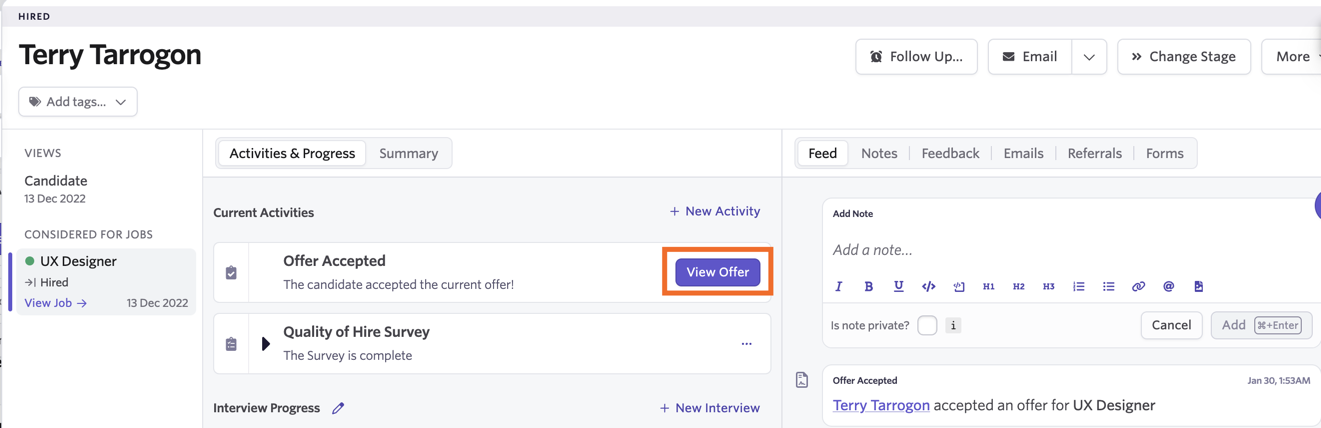
Firstly, make any changes needed to your offer. Head to the profile for the hired candidate and click View Offer.
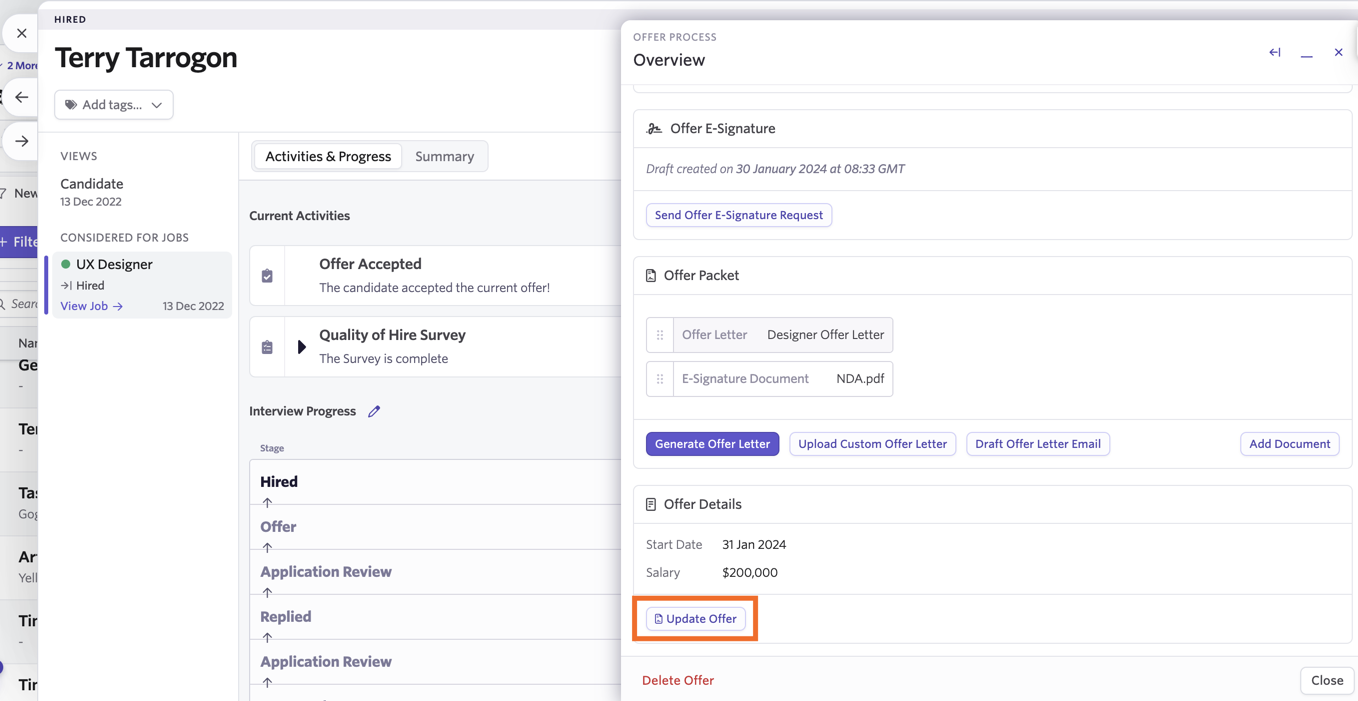
Click Update Offer in the Offer Details section to then make any adjustments as needed. Once you’ve made the needed adjustments, click Submit.
Marking the Offer Status as Accepted
Please note that if you’ve amended any fields in the offer that require re-approval, you will need to complete the approval process prior to setting the offer response.
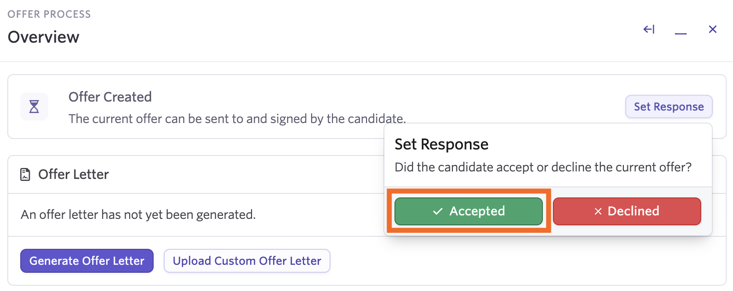
Once you’ve made adjustments to the offer, you’ll see the option to set the offer response again.
Click Set Response and then select Accepted to ensure the latest version of the offer has been accepted.
Setting the original hire date
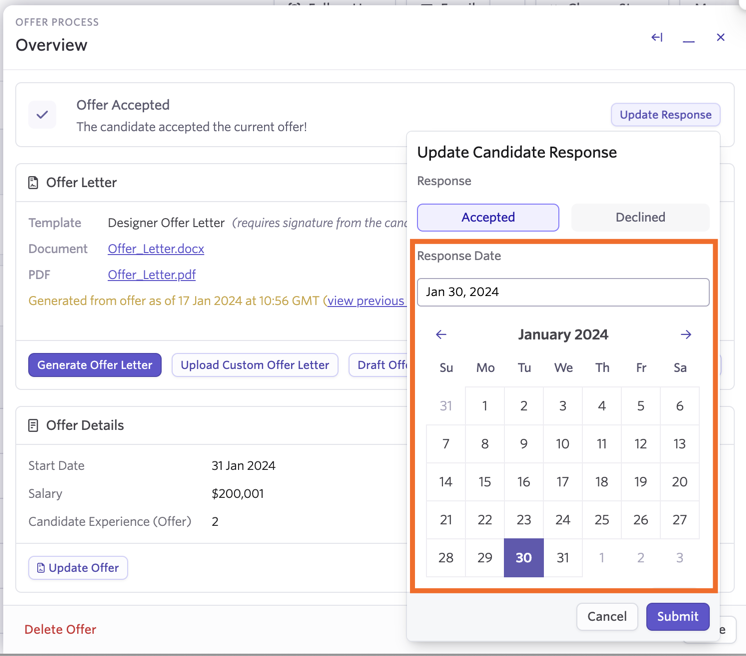
Once the latest version of the offer has been accepted, you can click on Update Response to then adjust the response date to match the date the original offer was accepted by the candidate.
Now your Hired At date will still be reflected when reporting on your offers.