Google Workspace: Individual OAuth
Overview
With the OAuth setup route, each user would be required to authenticate Ashby’s access. To do this, instruct each user who needs to authenticate access to do the following:
- Hover over their name and company in the top-right corner of Ashby
- Click Personal Settings, then navigate to Google Workspace Settings
- Click Connect with Google
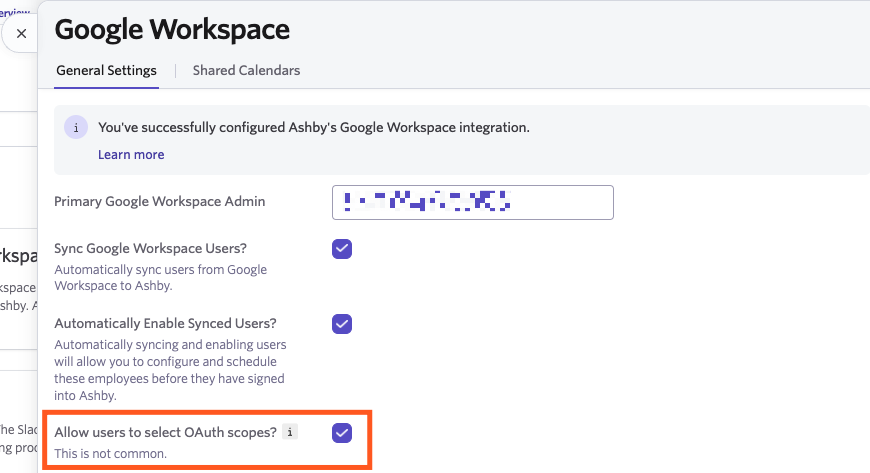
- If you allow users to determine their own scopes as part of OAuth, they will also see a Customize Permissions Before Connecting option. This can be used if users need to review and adjust the permissions being granted before connecting.
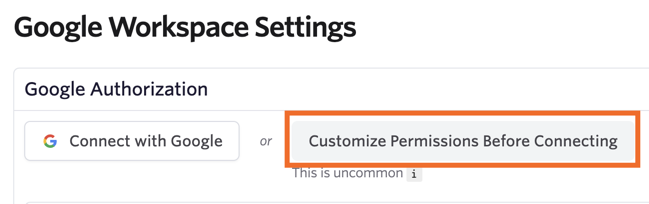
Please confirm with users the permissions they need to grant if they need to be customized. Without specific permissions, certain areas of Ashby will become non-functional.
Adding Ashby as a Trusted App
This is uncommon: If your Workspace Admin has enabled one of Google’s strict third-party app controls, e.g. "Don't allow users to access any third-party apps", you will need to add Ashby to your list of trusted apps. Most Workspaces don't require this, so only do this setup if you have issues connecting your Google account to Ashby.
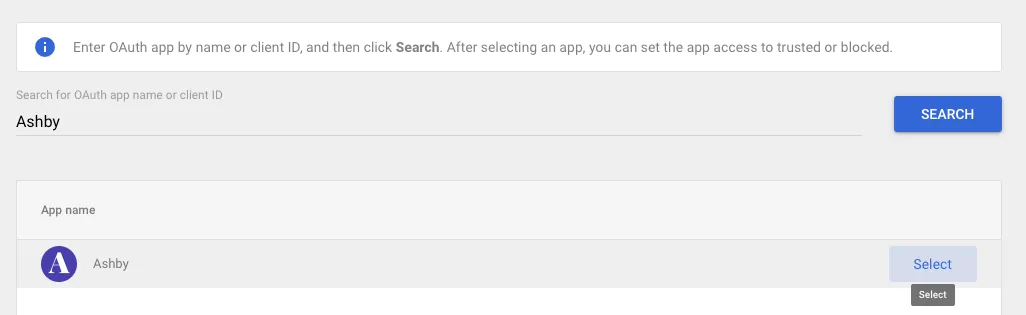
To get started, visit App Access Control, then open the Configure New App dropdown and select OAuth App Name Or Client ID.
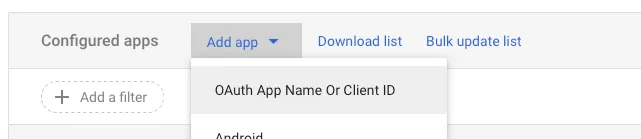
Search for Ashby’s OAuth app by name:
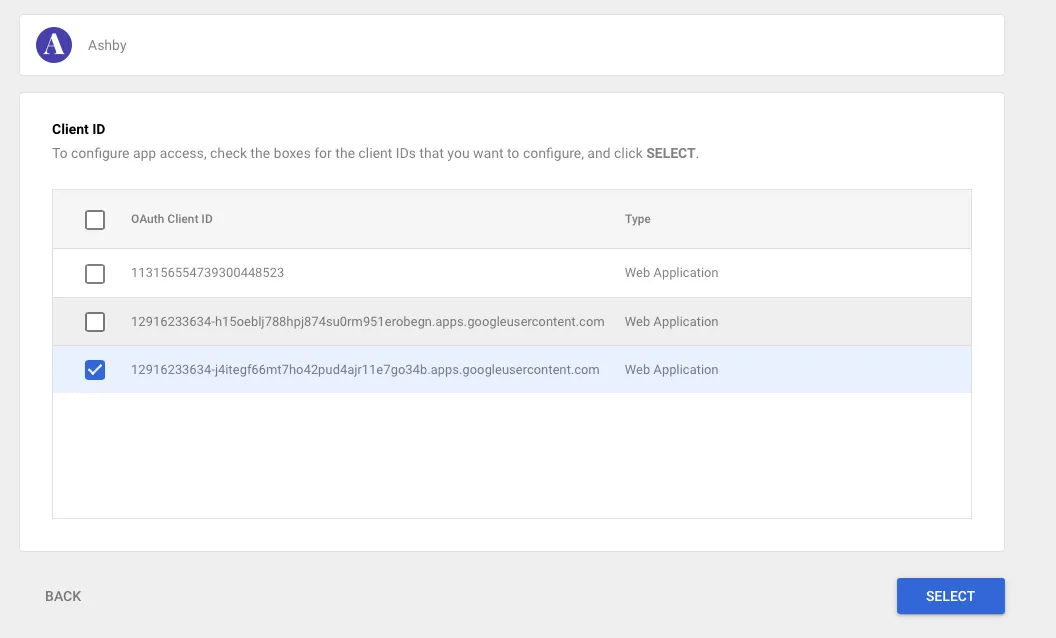
Check the box for the client ID beginning with 12916233634-j4itegf and click Select.
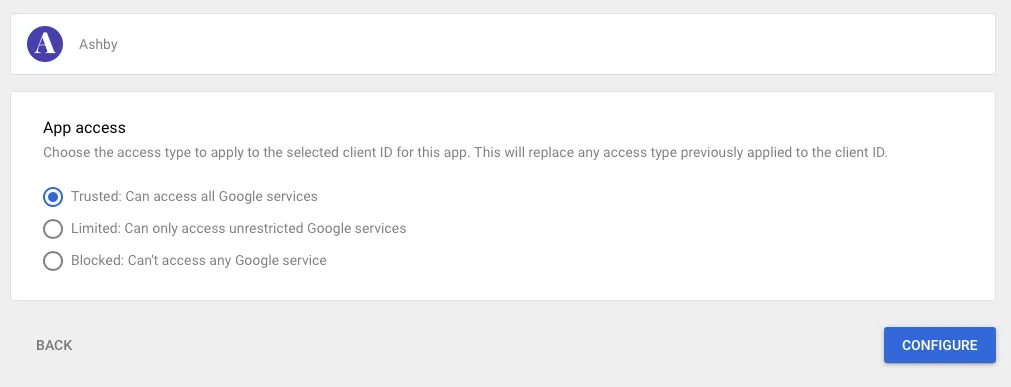
Finally, choose Trusted: Can access all Google services and click Configure.
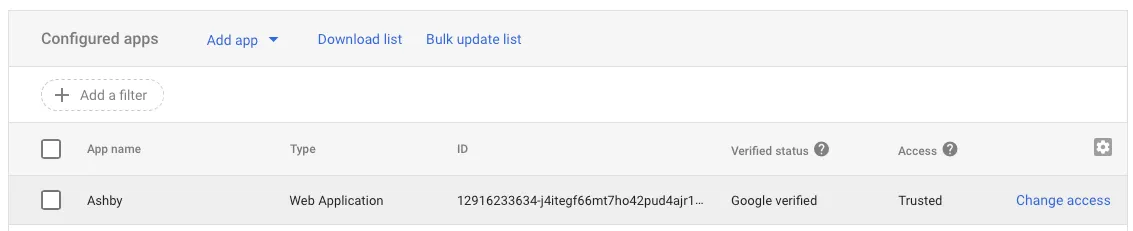
Confirm successful setup
You should see that Ashby has been added as Trusted in the Access column.
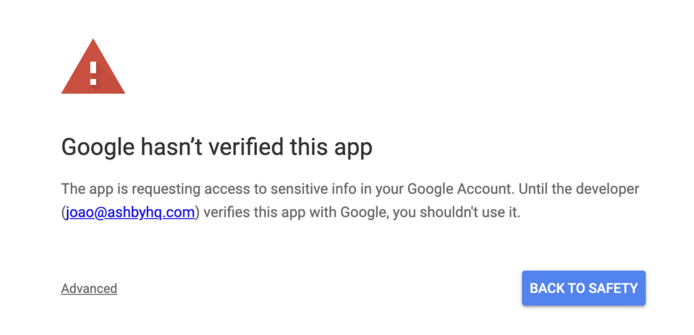
If this isn't completed successfully, users will see a warning that Google hasn't verified this app.
Once this setup is completed, we recommend setting up a shared calendar for scheduling as a next step. More on this here.