Fetcher
1 min
Fetcher integrates with Ashby, allowing you to upload your leads and their information directly into Ashby. Check out Fetcher’s Help Center for more information.
Integrating Ashby with Fetcher
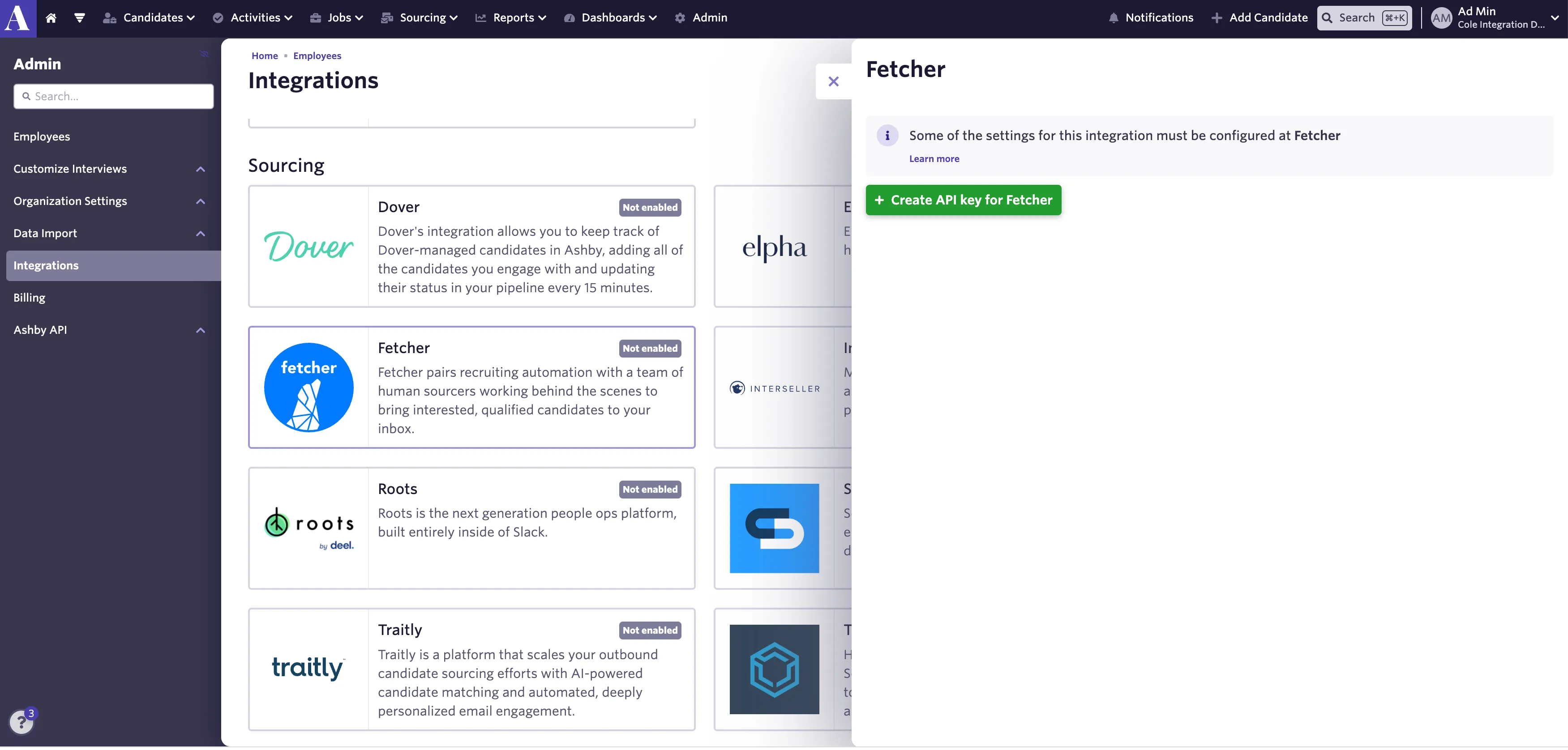
- Open Ashby and navigate to the Admin panel.
- Select Integrations from the left menu and find the Fetcher tile.
- Select Create API key for Fetcher and copy the newly generated API key.
- Head over to your Fetcher account and select Settings in the left toolbar.
- Select Integrations, find Ashby and paste your Ashby API key.
- You're all set! If you have questions on automating your lead uploads, check out this Help Center article.