Careerjet
1 min
Automatically post your jobs to Careerjet.
For additional information, please refer to Careerjet’s documentation. Please note that on initial setup, the sync can take up to 48 hours.
To integrate with Ashby, you will need to follow the steps below:
- Sign in to Ashby: Go to the Ashby website and sign in to your account.If you don't have an Ashby account, you will need to create one first.
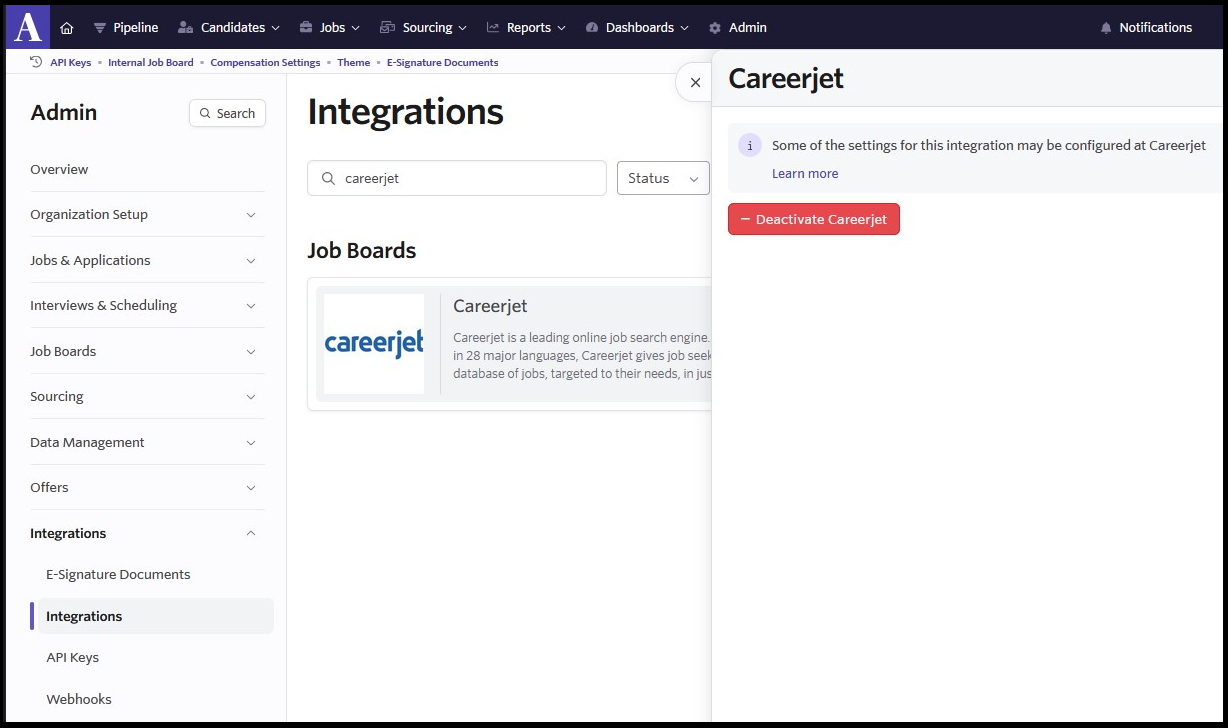
- Access the Admin panel:Once you've logged in, click on "Admin" on the top navigation bar. This will take you to the Admin panel.
- Select Integrations:On the left panel, click on "Integrations" to access the Integration settings.
- Find Careerjet integration:In the Integrations section, search for "Careerjet" in the list of available integrations.
- Enable Careerjet integration:When you find the Careerjet integration, click on the card to expand the integration details, then click "+ Enable Careerjet" to complete the setup. Once the "- Deactivate Careerjet" button shows, then it's you're all set!