BrightHire
BrightHire automatically records and transcribes interviews and surfaces the key moments as highlights to streamline the process and empower hiring teams to make the best possible hiring decisions. This article explains how to connect BrightHire with Ashby and how to use the integration once it's live.
Integration overview
The BrightHire and Ashby integration lets you schedule BrightHire interviews in Ashby following your normal interview scheduling process.
Prerequisites
You will need to be a BrightHire Site Admin and Ashby Org Admin user to enable this integration.
Connect BrightHire with Ashby
To connect BrightHire with Ashby:
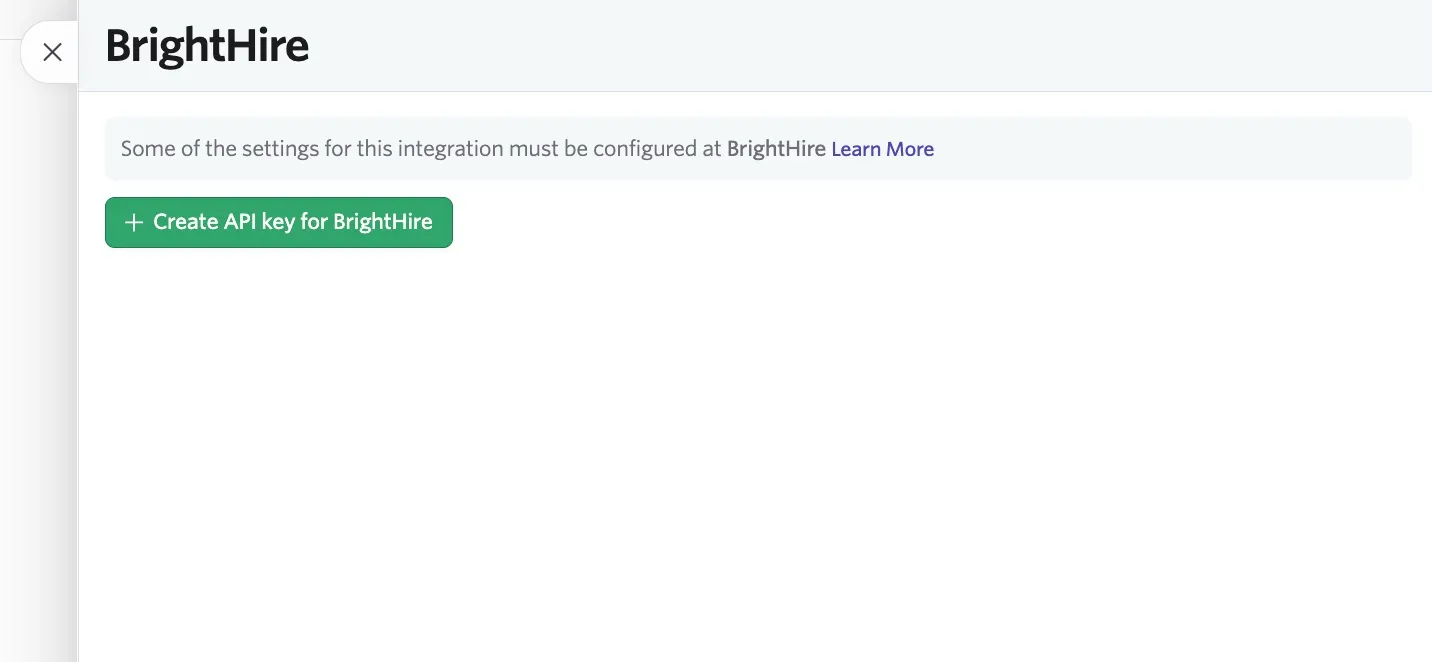
- Navigate to Admin > Integrations > Integrations and open the BrightHire tile.
- Click the + Create API Key for BrightHire button and copy the API key generated.
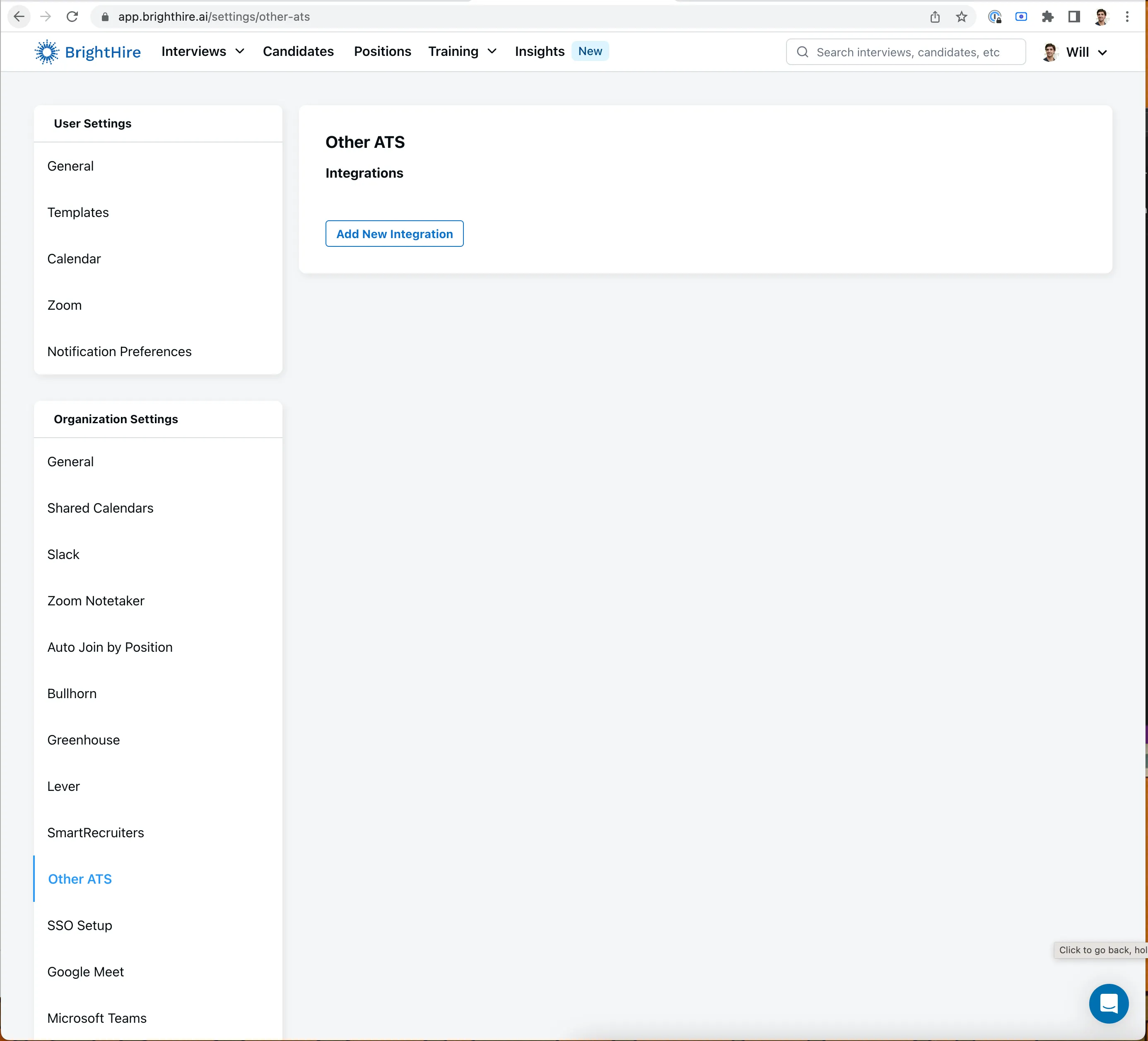
- Go to BrightHire's ATS integration settings and click Add New Integration.
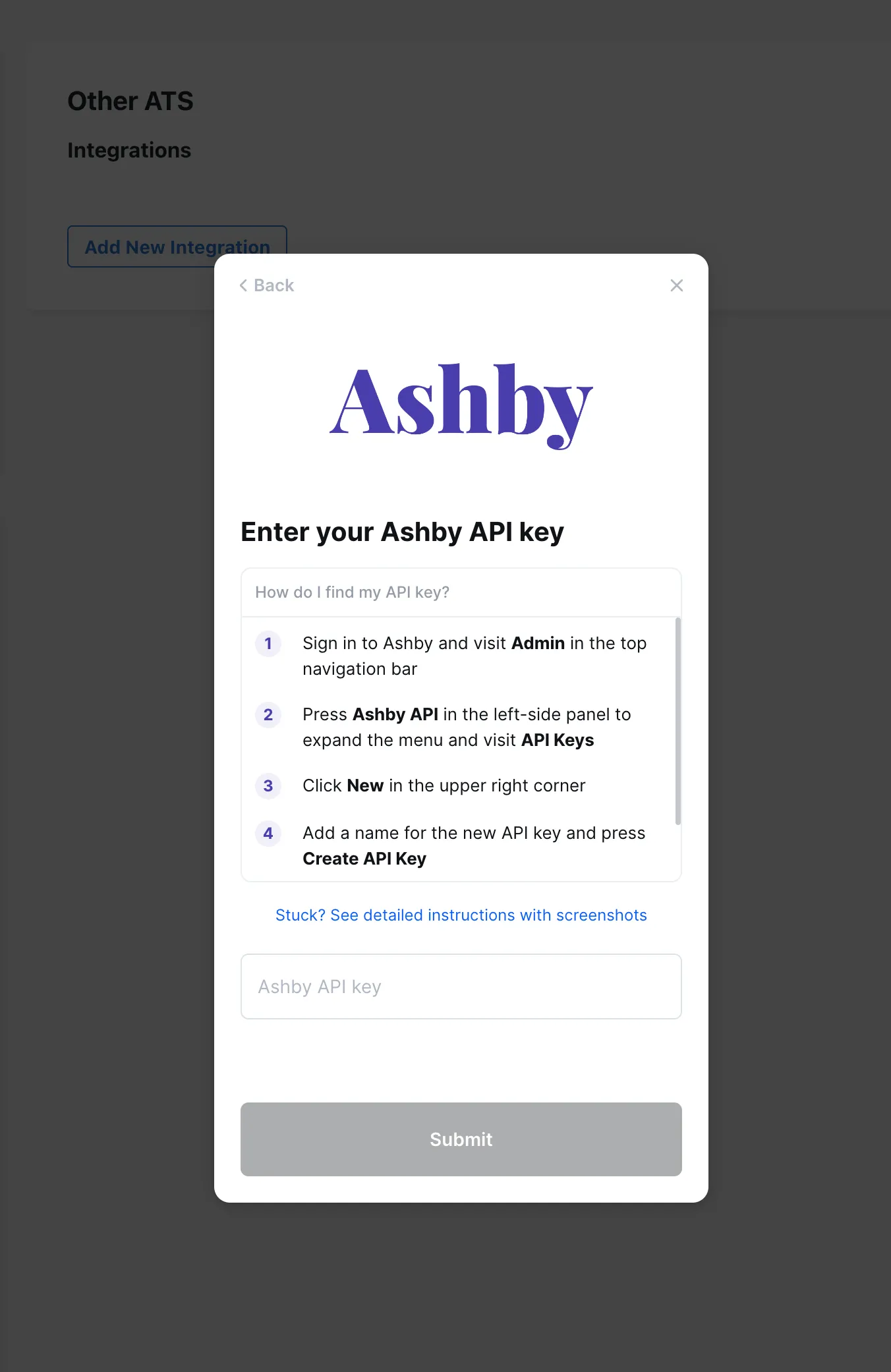
- Choose Ashby from the list of integrations, click Continue, and then paste the API key generated in Ashby.
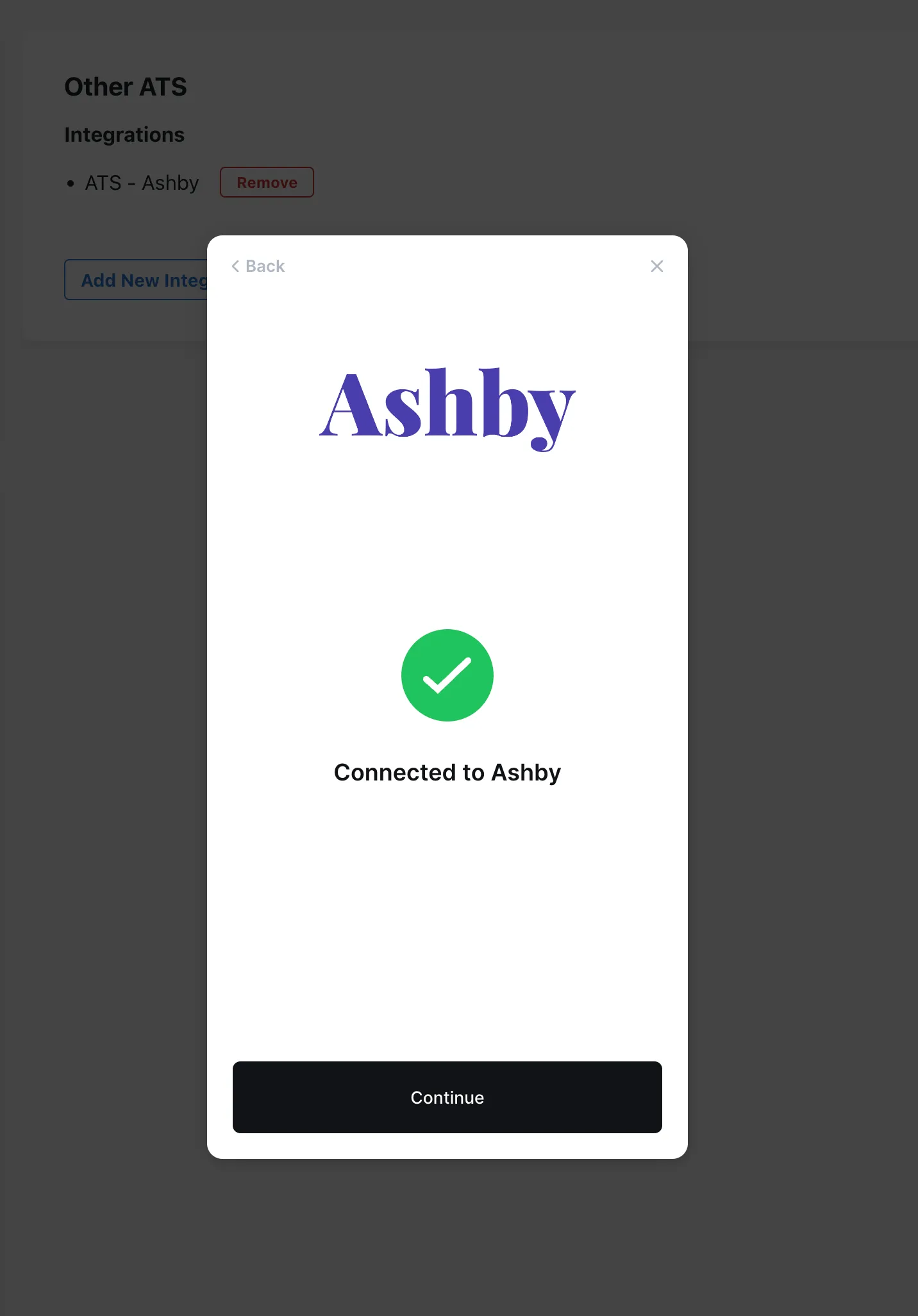
BrightHire is now integrated with Ashby!
Using the integration
BrightHire automatically records and transcribes any BrightHire interviews scheduled in Ashby, which you can access on your BrightHire dashboard. Follow the standard scheduling workflow in Ashby, then start the interview from BrightHire.
After you complete an interview in BrightHire, BrightHire pushes a link to the recording, insights, and notes back to the candidate's activity feed.
BrightHire also syncs metadata from Ashby to produce insights and displays these insights on the BrightHire Insights page.
FAQs
Does BrightHire respect Ashby user permissions?
Yes, BrightHire supports role-based access controls synced from Ashby, so BrightHire can automatically assign visibility to Hiring Managers, Recruiters, and other roles. Reach out to your BrightHire Customer Success Manager (CSM) to get this enabled for your BrightHire account.
My synced notes from BrightHire aren't coming over properly when filling feedback forms with the one-click option. What's going on?
BrightHire can't write back to Yes/No, multiple-choice, or other structured Ashby fields. It will fall back to writing notes to the first eligible long-text field on the feedback form.
To give the notes a dedicated place to flow back into Ashby, we recommend adding a long-text field such as "BrightHire Notes" or "Interview Notes" at the start of your feedback forms.