Alex AI
4 min
Connecting Alex to Ashby keeps your hiring process in sync without manual work. Interview notes and completed reports flow straight into candidate profiles, and workflows in Alex can create interviews, invite candidates, update interview stages, and tag candidates in Ashby automatically.
Permissions & access
You must be an Organization Admin and have an existing Alex account to connect the integration.
The Alex AI integration is available on Foundations, Plus, Enterprise, and Legacy Plus plans.
Foundations | Legacy Plus | Plus | Enterprise |
|---|---|---|---|
✅ | ✅ | ✅ | ✅ |
Connecting the integration
In Ashby:
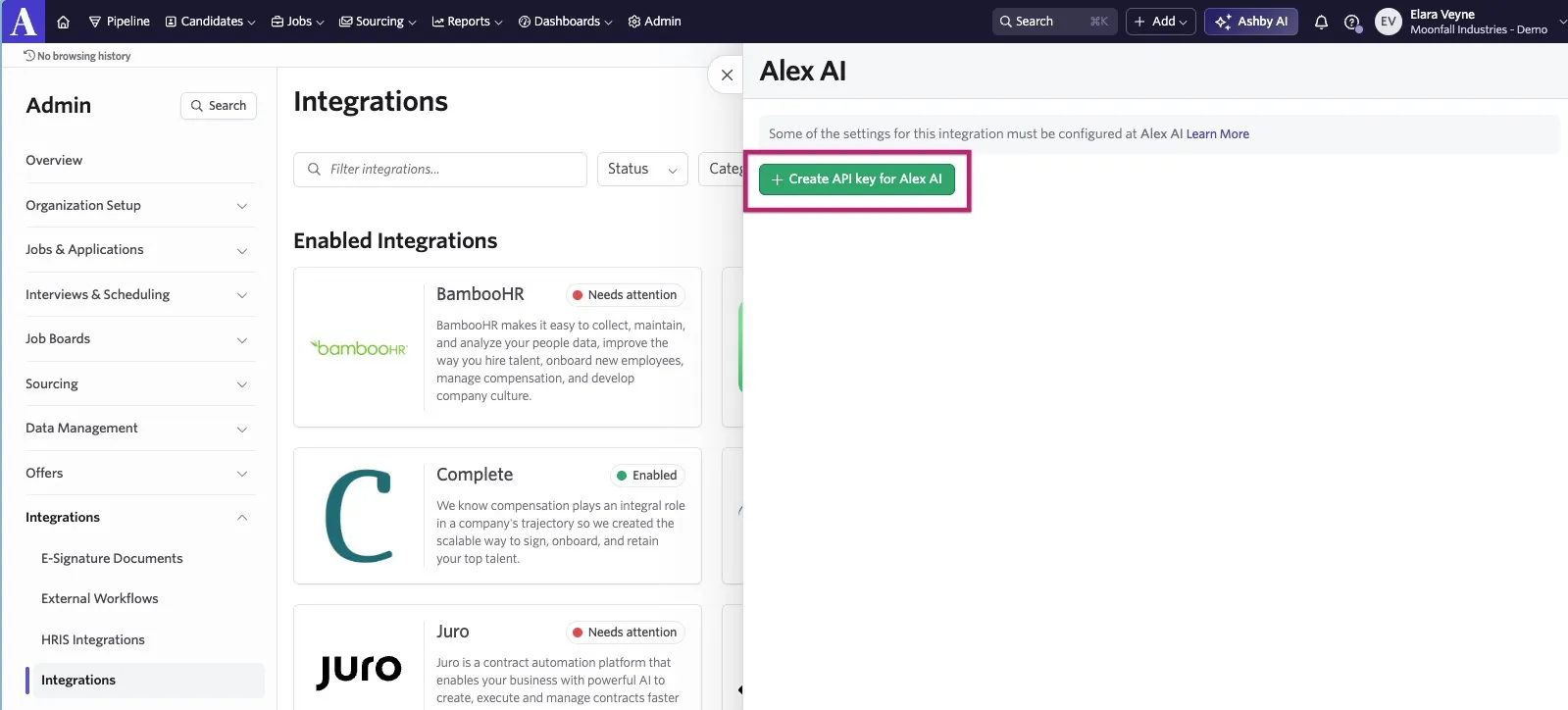
- Navigate to Admin > Integrations and search for Alex AI.
- Select the + Create API key for Alex AI button.
Copy the API key and store it in a secure place. You need this to complete the integration setup in Alex.
- After you create the API key, assign the key Candidates: Write and Candidates & Jobs: Read permissions.
- To finish the setup, navigate to your Alex account and follow the steps outlined in their integration guide.
Once connected, the integration supports data syncing and workflow automation between Ashby and Alex.