AI Candidate Assistant
The AI Candidate Assistant is an AI-powered feature that provides a chat interface to help you quickly access and understand candidate information. This article explains what the assistant references, how to enable it, and how to use it on a candidate profile.
Prerequisites: Before you can use the AI Candidate Assistant, an Organization Admin must enable AI features in the Opt-In Features section of Admin.
Permissions and access
Foundations | Legacy Plus | Plus | Enterprise |
|---|---|---|---|
✅ | ✅ | ✅ | ✅ |
Overview
The AI Candidate Assistant analyzes and summarizes the candidate's information. The assistant generates responses referencing the following areas of the candidate profile:
- Resumes
- Notes
- Emails
- Texts
- LinkedIn messages (that have been logged in Ashby)
- Interview feedback
- Referrals
- Past and scheduled interviews*
- Interviews pending scheduling*
- Submitted candidate availability
- Candidate and application attribution
- Transcripts of interviews (from the AI NotetakerAI Notetaker)*
*The assistant only references the interviews that the specific user can see.
The AI Candidate Assistant also uses this information to highlight any pending actions and next steps. The assistant has context about all of the candidate's active applications and can answer questions about them from a single chat. It prioritizes information about the application you're currently viewing in the response.
Enabling and accessing the AI Candidate Assistant
Enable the AI Candidate Assistant
To enable the AI Candidate Assistant in your Ashby account:
- Navigate to Admin > Organization Setup > Opt-In Features.
- Turn on the Enable AI Features toggle.
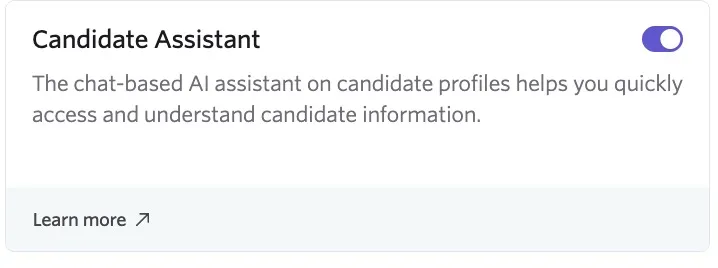
- Toggle on Candidate Assistant.
Access the AI Candidate Assistant
Once enabled, you can access the AI Candidate Assistant while viewing a candidate profile.
- Open a candidate profile.
- Click the Assistant tab within the Feed section to open a conversation.
- Type your question into the Ask a new question textbox and click the arrow icon to submit.
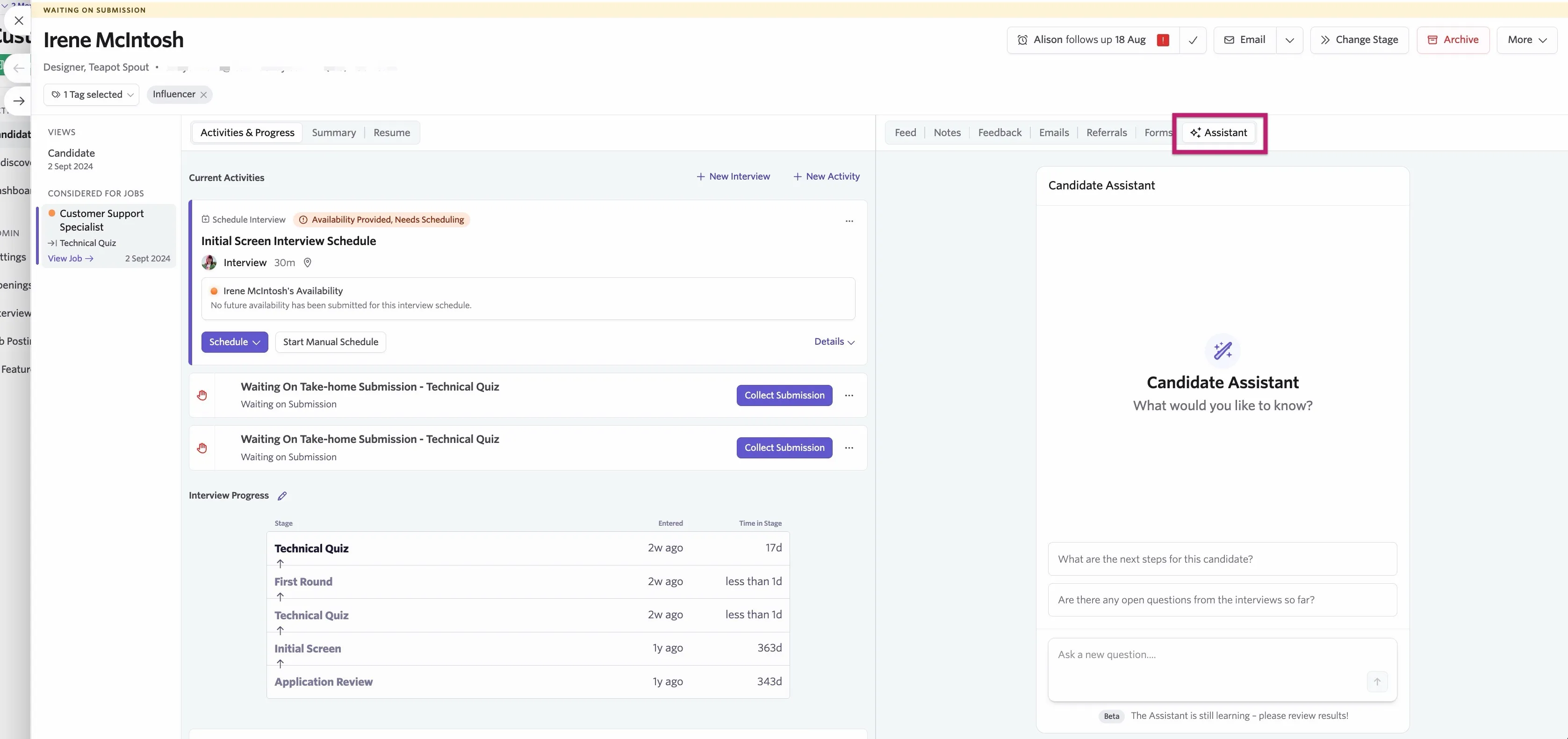
The AI Candidate Assistant then processes the question and responds accordingly.
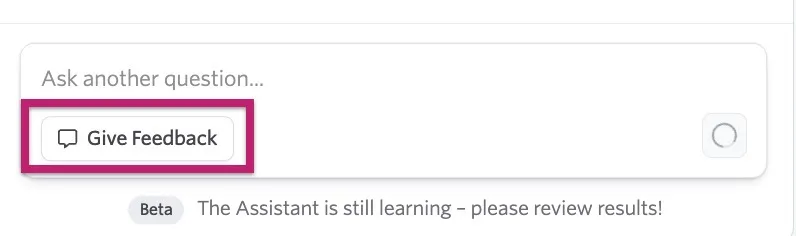
Review results for accuracy. To provide feedback on the assistant, click Give Feedback. You can add a rating along with any comments.
FAQs
Is there a chat history option so I can review previous conversations with the AI Candidate Assistant?
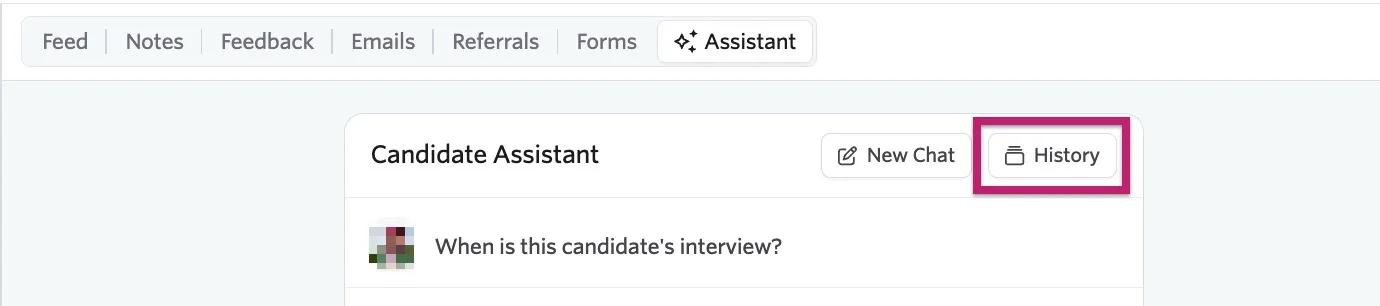
Yes, click History to view your 10 latest chats with the AI Candidate Assistant.
Can the AI Candidate Assistant perform actions for me, like hiring a candidate or scheduling an interview?
No, the AI Candidate Assistant serves as a source of information and cannot perform actions on your behalf. This includes directly sending emails. The assistant can help with drafting an email that you can then copy and send manually.
Are scheduled interviews referenced in responses from the AI Candidate Assistant?
At the moment, the AI Candidate Assistant does not use past and upcoming interviews to generate answers.
Are job descriptions taken into consideration when the AI Candidate Assistant generates responses?
Currently, the AI Candidate Assistant does not use job descriptions as a reference to generate answers. This includes the job descriptions on the roles the candidate has been considered for and job descriptions on roles you may want to consider them for but haven't yet.
Can the AI Candidate Assistant compare candidates?
This isn't possible currently.
Will private notes or private feedback form fields be included in the AI Candidate Assistant's responses?
If the user has access to view private notes and fields (if they have Organization Admin or Elevated Access - Admin Private access to the role, location, or department), then the assistant references them in its responses. If the user does not have access to view private notes or private feedback form fields, then the assistant does not reference them.
Can candidates view information using the AI Candidate Assistant?
No, the AI Candidate Assistant is an internal tool for users only. Candidates are not able to chat with the AI candidate assistant or view their own profile in Ashby.